About this app
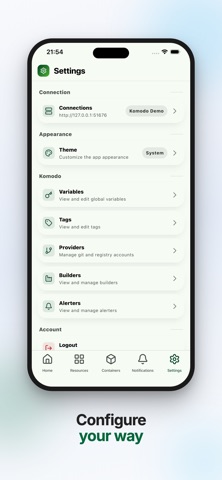
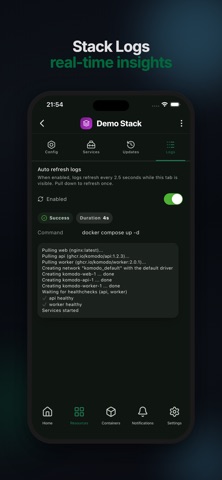
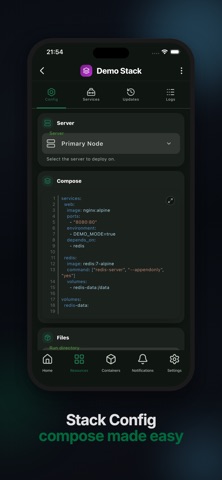
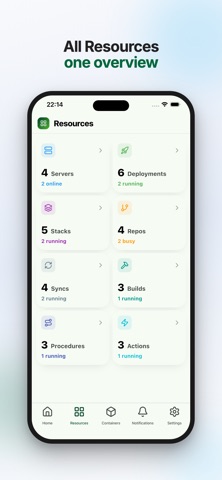
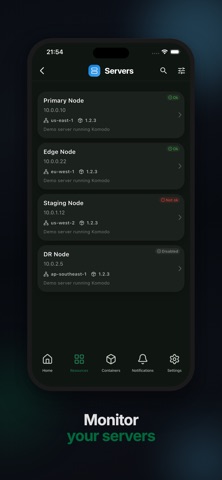
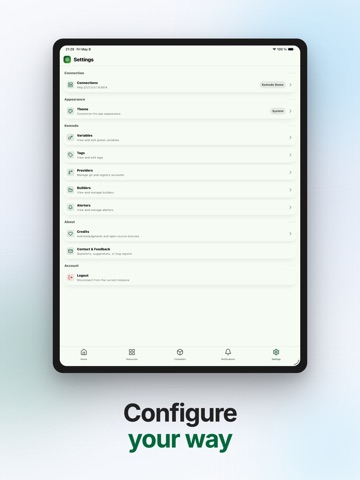
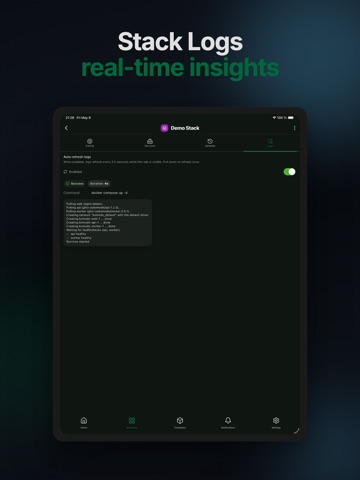
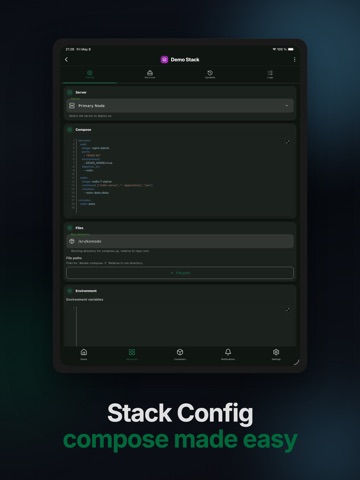
Komodo Go is an independent mobile client for the Komodo infrastructure management platform (komo.do). Monitor and manage your self-hosted servers, Docker containers, stacks, deployments, builds, repositories, and automation from iPhone or iPad. Connect to your Komodo instance with API credentials, or explore the built-in demo before adding a server. Use Komodo Go to: • See server health, CPU, memory, disk, and container activity in a focused dashboard • Browse servers, containers, stacks, deployments, builds, and repositories • Start, stop, restart, pause, and redeploy workloads • Inspect container, stack, deployment, and build logs • Review alerts, procedures, actions, syncs, providers, tags, and variables • Manage multiple Komodo connections and app preferences Designed for self-hosted infrastructure, DevOps monitoring, Docker management, and remote operations, Komodo Go helps you check status and respond without opening the full web interface. Requires access to a self-hosted or hosted Komodo instance. Feature availability depends on your Komodo version and permissions. Komodo Go is a third-party app and is not affiliated with the Komodo project. It covers many common workflows but is not feature-complete compared with the Komodo web UI.
Latest release
What’s New
Support for komodo 2.3.0
Audience growth
Ratings growth
Baseline captured. Growth appears after the crawler observes a changed rating count.
Momentum comes from crawler snapshots for the tracked storefront. “Viral growth signal” means unusually fast recent rating gains; it is an indicator, not download data.
Price tracking
Price intelligence
First snapshot captured. The trend line starts after the next crawler price observation.
- First observed Sep 3, 2026 · 7:11 PM Free
Screenshots