About this app
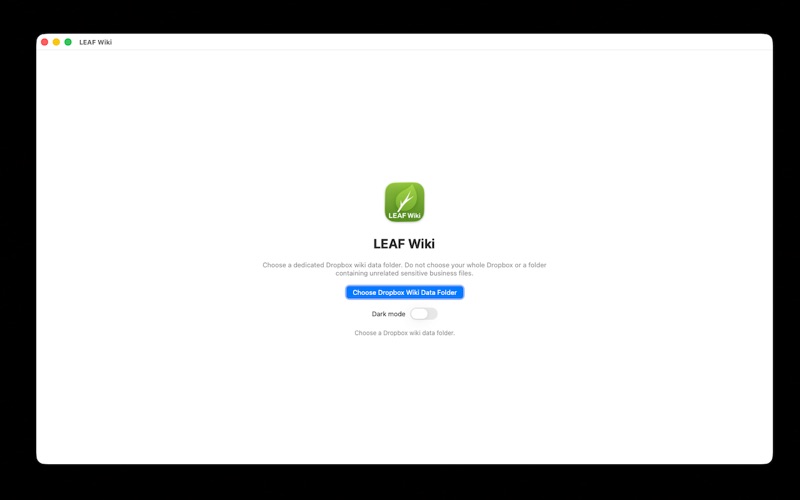
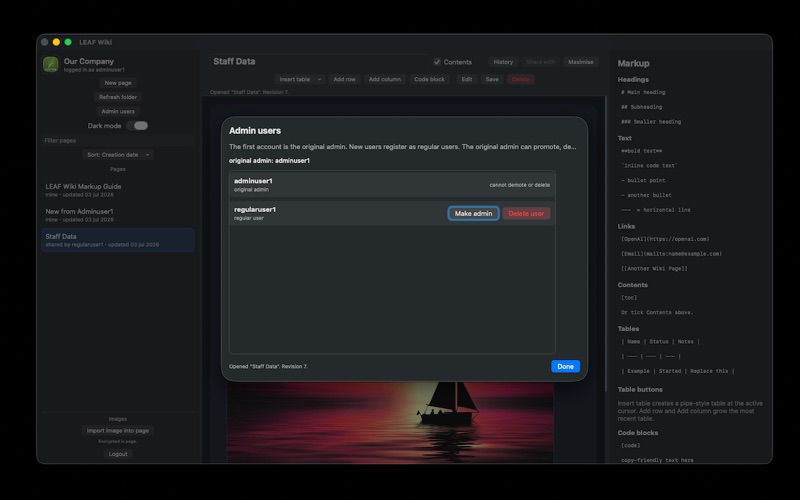
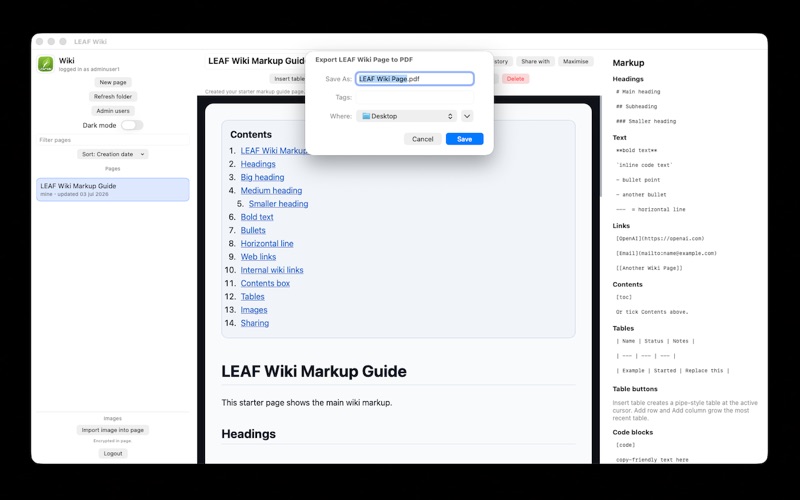
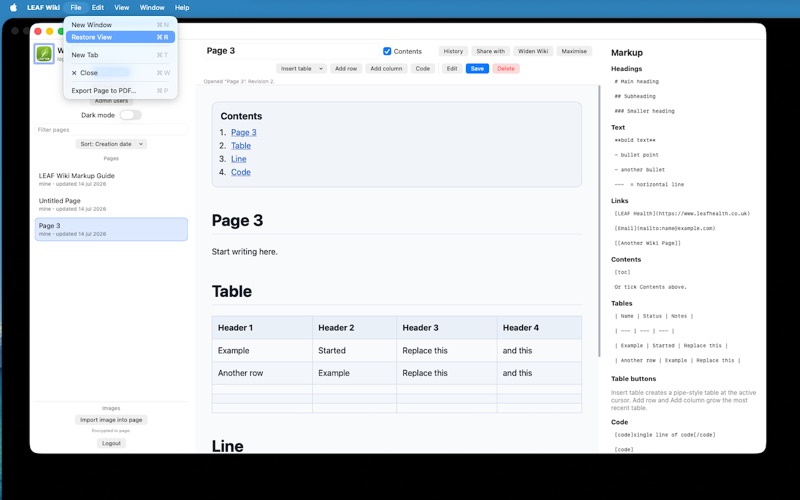
LEAF Wiki is a private encrypted wiki for macOS, designed for individuals and small businesses to work on private and collaborative shared pages in real time! Beyond family sharing or small Apple business/team uses, please email me. It is serverless, by design, and while the app is local, the data can be stored locally or in the cloud such as on Dropbox. But don't worry it is fully encrypted, and each user has their own encryption via their username and password. Plus for companies, the first registered user is the master admin user who is able to make other users admins or delete user accounts and have their pages transferred to your account and control, in the example of an employee leaving the company. However, even the original admin cannot see non-shared pages without first deleting the user account, so employees can feel fully confident that their notes are their own until they leave the company. With easy to use simple markup that is always displayed handily on the right hand side, one can create pages, link them together, add images (also encrypted), organise company knowledge, and store the fully encrypted wiki data in a folder you control, locally or in the cloud such as on a synced Dropbox folder for multi-device team access. Consider the great organisational benefit and use of this wiki privately, as well; able to share just the pages you want to with friends or family! • Zero Developer Data Collection • Native macOS app • No browser required • No local web server required • Choose your own or your company's data folder name and location • Works with a local folder or synced in the cloud such as a Dropbox folder • Editable logged-in Wiki name and Logo image • Encrypted page content • Encrypted page titles • Encrypted imported images • Encrypted revision history • Viewable, selectable, and restorable page history! • Export to PDF functionality including same-document links! • Widen Wiki button • Password-protected user accounts • First registered user becomes the original admin • Simple user registration and login, by design • View and edit pages • Create new wiki pages, rename or delete them • Cancel edits and return to the last saved version • All users can see a list of users via the share button • Admins can promote & demote other users • Admins can delete users with pages transfer to the deleting admin • Share each page you chose to by choosing which users to share that page with • Automatic page refresh while in view mode to work collaboratively with others on a shared page in real time! • Filter pages • Sort pages • Internal wiki links • External links • Email links • Automatic updating of internal links when pages are renamed • Page title aliases so older links can still resolve • Create elegant looking tables choosing initial number of columns and rows • Add table rows • Add table columns • Inline code text support • Code block support • Headings • Bold text • Bullet lists • Horizontal lines • Automatic Contents generation with a show/hide toggle • Light and dark mode toggle available always • Resizable left panel • Resizable right panel • A Maximise button that does not hide Apple's menu bar, app titlebar, nor dock, & if clicked again restores to original size • Keyboard shortcut for saving (CMD+s) • New tab support useful for testing more than one logged in account LEAF Wiki is intended for private knowledge bases, linked business notes, operating procedures, internal documentation, project notes, client process notes, and shared reference material where control and privacy matter. Your wiki data is stored in the folder you choose. When using a synced folder such as Dropbox, syncing is handled by that service while each LEAF Wiki app handles the local encrypted wiki files. Encryption used: - CryptoKit - Symmetric page encryption - Per-page random encryption keys ..All for a one-time purchase equivalent to £5 a month for a year, but you get to use it for a lifetime! What a deal.
Audience growth
Ratings growth
Baseline captured. Growth appears after the crawler observes a changed rating count.
Momentum comes from crawler snapshots for the tracked storefront. “Viral growth signal” means unusually fast recent rating gains; it is an indicator, not download data.
Price tracking
Price intelligence
First snapshot captured. The trend line starts after the next crawler price observation.
- First observed Aug 8, 2026 · 5:14 PM $34.99
Screenshots