About this app
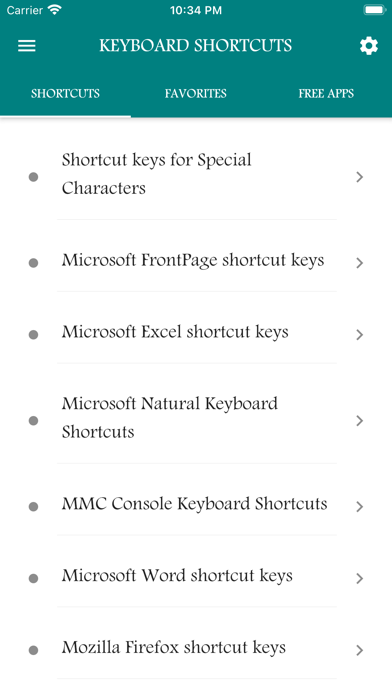
Keyboard Shortcuts is a compact, offline reference that helps you learn and use the most useful shortcuts across platforms and apps. With a curated library of 100+ shortcuts organized by platform and category, you’ll work faster and navigate apps with confidence. What’s inside: Platform-specific sections (Windows, macOS), browser shortcuts, and common app categories — all normalized, reviewed, and easy to browse. Content is indexed for instant search across file text and metadata. Why it helps: Quickly find the shortcut you need, copy or share it, and add favorites for repeat use. Perfect for power users, students, developers, and anyone who wants to save time on the keyboard. Key Features Searchable: Instant, full-text search across all shortcuts and descriptions. Offline: All content stored locally — no internet required to browse. Organized: Clear categories by platform and app for fast lookup. Favorites: Save frequently used shortcuts for quick access. Copy & Share: One-tap copy and share for quick workflow integration. Curated & Accurate: Cleaned and validated content — consistent formatting and standardized names. Call to Action Get productive: Download Keyboard Shortcuts to speed up daily tasks and master your workflow — one shortcut at a time.
Latest release
What’s New
# UI Updated # More content
Audience growth
Ratings growth
Baseline captured. Growth appears after the crawler observes a changed rating count.
Momentum comes from crawler snapshots for the tracked storefront. “Viral growth signal” means unusually fast recent rating gains; it is an indicator, not download data.
Price tracking
Price intelligence
First snapshot captured. The trend line starts after the next crawler price observation.
- First observed Aug 15, 2026 · 7:01 PM Free
Screenshots