About this app
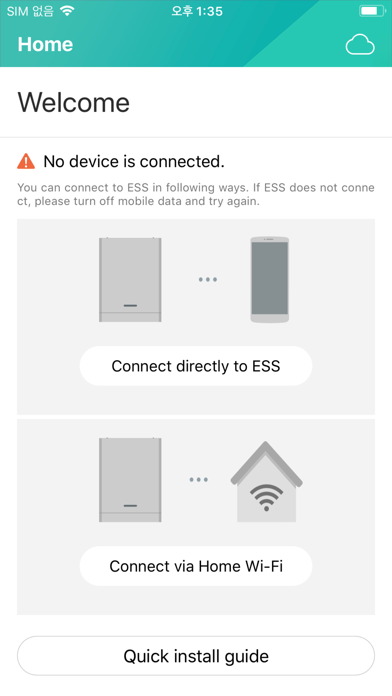
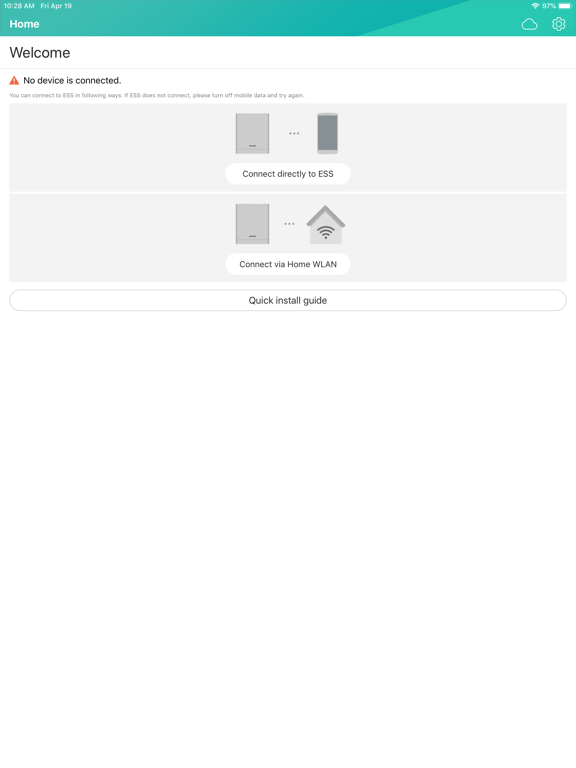
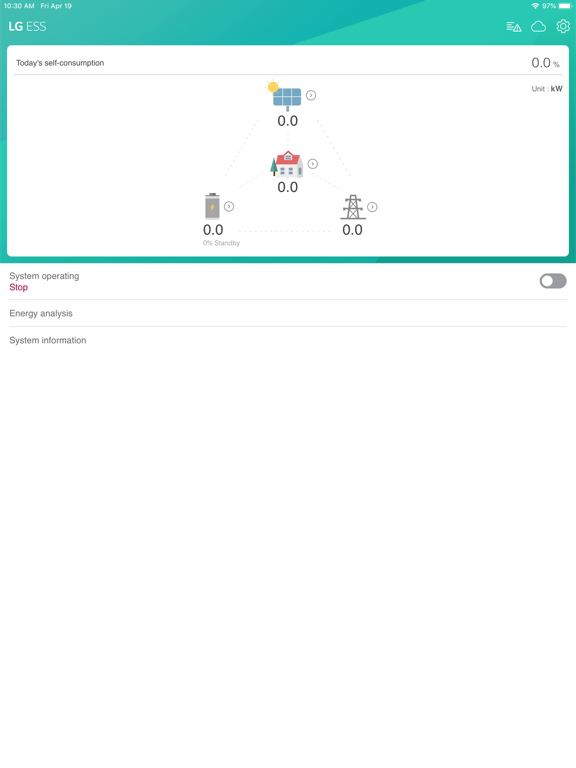
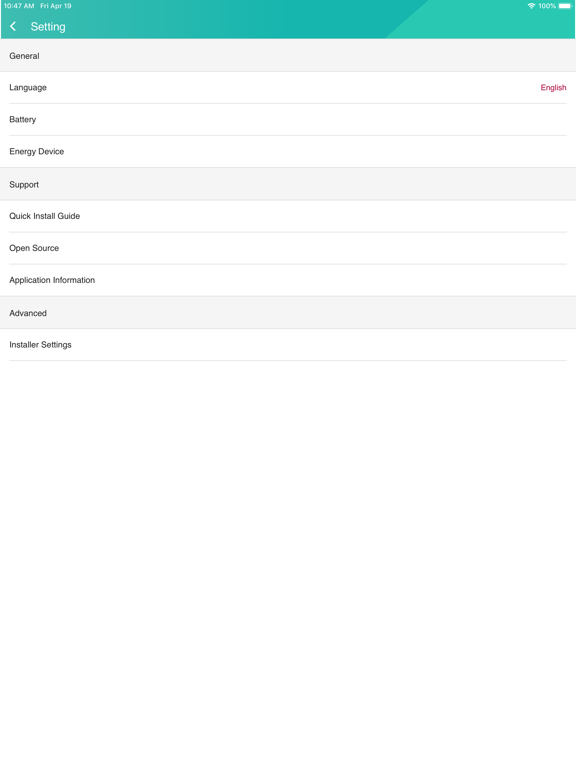
LG ESS is a dedicated app that allows easy installation and easy monitoring of user's solar power generation, charge and power usage information. * When connecting the app and the device for the first time, the wireless LAN Dongle must be installed in the LG ESS console. * In order to check LG ESS operation status and accumulated usage information remotely using the app, LG ESS must be connected to the Internet. The LG EnerVu Plus app is an application that is bundled with LG's solar-powered household energy storage products. This application can be installed on a smartphone of a professional installer and the person who purchased the LG ESS product. Using this, professional installers can finalize the installation by taking advantage of initial setup and commissioning functions when installing the product. The end user can also check the operation status, cumulative power generation, charge and power consumption information of the product through the app. [main function] 1. System Information Registration (Enter the hardware information of the major components of the LG ESS to manage the installation status of the product.) Installation information of PV module connected to LG ESS (installation capacity, installation angle, etc.) Energy meter information 2. PCS settings (Set the optimum PCS operating environment by inputting the requirements in the installed region and country.) PV Feed-in Limitation setting (can be set in 10% increments) Set the system country code 3. Network Settings (Enter information to connect the LG ESS to the Internet, which is not provided by LG Electronics. The cost of using the data may be charged by the consumer's contracted Internet service product.) Internet connection setting (wired / wireless) 4. Test operation mode (It provides the function to check if LG ESS installation is normal.) Charge Mode Test (System Charge Mode Normal Operation Confirmation) Charge mode test (solar charge mode normal operation check) Discharge mode test (check system operation mode normal operation) Inverter test (solar power generation and grid connection function check normal operation) 5. Battery setting Winter mode SoC setting (function for over discharge protection of battery) Battery first installation date and additional battery installation date setting (management date of each battery pack) 6. Join EnerVu Web monitoring service * In order to use this function, LG ESS can connect to internet. (Create user ID for monitoring service subscription) -System Log (Logs generated during system operation can be saved and checked if necessary) -Reboot (Reboot function if necessary during installation) -Change Password - factory reset (Set the product to the factory default state.) -LG ESS Product Information Registration (Registered product to LG EnerVu to use remote monitoring function through EnerVu service) -activation (The ability to start remote monitoring for the first time after product registration is completed)
Latest release
What’s New
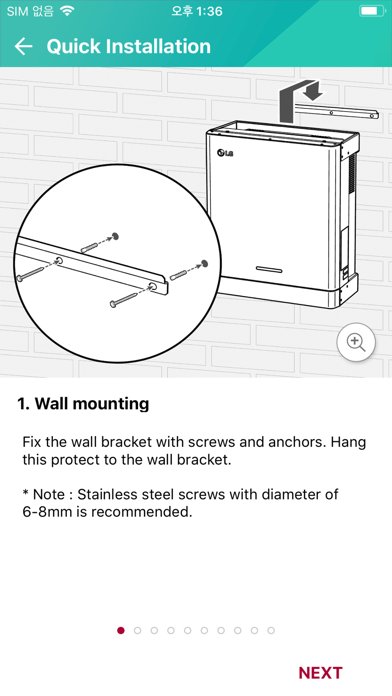
Add new Quick Installation Guide for new product (Home15). Modify Cloud link for each country.
Audience growth
Ratings growth
Baseline captured. Growth appears after the crawler observes a changed rating count.
Momentum comes from crawler snapshots for the tracked storefront. “Viral growth signal” means unusually fast recent rating gains; it is an indicator, not download data.
Price tracking
Price intelligence
First snapshot captured. The trend line starts after the next crawler price observation.
- First observed Aug 19, 2026 · 4:04 PM Free
Screenshots