About this app
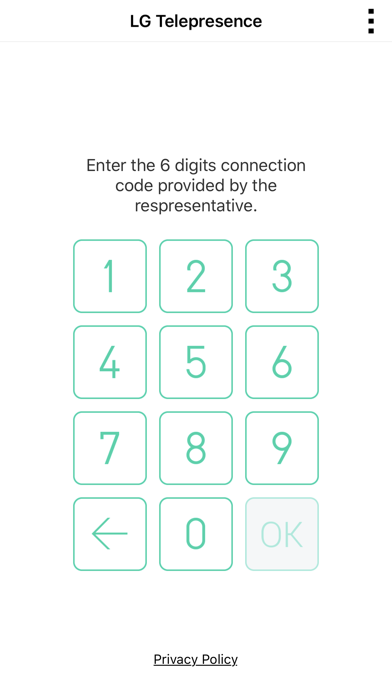
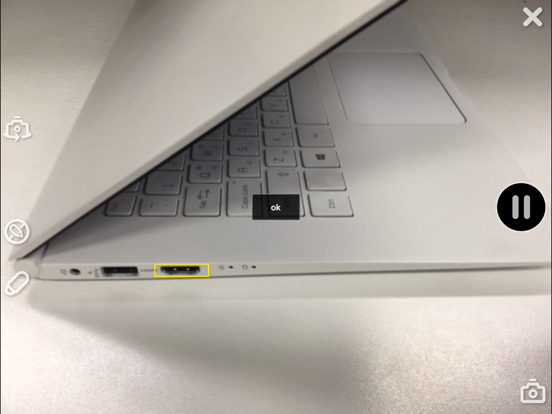
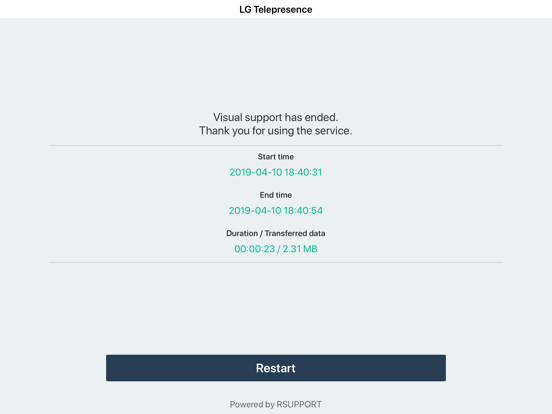
Telepresence - VisualSupport RemoteCall allows support representatives and their customers to collaboratively support iOS devices (iPhones & iPads). Below are the necessary steps to use VisualSupport - RemoteCall. Test Instruction: [ PC Side ] 1. RemoteCall Install (Windows 10 PC Application) A. Open a web browser and move to: https://telepresence.lge.com:8080/viewer/download 2. Download the RemoteCall Installer. 3. Run the RemoteCall Installer. 4. Once installed, run RemoteCall. A. After that, run the program B. Please refer manual(page4 ~ 5) C. Manual: https://telepresence.lge.com/update/telepresence_Manual.pdf 5. Enter the user ID and password, then click ‘Login’. A. ID: appletest01 B. PW: 222222 6. Click 'Start' 7. Standby to Connect. [ Mobile Side ] 1. Launch the App A. Tap the ‘LG Telepresence’ icon to launch the application 2. Enter the 6-Digit Connection Code A. Enter the 6-Digit Connection Code(PC Connection Code) into the mobile app, then tap ‘OK’ 3. Tap ‘Agree’ to continue. A. Please refer manual(page7 ~ 8) B. Manual: https://telepresence.lge.com/update/telepresence_Manual.pdf For more information regarding the installation process or how to use LG telepresence - RemoteCall, please refer to the documents listed below. 1. RemoteCall Installer (PC Application) A. URL: https://telepresence.lge.com:8080/viewer/download 2. User Manual (For Testing Purposes) A. Manual: https://telepresence.lge.com/update/telepresence_Manual.pdf 3. Demo Video A. https://drive.google.com/file/d/1wncEfxihCXTRWUNGs-aw7dq2SN6Jor9B/view?usp=sharing 4. DemoAccount(PC app ID/PW) A. ID : appletest01 B. PW : 222222
Latest release
What’s New
- Other minor bug fixes
Audience growth
Ratings growth
Baseline captured. Growth appears after the crawler observes a changed rating count.
Momentum comes from crawler snapshots for the tracked storefront. “Viral growth signal” means unusually fast recent rating gains; it is an indicator, not download data.
Price tracking
Price intelligence
First snapshot captured. The trend line starts after the next crawler price observation.
- First observed Aug 19, 2026 · 4:04 PM Free
Screenshots