About this app
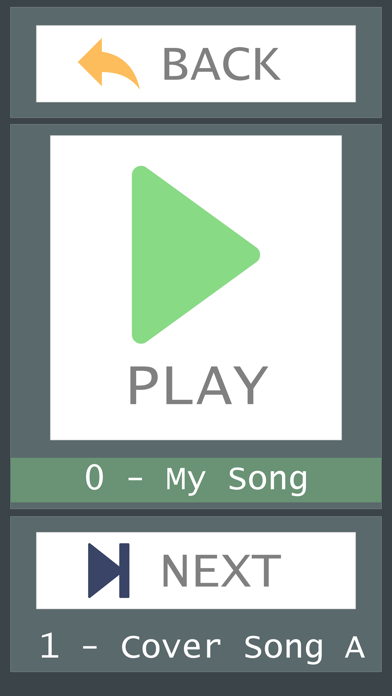
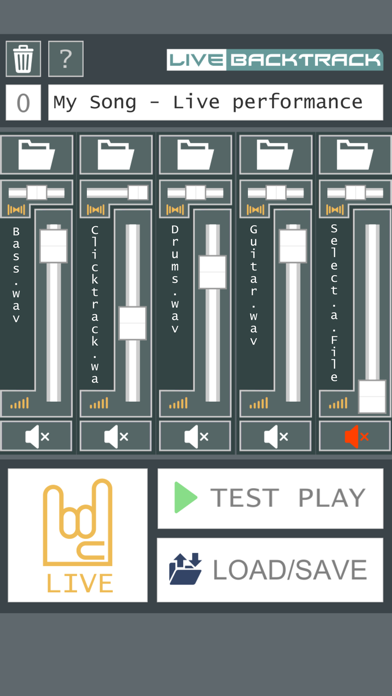
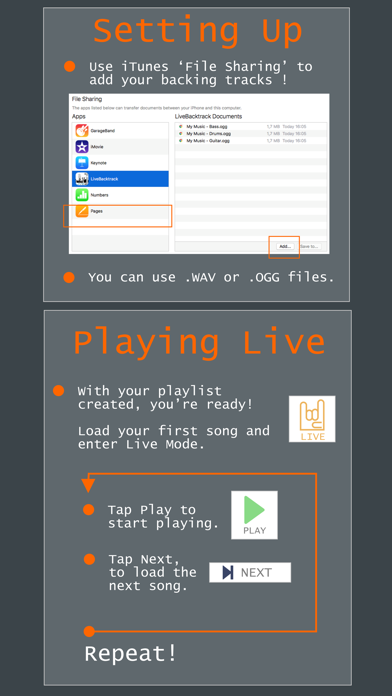
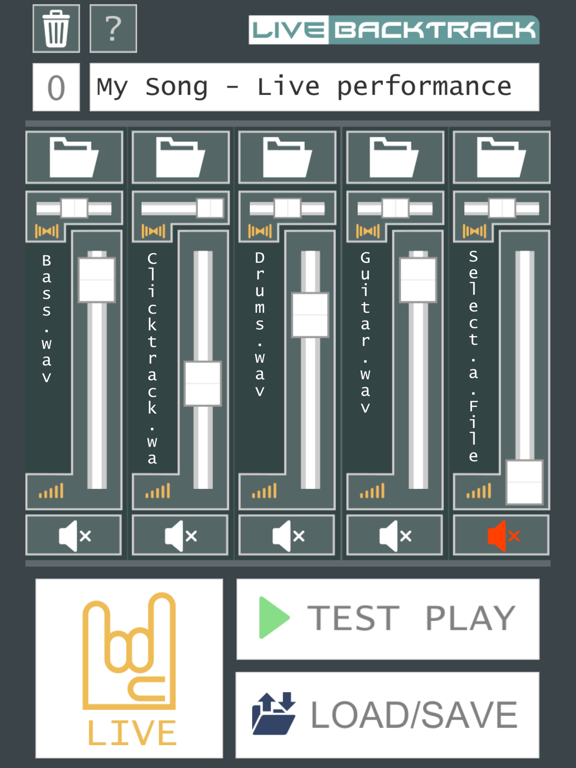
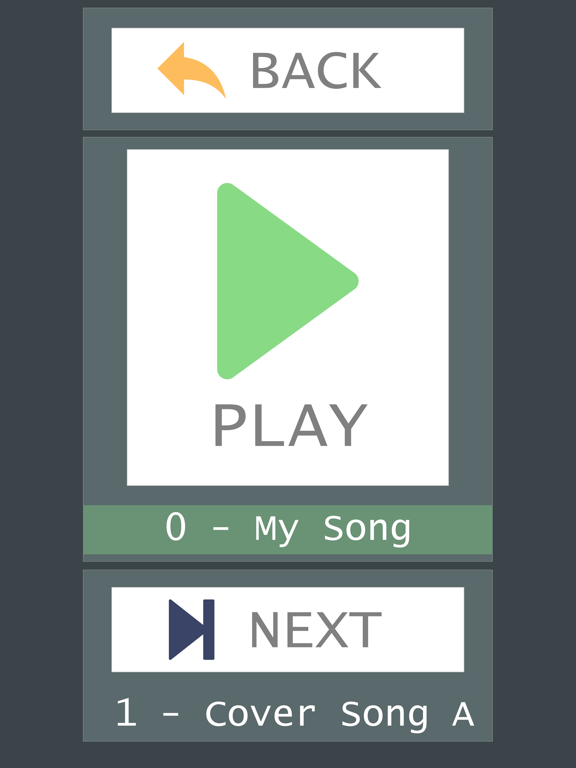
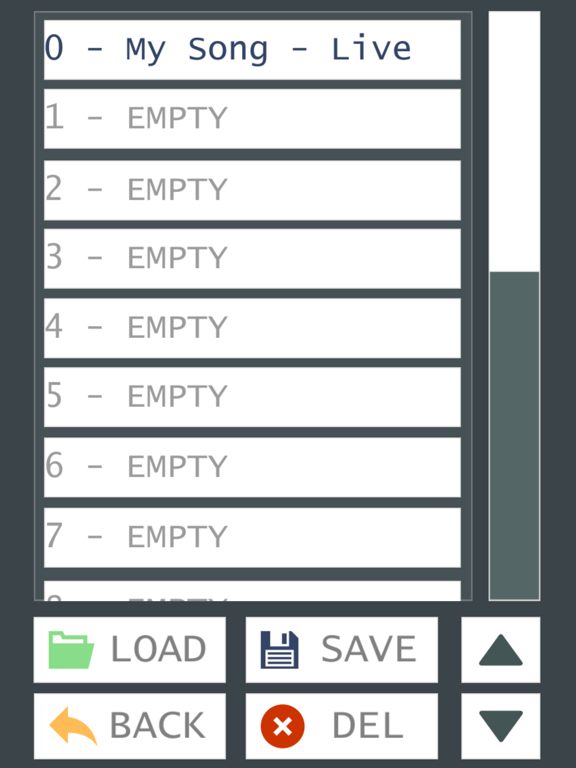
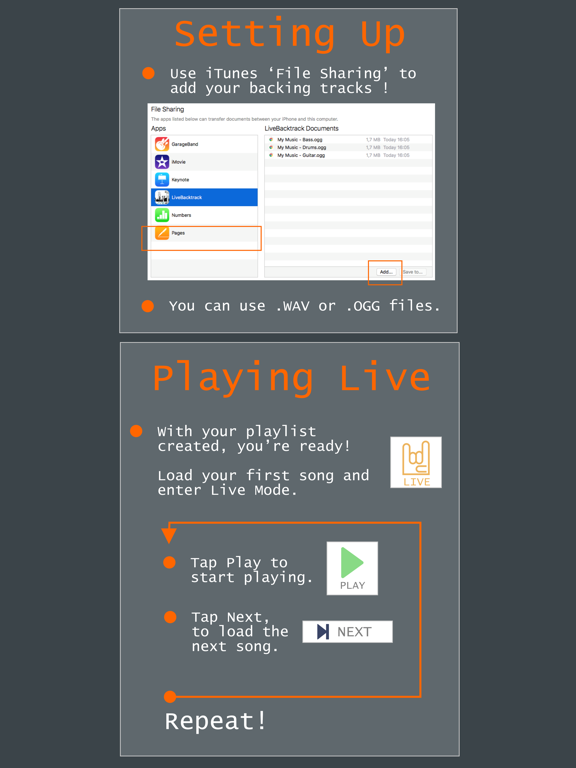
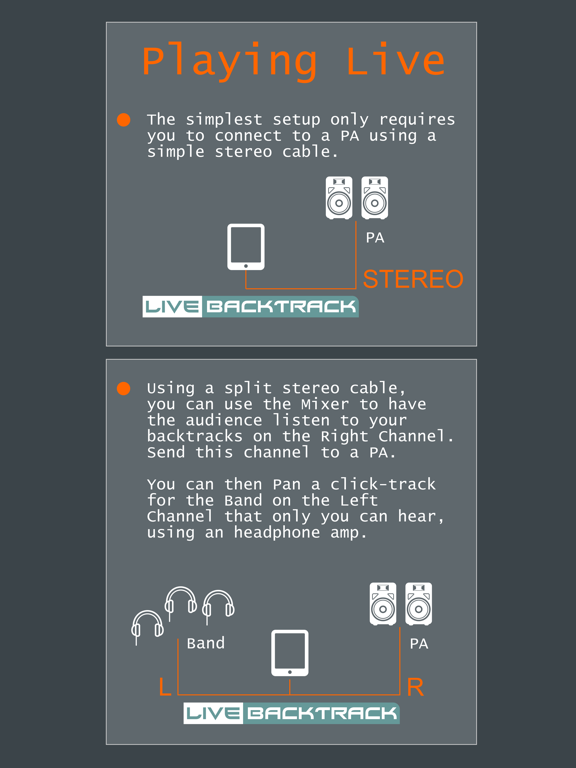
Live Backing Track is the best solution when you need to have your backing tracks play on a Live Concert or Rehearsal. Some of the problems Live Backingtrack can solve for your when Playing Live: - No need to drag along a PC. Your tablet can easily handle it with all the features you need using this multi-track playback tool. - Quickly sound check and adjust your backing tracks at the venue. - Setup a playlist of songs that you want to play sequentially. - BIG and BRIGHT buttons you can tap to play the current song and load the next one. - Share the backing track with the audience on one channel, send the click track to the other channel so only you can hear it. - Unlike an mp3 player, "Live Backtrack", stops playback when songs reach the end and lets you decide when the next song begins playing! Live Backing Track : Multi-track can also help you when rehearsing with your band: - One of the band members is missing? No problem, just load his instrument track, and enter Live Mode. - Rehearse your songs one after the other with ease, with a press of a button. FEATURES: + Lag FREE playback. + Playback stops automatically when the song reaches the end. + YOU decide when the next song begins playing! + Live Mode: Play songs sequentially with just a tap! + Big Buttons! No need to fight small buttons anymore. + Playlist: Setup multi-track arrangements that you can play sequentially. + Multi-Track: Make volume and Panning adjustments on the fly! + Built in Tutorial and Tips to play Live. HOW TO USE: Setting up: - Copy your backing tracks or instrument WAV / OGG files using iTunes 'File Sharing'. - Name your tracks so you can easily find them. - Use WAV or OGG files, for best sound quality and lag free performance. Start the "Live Backtrack : Multitracks" app on your iPad or iPhone: - You can now load your backing tracks onto the mixer. - Set the Song Title, and save. - Repeat to create your playlist. Playing Live: - With your playlist created, you’re ready! Load your first song and enter Live Mode. - Tap Play to start the current song. - Tap Next to load the next song on the playlist when you're ready. - Repeat! More information: + Live BackingTrack : Multitrack, features a built-in Help section, so you can always find information on the app controls, usage and tips. Live Backing Track : Multitrack, is the easy solution to play live: Get it now, for FREE!
Latest release
What’s New
This update from Apple will improve the functionality of this app. No new features are included. + Even better performance !
Audience growth
Ratings growth
Baseline captured. Growth appears after the crawler observes a changed rating count.
Momentum comes from crawler snapshots for the tracked storefront. “Viral growth signal” means unusually fast recent rating gains; it is an indicator, not download data.
Price tracking
Price intelligence
First snapshot captured. The trend line starts after the next crawler price observation.
- First observed Aug 13, 2026 · 10:50 AM Free
Screenshots