About this app
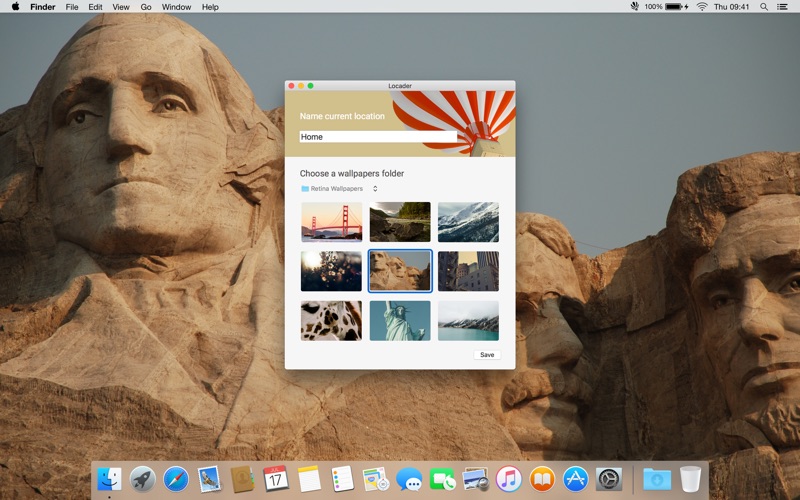
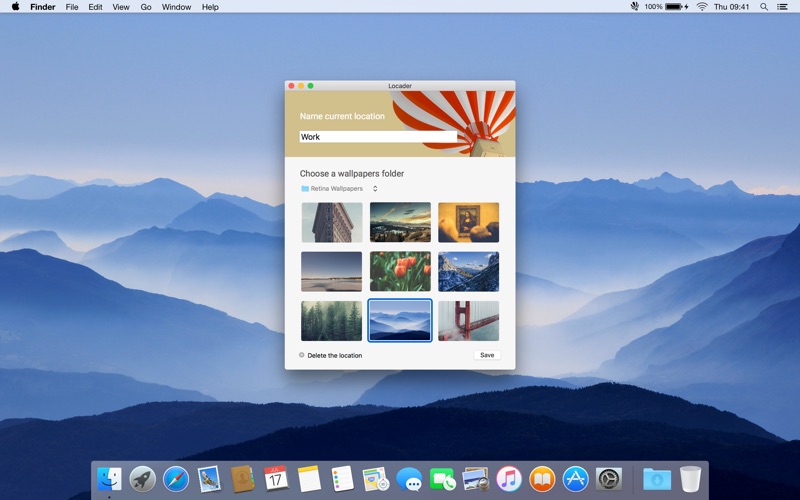
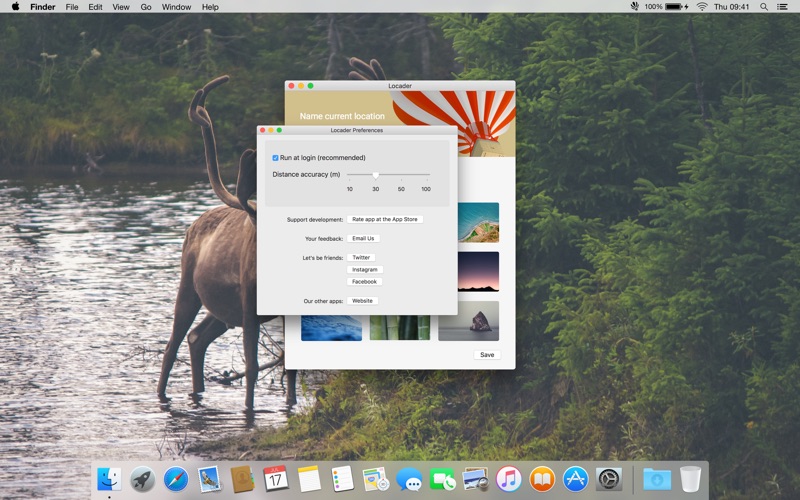
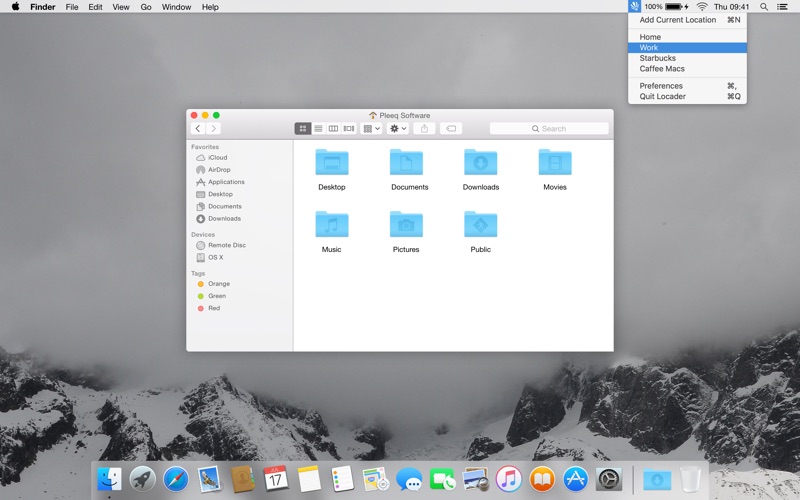
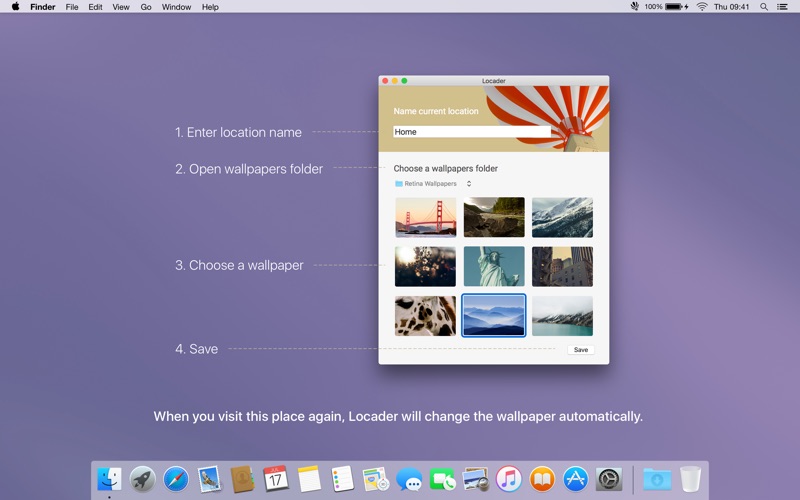
Change MacBook wallpaper based on your location. With the new OS X app you can change your MacBook mood attached to surroundings. Add current location, set it's name, choose the wallpaper and it's done. When you visit this place again Locader will change your wallpaper automatically. For example home and work. Add some magic to your MacBook! # How to use 1. Run the app 2. Add current location name 3. Open folder with wallpapers 4. Choose a wallpaper you want to use at the current place 5. Click save and allow app run at start 6. At the next place do the same steps and when you visit your first place again wallpaper will be changed. 7. In the settings you can change distance accuracy if needed. Since MacBooks doesn't have GPS Locader detect your position by internet, so you have to be connected to network. Note: Wallpapers on the screenshots not provided with the app.
Latest release
What’s New
Hi, my name is Alex and here is what's new: — Dock icon is hidden by default Follow me on Twitter: http://twitter.com/pleeq_com Or Instagram: https://www.instagram.com/pleeq_com/
Audience growth
Ratings growth
Baseline captured. Growth appears after the crawler observes a changed rating count.
Momentum comes from crawler snapshots for the tracked storefront. “Viral growth signal” means unusually fast recent rating gains; it is an indicator, not download data.
Price tracking
Price intelligence
First snapshot captured. The trend line starts after the next crawler price observation.
- First observed Aug 29, 2026 · 5:28 AM Free
Screenshots