About this app
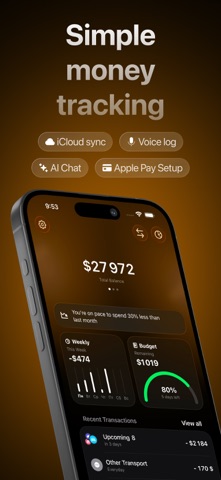
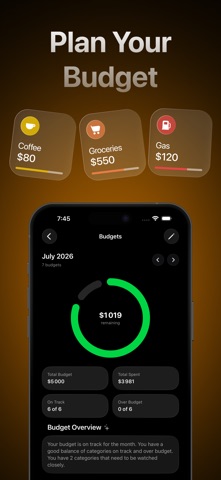
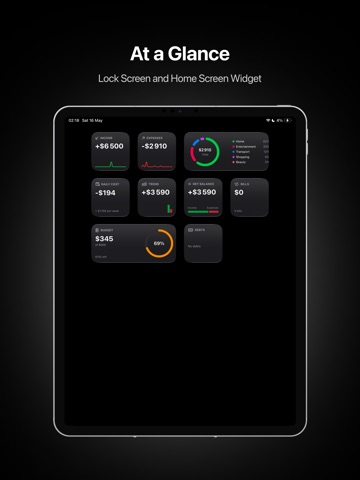
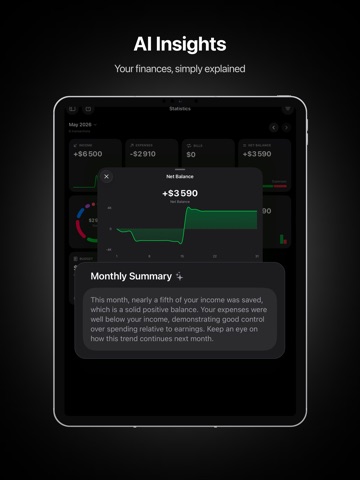
Lode is an AI expense tracker that turns plain language into clean personal finance records. Type "coffee 5" or just say what you spent — Lode creates the transaction for you. No long forms, no menu diving. AI detects the category, amount, date, note, and currency, then keeps your money organized. SMART, EFFORTLESS ENTRY - Natural language: write or speak a few words, get a ready transaction - Scan receipts — AI reads the amount, store, and date - Learns your habits for faster, more accurate categorizing ASK LODE ANYTHING - Chat with Lode about your money — "How much did I spend on coffee this month?" - Get plain-language answers about balances, budgets, and trends - Ask hands-free with Siri, too SEE WHERE YOUR MONEY GOES - Income and spending statistics, side by side - Daily cost and daily income, trends, and category breakdowns - Smart insights that explain your numbers in plain words PLAN AHEAD - Budgets with alerts before you overspend - Bills and reminders so nothing slips - Savings goals with progress tracking - Debts — who owes whom, and how much is left BUILT FOR REAL LIFE - Multiple currencies with live exchange rates and a built-in converter - Shared accounts for family or partners, synced across devices - Home Screen, Lock Screen, and Control Center widgets - Siri Shortcuts to add transactions, check balances and budgets, or hear a monthly report - Smart import from CSV, Excel, or other finance apps — AI maps your data automatically PRIVATE BY DESIGN - Your data syncs securely through iCloud - No ads, no selling your data Start with a few words. Lode does the rest. Terms of Use (EULA): https://lodeapp.framer.website/term-of-use Privacy Policy: https://lodeapp.framer.website/privacy-policy
Latest release
What’s New
— New Lock Screen widgets: AI chat, voice input, and receipt scanning — Bug fixes and app optimizations
Audience growth
Ratings growth
Baseline captured. Growth appears after the crawler observes a changed rating count.
Momentum comes from crawler snapshots for the tracked storefront. “Viral growth signal” means unusually fast recent rating gains; it is an indicator, not download data.
Price tracking
Price intelligence
First snapshot captured. The trend line starts after the next crawler price observation.
- First observed Sep 11, 2026 · 9:27 AM Free
Screenshots