About this app
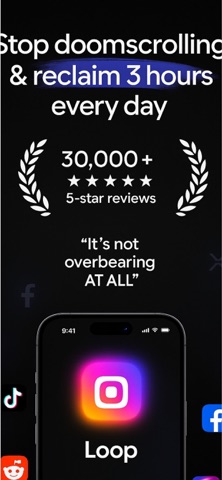
Loop – Focus & Screen Time Control Stay focused, reduce distractions, and build better habits with Loop. Whether you're studying, working, or trying to break phone addiction, Loop helps you take control. Why Loop? Screen Time Control: Limit your daily or weekly phone usage Study Timer / Pomodoro Mode: Focus sessions + scheduled breaks App Blocker / Block Apps / App Lock: Temporarily disable distracting apps Stats & Analytics: Monitor usage trends, session durations, top apps Habit Tracker: Build consistent routines and keep streaks Boost Productivity & Focus: Transition into deep work mode Key Features Set custom limits per app or category Pomodoro-style intervals (e.g. 25 min focus / 5 min break) Temporarily lock social media, games, or any apps you choose Visual dashboards: screen time, focus ratio, app ranking Streaks, habit reminders, progress tracking Clean, intuitive UI with alerts, notifications & usage insights Who is Loop for? Students needing study focus Remote workers, freelancers Users wanting better time & screen time control Anyone seeking improved productivity and healthier phone habits “Loop helped me cut screen time and stay in flow during study sessions.” Download Loop now — focus more, waste less time, master your habits. To use this app, you must agree to our End User License Agreement(EULA), avaliable: https://www.apple.com/legal/internet-services/itunes/dev/stdeula/ To use this app you must agree to our Privacy Policy, avaliable at https://sites.google.com/view/focus-loop-privacy-policy/home
Latest release
What’s New
Bug fixes
Audience growth
Ratings growth
Baseline captured. Growth appears after the crawler observes a changed rating count.
Momentum comes from crawler snapshots for the tracked storefront. “Viral growth signal” means unusually fast recent rating gains; it is an indicator, not download data.
Price tracking
Price intelligence
First snapshot captured. The trend line starts after the next crawler price observation.
- First observed Sep 6, 2026 · 12:26 PM Free
Screenshots