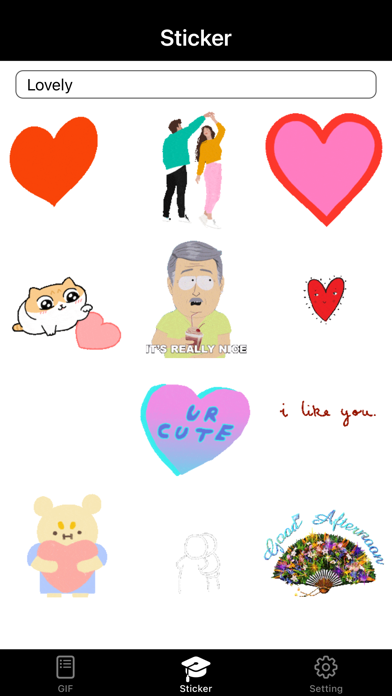
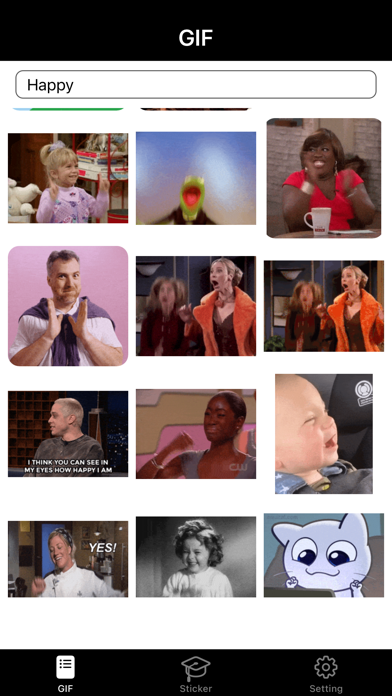
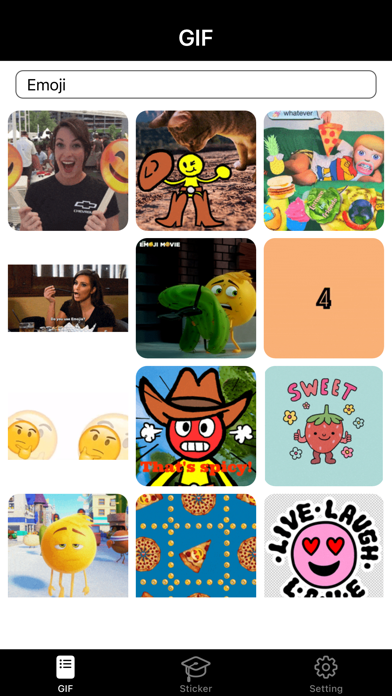
About this app
How to Use this App? 1. Select the tag and enter the Sticker or Gif page. 2. Click the search box. 3. Enter the keywords you want to search for. 4. Click the Search key on your keyboard. 5. Wait for network response. 6. Select the picture you like. 7. After clicking, it will be automatically copied to the clipboard. 8. Exit the App, enter the appropriate location, long press to select and paste the picture. What can I get through the App? - You can get the stickers you want by searching - You can copy to designated social apps through the system clipboard and send stickers to your friends. Privacy Policy: https://www.freeprivacypolicy.com/live/0c1b7e72-2726-43b1-ab8a-4fe8262708fc Terms of Service: https://www.freeprivacypolicy.com/live/3d2bdd1b-6209-4010-bb24-fbd0766b90ea
Latest release
What’s New
bug fixed
Audience growth
Ratings growth
Baseline captured. Growth appears after the crawler observes a changed rating count.
Momentum comes from crawler snapshots for the tracked storefront. “Viral growth signal” means unusually fast recent rating gains; it is an indicator, not download data.
Price tracking
Price intelligence
First snapshot captured. The trend line starts after the next crawler price observation.
- First observed Aug 19, 2026 · 7:41 PM Free
Screenshots