About this app
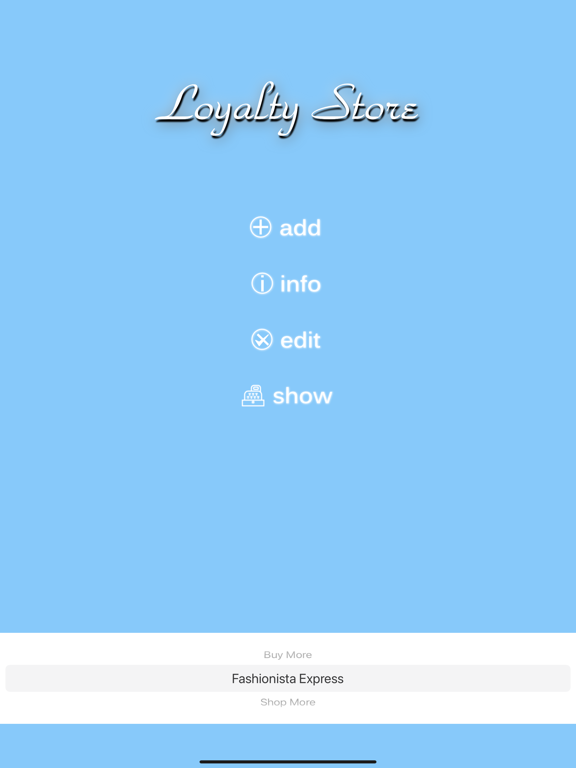
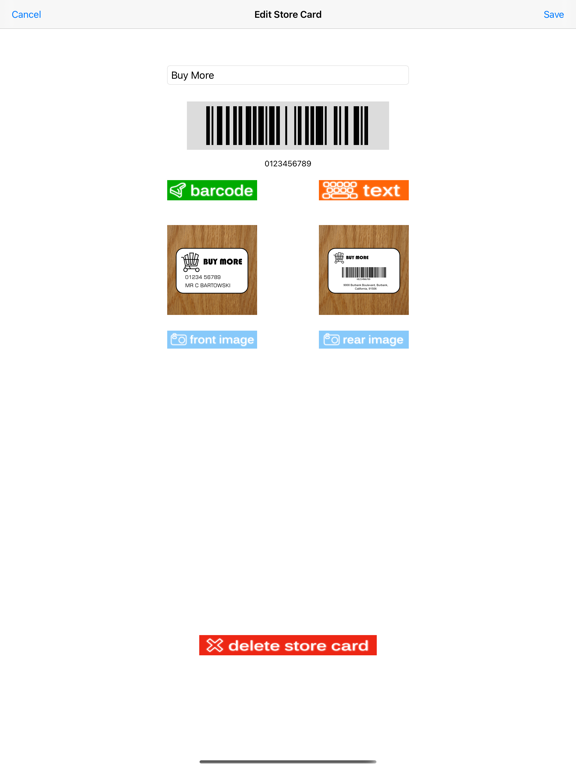
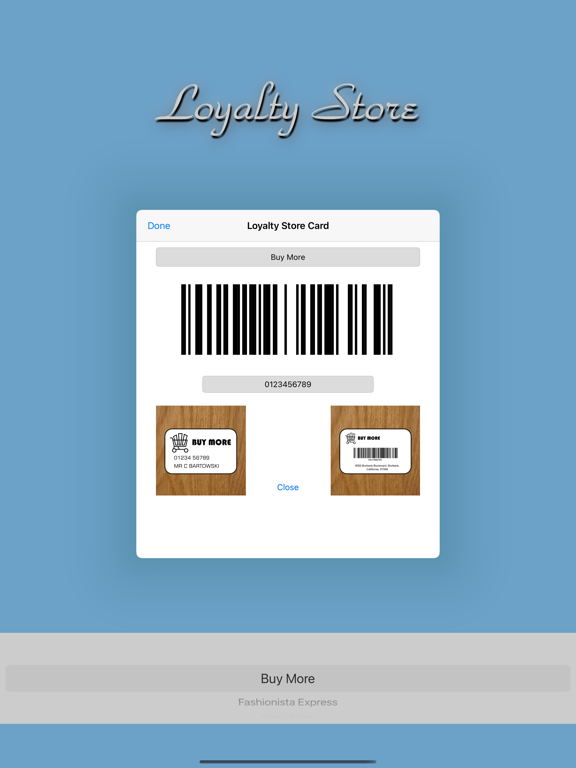
Slim down your purse or wallet by carrying your loyalty cards in your iPhone. Loyalty Store allows you to store all your barcode based loyalty, membership or library cards in one easy to use application. Simply load the card details in to the app and then you just carry your phone and not the card! It’s amazing how much space you’ll save in your wallet or purse. Loyalty Store only stores your cards, and doesn't require any personal details from you. The cards details you enter are not shared with any other app, person, or company out with your own iCloud account and devices. How’s it work? Add the card details by giving it a name, scanning the barcode, optionally take a picture of the front and back just to prove to the store it’s your card, and leave the card at home. When you need the car select it from the list and it’s displayed on the iPhone’s screen. Just ready for the clerk or assistant to scan it. Loyalty Store is as slimed down an application for storing your Loyalty cards as possible. Quick and easy to use; we’ve deliberately kept it simple. You can use it in a variety of stores as it’s not limited to any particular ones. Using the power of iOS it helps you organise your life that little bit better! Loyalty Store will also now share your cards on all your iOS devices you use iCloud with and have the application on. Caveats. Most store barcode scanners can read from the screen. Laser type scanners are a bit fussier, but camera based scanners work well. More modern laser scanners are being enabled for scanning off smartphone screens. Loyalty Store will also show the barcode number which can be manually typed in for those times where the store scanner just refuses to work. All cards are stored on the device, and across all your devices that are iCloud enabled. Loyalty Store doesn't share you cards with anybody else. Please take good pictures of the cards by laying them flat on a table and positioning your iOS device above to take the picture. When Loyalty Store displays the card details you just need to tap the image to zoom it up to full screen size again. Very simple, very easy. A note on privacy. No information is returned from this app to J.S. Technology Ltd. We never get to see your loyalty cards. We only recommend using this app for loyalty cards and certainly not any form of payment card. It’s intended to slim down your wallet or purse by storing those lesser important cards on your iPhone or iPad.
Latest release
What’s New
Updated for Dark Mode. Some text was becoming hidden in dark mode, sorry.
Audience growth
Ratings growth
Baseline captured. Growth appears after the crawler observes a changed rating count.
Momentum comes from crawler snapshots for the tracked storefront. “Viral growth signal” means unusually fast recent rating gains; it is an indicator, not download data.
Price tracking
Price intelligence
First snapshot captured. The trend line starts after the next crawler price observation.
- First observed Aug 31, 2026 · 12:39 PM Free
Screenshots