About this app
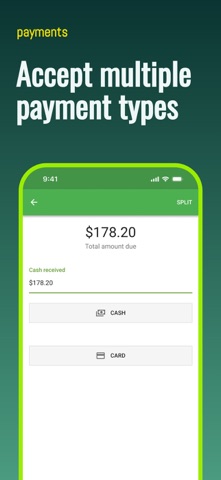
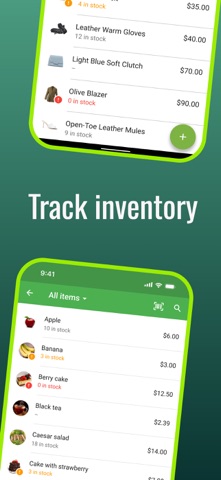
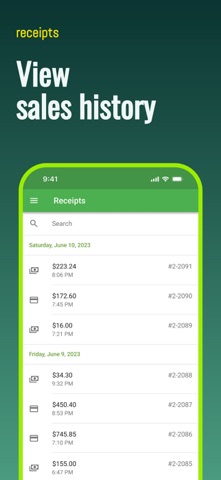
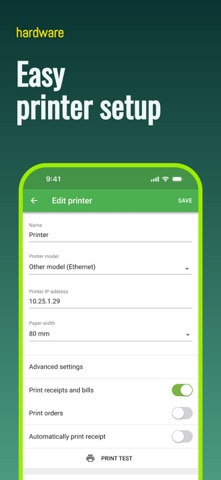
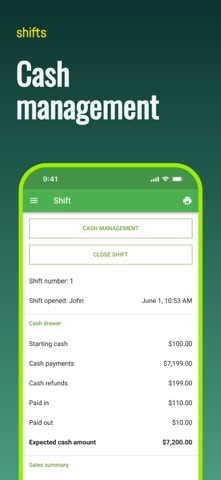
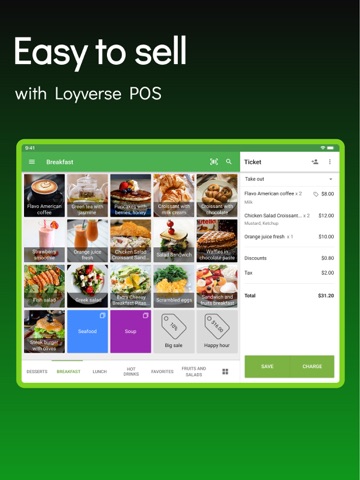
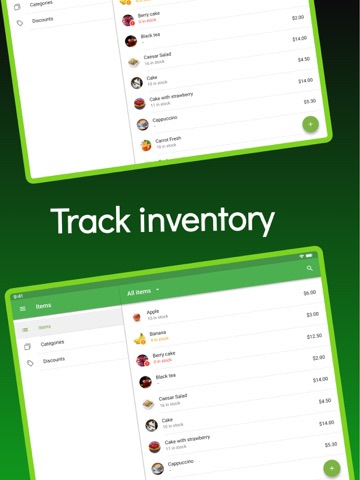
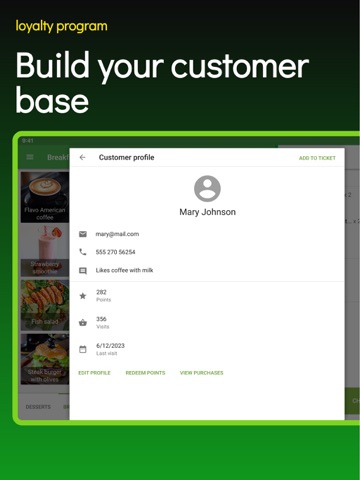
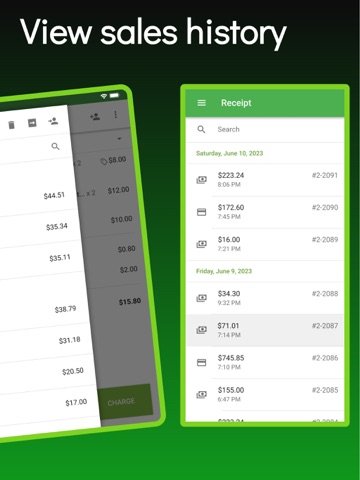
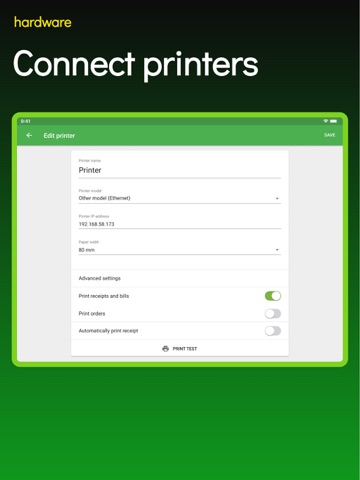
Loyverse POS is the free POS (point-of-sale) software perfect for your retail store, cafe, bar, restaurant, pizzeria, bakery, coffee shop, food truck, grocery store, beauty salon, car wash and more. No ads, no credit card required, no contracts, and no commitments. Use Loyverse POS point of sale system instead of a cash register, and track sales and inventory in real time, manage employees and stores, engage customers and increase your revenue. Mobile POS System - Sell from a smartphone or tablet - Issue printed or electronic receipts - Accept multiple payment methods - Apply discounts and issue refunds - Track cash movements - Scan barcodes with the built-in camera - Keep recording sales even while offline - Connect a receipt printer, barcode scanner, and cash drawer - Connect Loyverse Customer Display app to show order information to your customers - Manage multiple stores and POS devices from a single account Card Payments - Accept card payments directly in Loyverse POS with Loyverse Payments - Start with Tap to Pay on iPhone or choose a dedicated reader - Sale total is sent to the payment device automatically — no manual entry - Accept tap, chip, Apple Pay, Google Pay, and other supported payment methods - Track sales, refunds, tips, fees, and payouts — all in Loyverse - Every transaction is processed securely through PCI-compliant infrastructure - Use your preferred merchant service provider for non-integrated payments - Choose from other integrated payment providers where available Inventory Management - Track inventory in real time - Set stock levels and receive automatic low stock alerts - Bulk import and export inventory from/to a CSV file - Manage items that have different sizes, colors, and other options Sales Analytics - View revenue, average sale, and profit - Track sales trends and react promptly to changes - Determine best-selling items and categories - Track financial shifts and identify discrepancies - View complete sales history - Browse reports on payment types, modifiers, discounts and taxes - Export sales data to the spreadsheets CRM and Customer Loyalty Program - Build a customer base - Run loyalty program to reward customers for their recurring purchases - View customer purchase history to provide personalized service - Instantly identify customers during a sale by scanning loyalty card barcodes - Print customer address on receipt to streamline delivery orders Restaurant and Bar Features - Connect kitchen printers or Loyverse Kitchen Display app - Use dining options to mark orders as dine in, takeout or for delivery - Use predefined open tickets in a table service environment
Latest release
What’s New
- Bug fixes and performance improvements
Audience growth
Ratings growth
Momentum comes from crawler snapshots for the tracked storefront. “Viral growth signal” means unusually fast recent rating gains; it is an indicator, not download data.
Price tracking
Price intelligence
- First observed Aug 16, 2026 · 10:23 PM Free
Screenshots