About this app
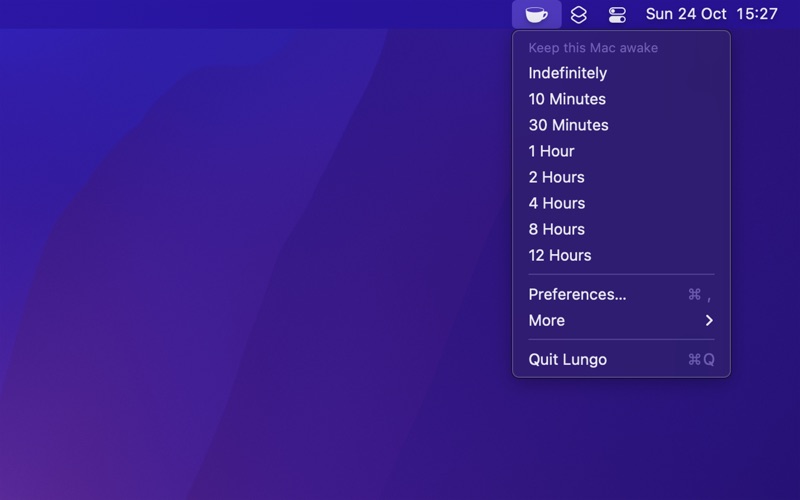
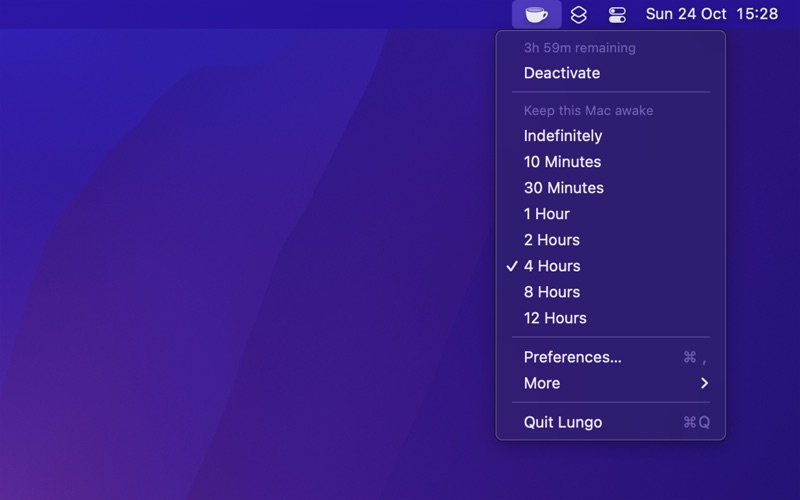
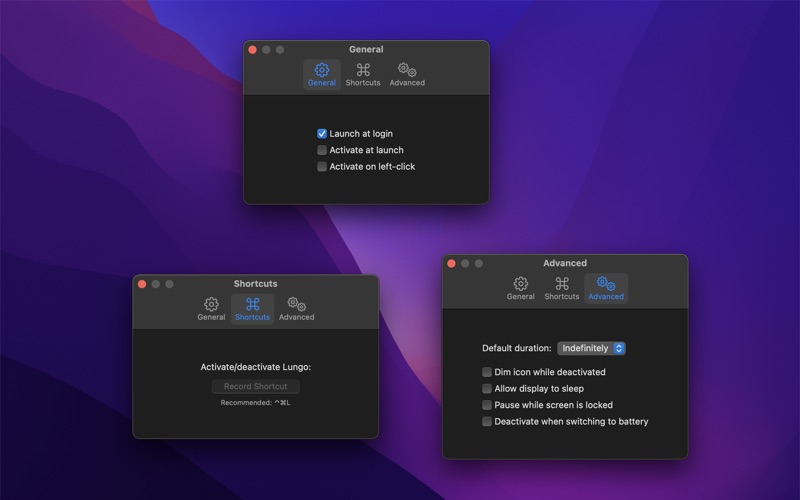
Lungo prevents your computer from falling asleep and your screen from dimming. This can be useful when: - Doing a presentation at work. - Watching YouTube videos in non-fullscreen mode. - Cooking and having the recipe open on your computer. - Reading a long article without scrolling. - Using the screen to view live stats. - Monitoring progress on a long-running task. Features: - Right-click the menu bar icon to quickly activate. - Choose to activate with left-click instead in the settings. - Choose to activate at launch in the settings. - Allow the display to sleep in the settings. - Set the default duration in the settings, which is used when Lungo is activated by clicking the menu bar icon. - Custom keyboard shortcut to activate/deactivate Lungo. - Deactivate automatically when disconnecting the power adapter (opt-in). - Shortcuts support. - Control Lungo from scripts or the terminal. (See the website for more info) Important: Lungo will not prevent your computer from sleeping if you close the lid. This is a Mac App Store limitation. Lungo is also not able to prevent a scheduled sleep, enabled in the battery system settings. Support: Click the “Send Feedback” button in the app.
Latest release
What’s New
- Bug fixes.
Audience growth
Ratings growth
Baseline captured. Growth appears after the crawler observes a changed rating count.
Momentum comes from crawler snapshots for the tracked storefront. “Viral growth signal” means unusually fast recent rating gains; it is an indicator, not download data.
Price tracking
Price intelligence
First snapshot captured. The trend line starts after the next crawler price observation.
- First observed Aug 6, 2026 · 7:51 AM $4.00
Screenshots