About this app
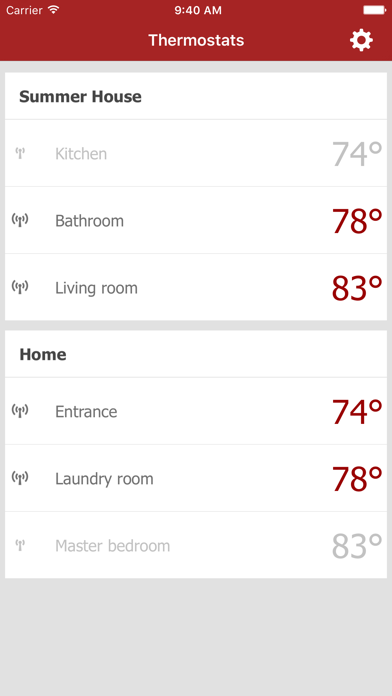
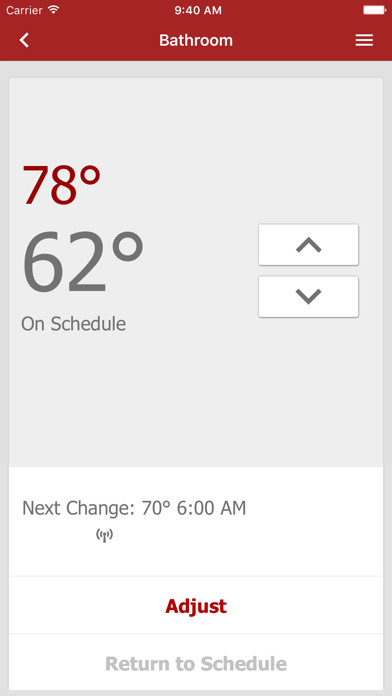
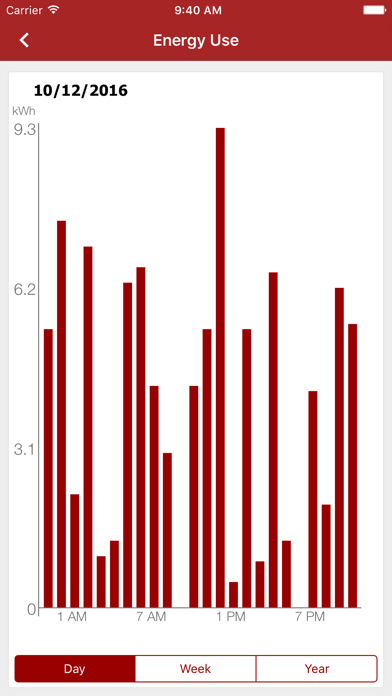
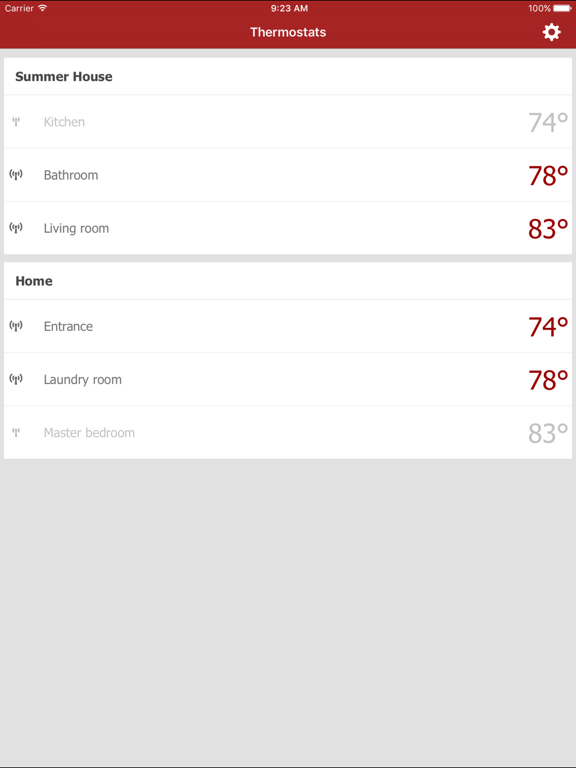
The Danfoss LX205T WIFI app lets you make the most of your Danfoss LX205T Touch Thermostat: use the app to remote control your home heating system from any location. Like the thermostat itself, the app is entirely intuitive and easy to use – making it simpler than ever to ensure maximum energy savings on your heating bill and a warm welcome every time you step into your home. View and set temperatures: Instantly see and adjust the current temperature in all rooms and locations fitted with the Danfoss LX205T WIFI touch thermostat. View and change your heating schedule: One of the key benefits of the Danfoss LX205T WIFI touch thermostat is its schedule function – the thermostat automatically adjusts heating levels to match your usual timetable. However, the app is flexible and lets you override the schedule to adjust temperatures as you wish – from any location where WIFI is available. 1. Fast-Forward to the next scheduled change (ex: turn up the heat because you’re coming home early) 2. Make instant temporary adjustments (ex: you may want to turn down the heat in the spring when the windows are open) Set your heating system to vacation mode: At times your heating schedule will need adjusting because you’re going away on vacation or on business. With the Danfoss LX205T WIFI touch thermostat app you can plan adjustments whenever you need them, knowing you won’t waste money on heating an empty house – and that you’ll still get a warm welcome upon your return. View your energy log: The app lets you monitor your heating system’s past and current energy consumption, at any time, and from any location. The app works with the WIFI version of the LX205T Touch thermostat. • View and set temperatures • View & change your heating schedule and settings • Set your heating system to vacation mode when traveling to save energy • View and track your energy consumption • Set units to Standard US or Metric • Choose between Fahrenheit or Celsius • 24-hour or 12-hour clock
Latest release
What’s New
Performance and Security Update
Audience growth
Ratings growth
Baseline captured. Growth appears after the crawler observes a changed rating count.
Momentum comes from crawler snapshots for the tracked storefront. “Viral growth signal” means unusually fast recent rating gains; it is an indicator, not download data.
Price tracking
Price intelligence
First snapshot captured. The trend line starts after the next crawler price observation.
- First observed Aug 14, 2026 · 3:17 PM Free
Screenshots