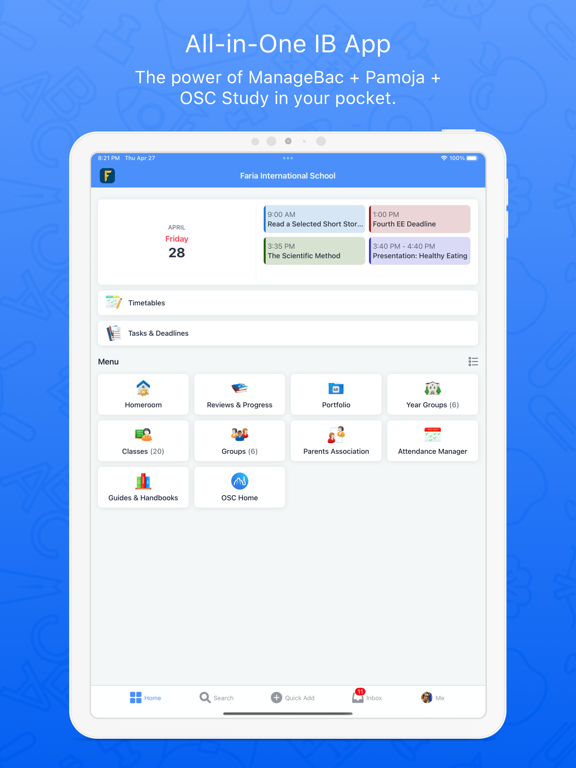
About this app
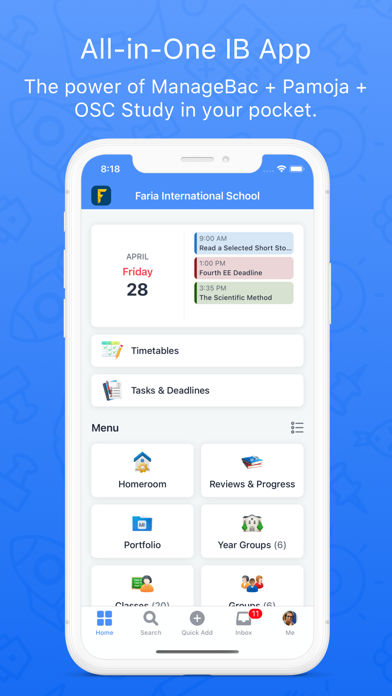
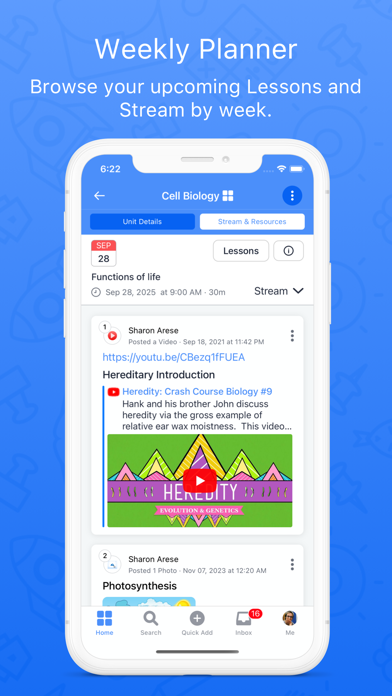
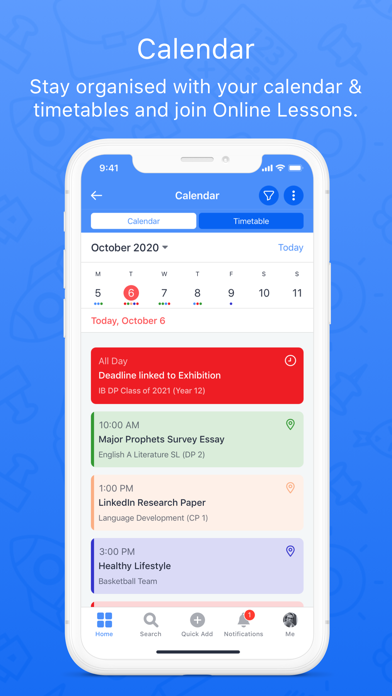
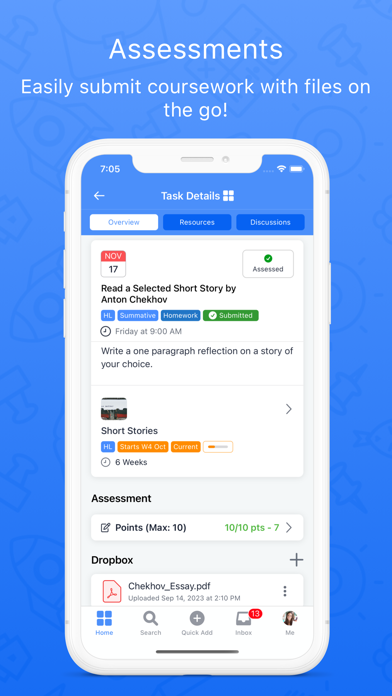
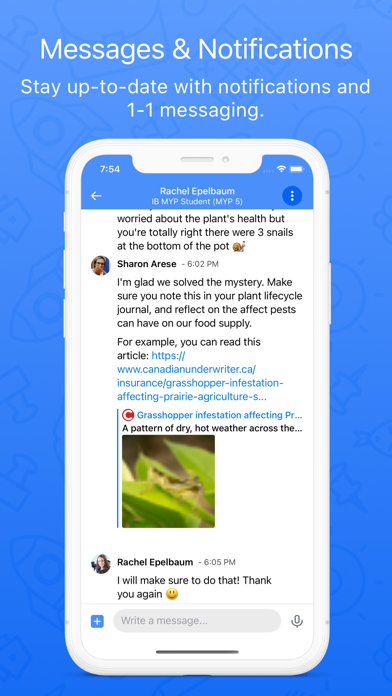
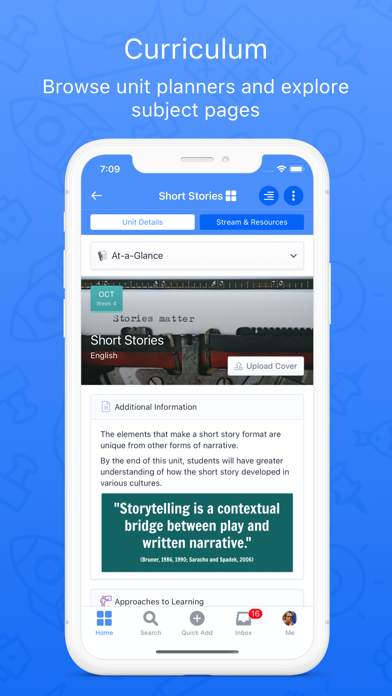
ManageBac is built for students, parents, teachers, admins and coordinators on-the-go! With multi-curricula support for the full IB Continuum (PYP, MYP, CP, DP), IGCSEs and universally with a Build-your-Own (BYO) model. Students: • Stay organised with key academic deadlines and assessment tasks. • Set goals and build a portfolio with coursework, photos and more. • Manage CAS or service-learning activities with reflections. • Plan projects and communicate with your teachers & advisors. • Browse and reference QuickStart guides for the IB to stay one step ahead. Teachers: • Collaboratively plan your curriculum. • Manage teaching and learning with Stream & Resources. • Share experiences and goal-setting within the Portfolio. • Mark tasks, annotate coursework and submit term grades. • Record attendance and Behaviour & Discipline. Coordinators: • Plan and organise key year group deadlines. • Manage service learning & project-based learning. • Manage exams from start to finish. • Analyse your curriculum and manage term reporting. Parents: • Browse the curriculum alongside teaching & learning within the Portfolio. • Monitor academic progress with grades, teacher comments, and report cards. • Submit attendance excusals and communicate with homeroom advisors. • Collaborate with fellow parents via the Parent-Teacher Association.
Latest release
What’s New
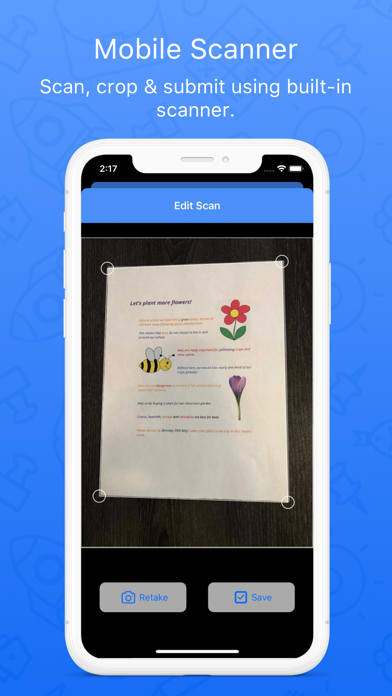
Students can now manage their projects (Extended Essay, Theory of Knowledge, Personal Project, Community Project, Reflective Project, etc.) in the app, track deadlines, capture evidence as they go, and keep their supervisor in the loop. Students can fill in their project proposal, choose a supervisor, and request approval without leaving the app. Personal to-dos and project deadlines sit together on one worksheet, with drag-and-drop ordering so students can work in the order they plan to. Journal entries capture evidence in the moment with photos, videos, files, and links, and can be tagged to learning outcomes, starred, and filtered. Reflections can be written against the school’s own prompts, with word-count guidance and PDF export for submission. Notes go straight to the supervisor in rich text, keeping the conversation attached to the project it belongs to. Project files can be uploaded from a device, camera, PDF scanner, or Google Drive, then opened, annotated, or downloaded. Presentations can be planned right in the app. This update also includes bug fixes and performance improvements.
Audience growth
Ratings growth
Baseline captured. Growth appears after the crawler observes a changed rating count.
Momentum comes from crawler snapshots for the tracked storefront. “Viral growth signal” means unusually fast recent rating gains; it is an indicator, not download data.
Price tracking
Price intelligence
First snapshot captured. The trend line starts after the next crawler price observation.
- First observed Aug 20, 2026 · 12:20 PM Free
Screenshots