About this app
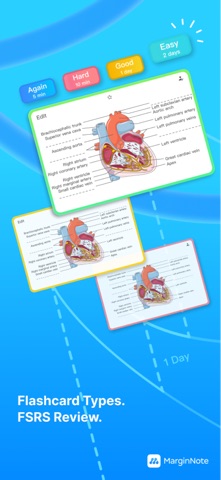
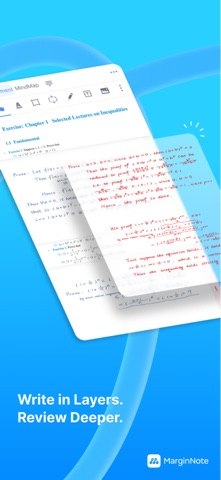
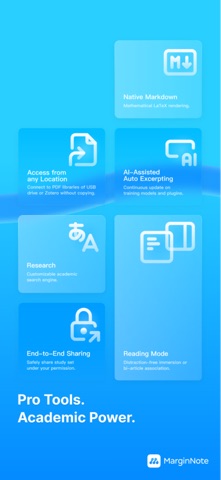
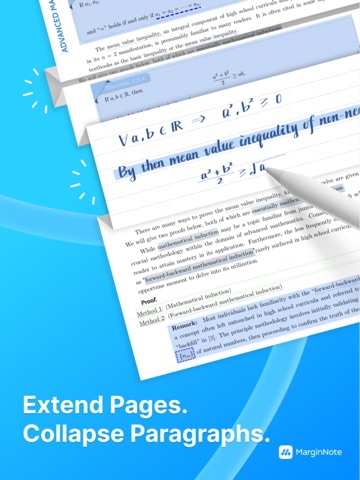
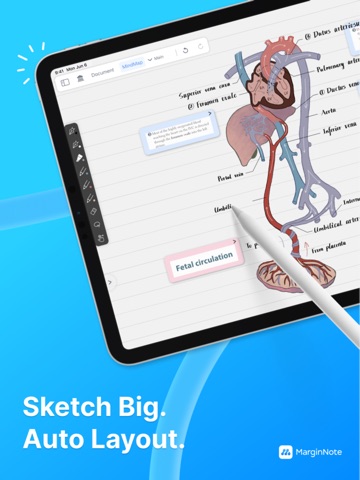
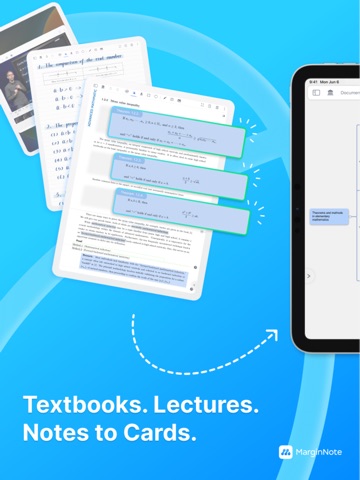
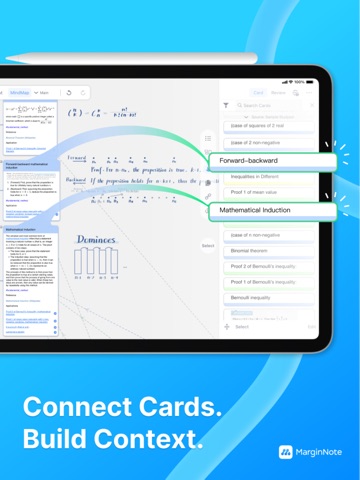
MarginNote is the PDF study tool for deep readers. One excerpt is a PDF highlight, a mind map node, and a flashcard — one capture, three places. This is the Card Axis architecture, so you stop ferrying content between a PDF reader, a notes app, and a flashcard tool. A decade of iteration. 188K+ App Store ratings. 【Four Featured Mechanics】 ▸ Card Axis — One excerpt, three renders. Document highlight, mind map node, and flashcard are the same card seen from three angles. ▸ Title Link — Old notes auto-surface in new documents. When a familiar concept appears in what you're reading, your past annotation lights up on the page. ▸ Extended Note — Long-press anywhere on a PDF to open writing space. No anchored text required; three display modes (inline / margin / collapsed). ▸ Immersive Mode (4.4) — Three-state toggle: Read / Write / Recall. UI folds away. Recall blurs excerpts with Gaussian blur — tap to reveal only after you've actually recalled. 【AI Capabilities (introduced in 4.2)】 AI book breakdown · AI OCR templates · AI translation · AI Q&A · AI flashcard generation Our stance is AI as assistant, not replacement — every suggestion can be saved as your own thinking node, never thinking for you. 【Apple Intelligence (iOS 26+)】 Recall Mode hints can run on-device via Apple Intelligence — pick "Apple AI" or "cloud LLM" in Settings. With Apple AI selected, three tiers of help — Neighbor Coordinate · Reasoning Prompt · Key Distinction — are generated by Apple Foundation Models right on your device: no network calls, no AI credits used, your notes never leave your device. Even if you've selected cloud LLM, going offline auto-falls back to Apple Intelligence (provided your device supports it) — so libraries, planes, and exam-day silent rooms never break your hint loop. 【Full Workflow】 Fast OCR · Study Sets (PDF / EPUB / video / audio) · direct read from Zotero / cloud drives / USB · 10 mind map styles · book recomposition · dual-document compare · concept maps · handwriting layers 【FSRS Spaced Repetition】 Built on the open-spaced-repetition project's algorithm (paper accepted by ACM SIGKDD; Anki has used FSRS as its default scheduler since v23.10). Push short-term memory into long-term. 【Built For】 Anyone re-reading a single document until it sticks — med school (USMLE / MCAT) · law school (LSAT / bar exam) · grad prep (GRE / GMAT / CFA) · researchers · language learners (IELTS / TOEFL) · serious readers. 【All Apple Platforms】 iPhone + iPad + Mac under one Apple ID. iCloud syncs Study Sets, notes, and review progress. Native Apple Pencil support on iPad. — Questions? Email service@marginnote.com Terms: https://dist.marginnote.com/MarginNote_Terms_and_Conditions.pdf Privacy: https://dist.marginnote.com/MarginNote_Privacy_Policy.pdf
Latest release
What’s New
This update introduces a visual formula editor and Custom AI provider presets, continues refining AI Extract Questions, and focuses on improving the stability of plugins and Markdown editing. Formula & Markdown Editing - New MathLive visual formula editor, accessible via the ƒx button in the Markdown editing toolbar. It supports inserting inline and block formulas. - Formula editing can now be used in Markdown text boxes, document extend notes, mind map cards, and other scenarios. - Text boxes can now be switched between plain text and Markdown modes, and the last input mode is automatically saved. AI Extract Questions - Improved answer pairing for centralized answer key areas and pure-screenshot question cards, reducing issues such as missing answer cards or failed links. Question number relationships are now saved with the cards, supporting re-splitting and cross-session recovery. - Optimized full-book AI Breakdown for virtual documents and multi-document notebooks. Appended PDFs can also be included in the breakdown process, and the issue of skipping subsequent documents when no table of contents exists has been fixed. - Fixed an issue where a few pages of a newly created virtual document were incorrectly expanded into numerous processing segments. Pages clearly unsuitable for question recognition in appended documents are now skipped, reducing invalid AI requests and long wait times. - "Generate Title & Summary" has been adjusted to "Generate Title", allowing AI to generate concise key-point titles while preserving original question numbers as much as possible. - Question cards and answer cards no longer duplicate low-quality OCR text, reducing content duplication, blurriness, and noise with screenshots. - Streamlined the AI Breakdown settings panel. Custom AI - New Custom AI provider presets: selecting a preset automatically fills in the Base URL and recommended Mini/Normal models while preserving any previously entered API Key. - Enhanced compatibility testing for Custom AI. Other Optimizations & Fixes - Fixed issues such as consecutive crashes, loading failures, abnormal toolbar buttons, failed pause or resume, and some plugin features becoming unavailable caused by runtime changes to plugins. - Optimized handwriting rendering for large mind maps, now only processing strokes that intersect the currently visible area, reducing unnecessary computation and improving performance during zooming and scrolling. - Fixed a display issue with the floating AI chat window in full-screen document mode. - Fixed a state cleanup issue after canceling an AI conversation.
Audience growth
Ratings growth
Momentum comes from crawler snapshots for the tracked storefront. “Viral growth signal” means unusually fast recent rating gains; it is an indicator, not download data.
Price tracking
Price intelligence
- First observed Aug 7, 2026 · 11:49 PM Free
Screenshots