About this app
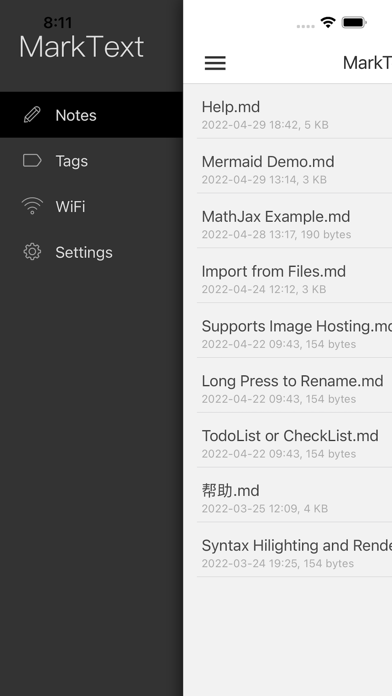
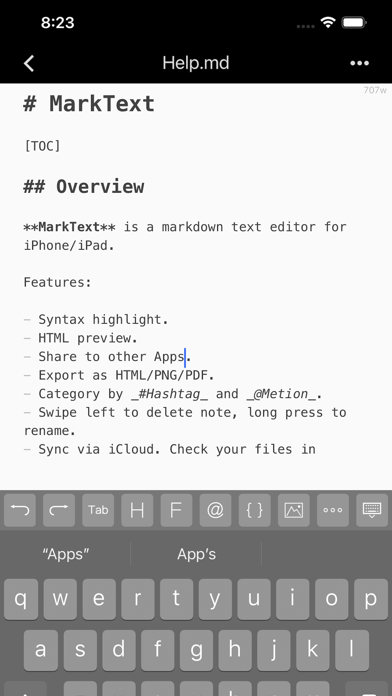
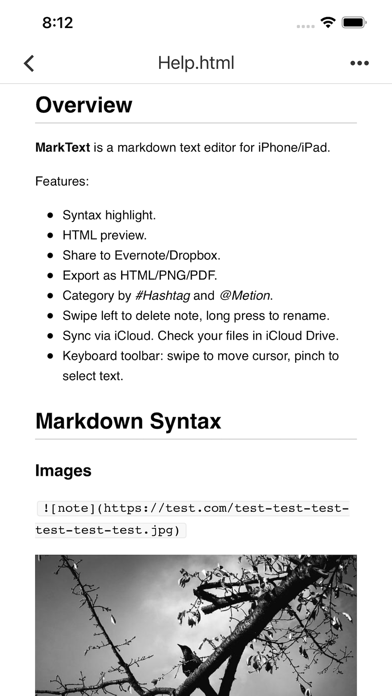
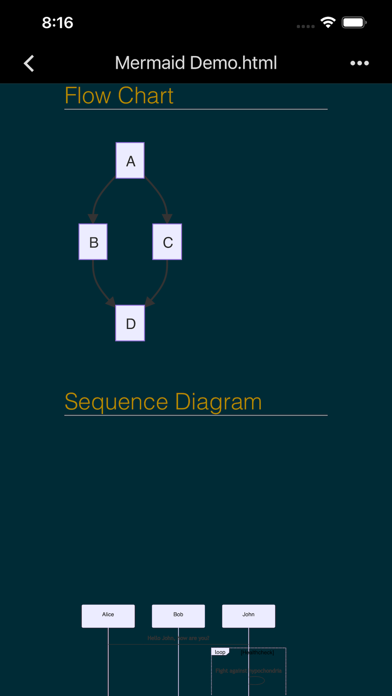
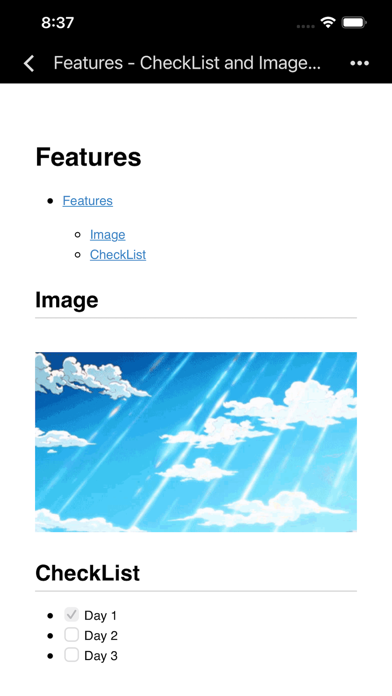
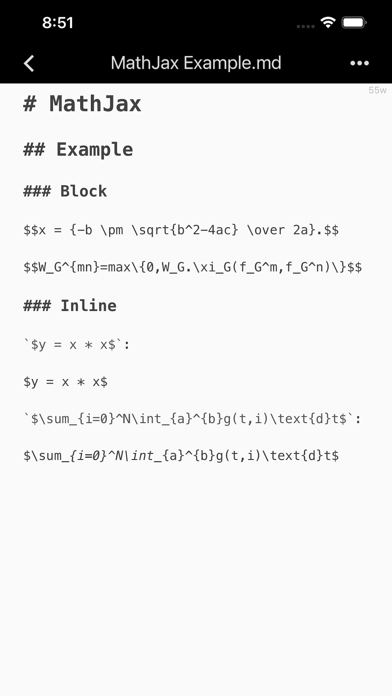
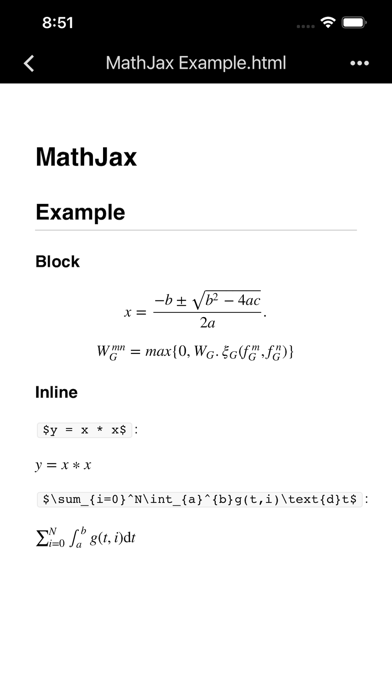
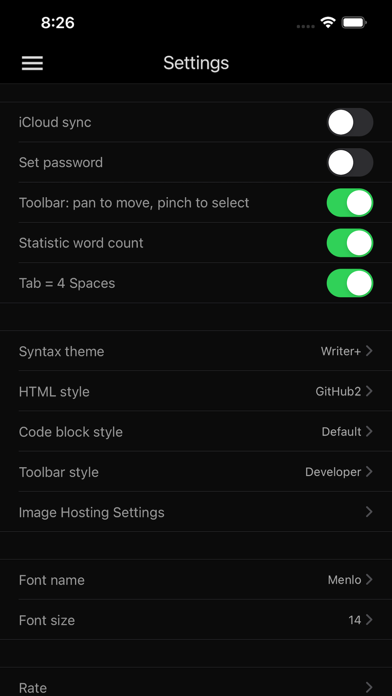
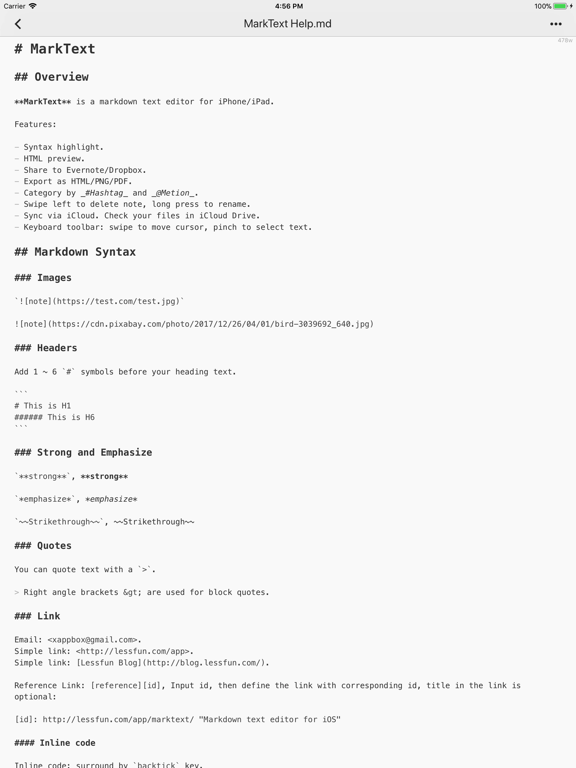
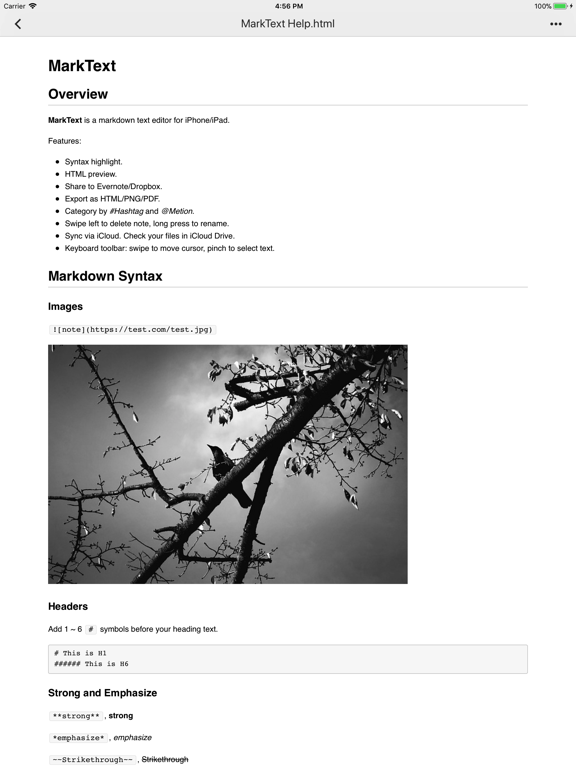
MarkText is a markdown text editor and note taking app for iOS. Write markdown note with real-time syntax highlighting, convert to HTML, PNG or PDF, and share to Evernote, Dropbox and Email. Sync via iCloud Drive across your iPhone & iPad & Mac (in iCloud Drive Folder). # Key Features + Beautiful markdown syntax highlighting. + Swipe on the bar above the keyboard to move cursor. + HTML preview with CSS. + Change theme style, font size. + Import notes via iTunes and export notes with HTML, PNG or PDF formats. + Share notes to Evernote, Dropbox, Email or other Apps. + Full-text search using regex. + Sync notes across iPhone, iPad and Mac using iCloud Drive. + FlowChart & Diagrams using Mermaid & Graphviz. + Display LaTeX and MathML using MathJax. # Todo List Todo list is list with items marked as either [ ] or [x] (incomplete or complete). For example: - [ ] Incomplete - [x] Completed # Import & Export Import markdown documents via iTunes, or create a new one via MarkText, then edit with syntax highlighting. Once you’re done editing, you can export markdown documents to PC via iTunes. You can convert to HTML, PNG or PDF and share to or open in other Apps such as Evernote, Dropbox, Email, etc. # Caret Enhance With the input accessory tools bar, you can insert tabs, headers, lists, code blocks, or create inline links with the tap of a button; left-right swipe on the bar will move the cursor quickly. # Html Preview HTML preview with style sheet(CSS). It supports regular Markdown, MultiMarkdown, and HTML code. It renders footnotes, images, tables and code blocks. # iCloud Drive Automatically store your documents in the cloud to keep them up-to-date across all your devices. # Support Extensions md, mmd, markdown, markdn, mdown, mkdn, markd, txt, text. # Tips + Swipe left to delete note. + Category by #Hashtag and @Metion, no need to create folder. + You could find notes in iCloud Drive from Mac. Please mail to xappbox@gmail.com if you need any help.
Latest release
What’s New
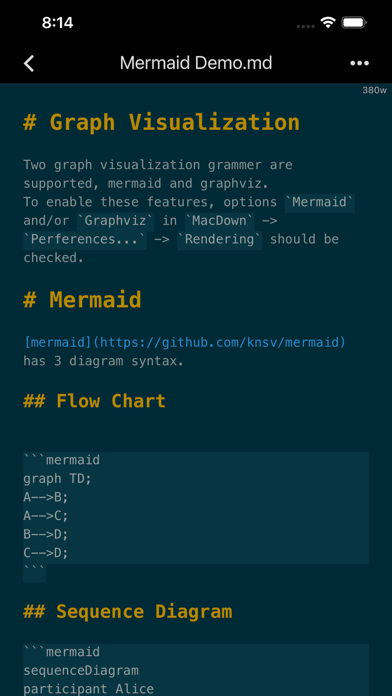
+ Upload image to your own hosting. + Edit and preview flow chart & diagrams via Mermaid & Graphviz. + Edit and display LaTeX and MathML via MathJax. + Supports darkmode. + Supports TOC(table of content) with '[TOC]'. + Supports notes sorting. + Supports import from Files. + Supports quick input of current date and time. + Bug fixes.
Audience growth
Ratings growth
Baseline captured. Growth appears after the crawler observes a changed rating count.
Momentum comes from crawler snapshots for the tracked storefront. “Viral growth signal” means unusually fast recent rating gains; it is an indicator, not download data.
Price tracking
Price intelligence
First snapshot captured. The trend line starts after the next crawler price observation.
- First observed Aug 19, 2026 · 4:55 AM $3.99
Screenshots