About this app
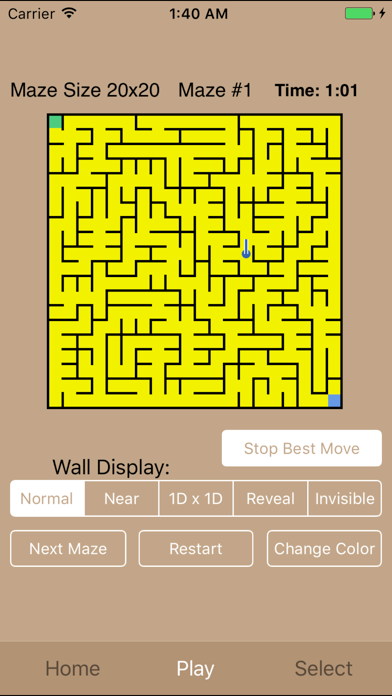
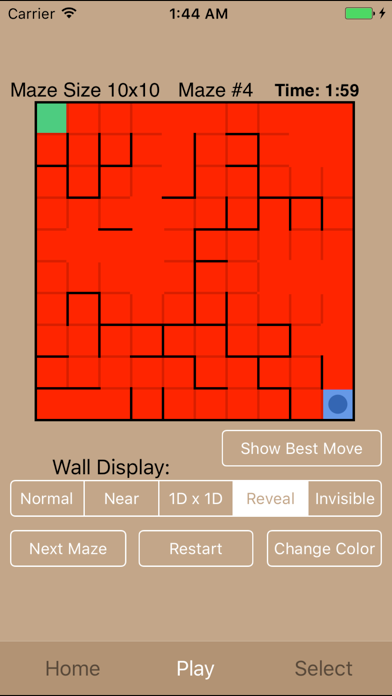
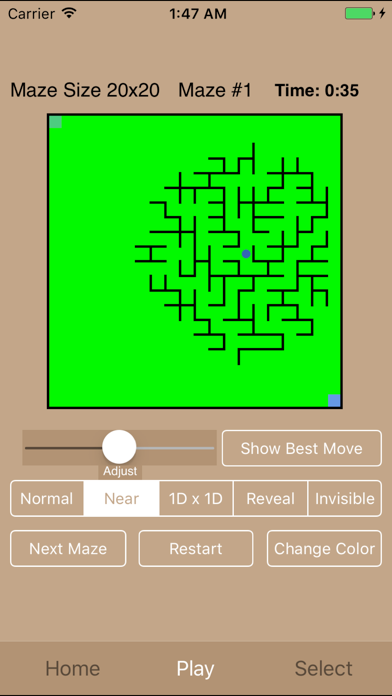
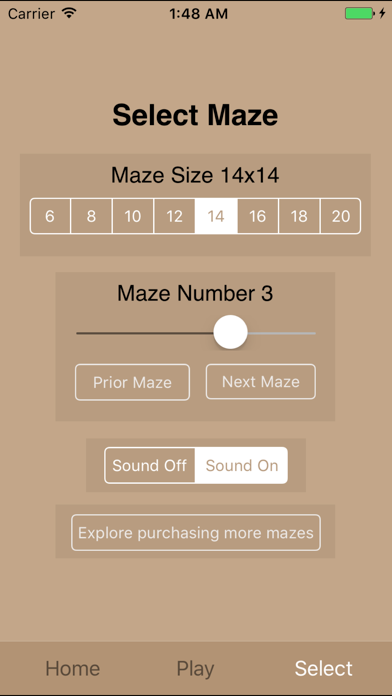
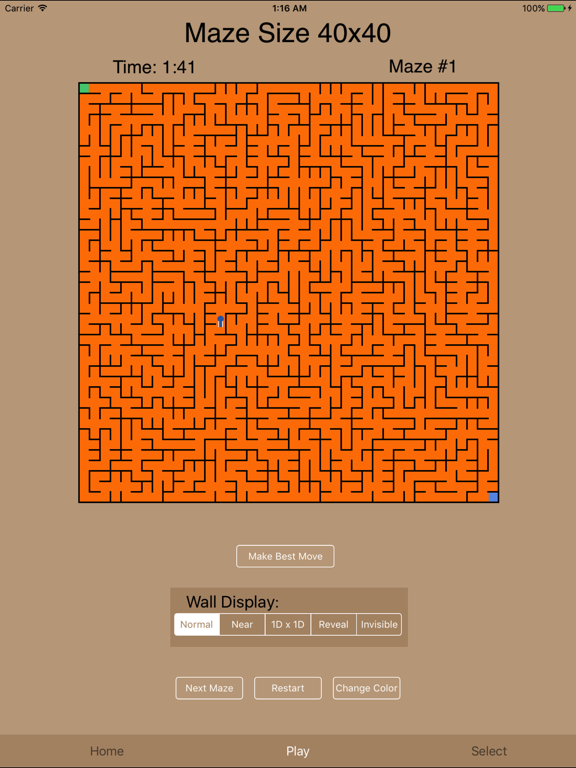
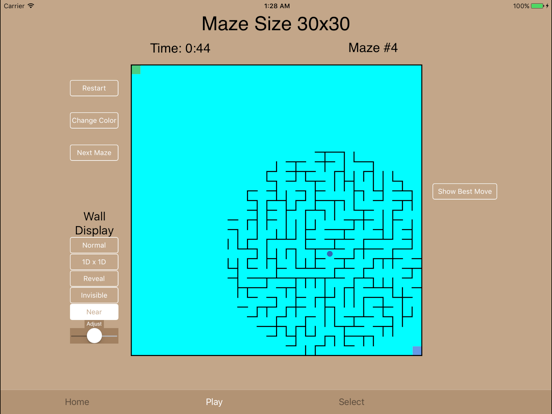
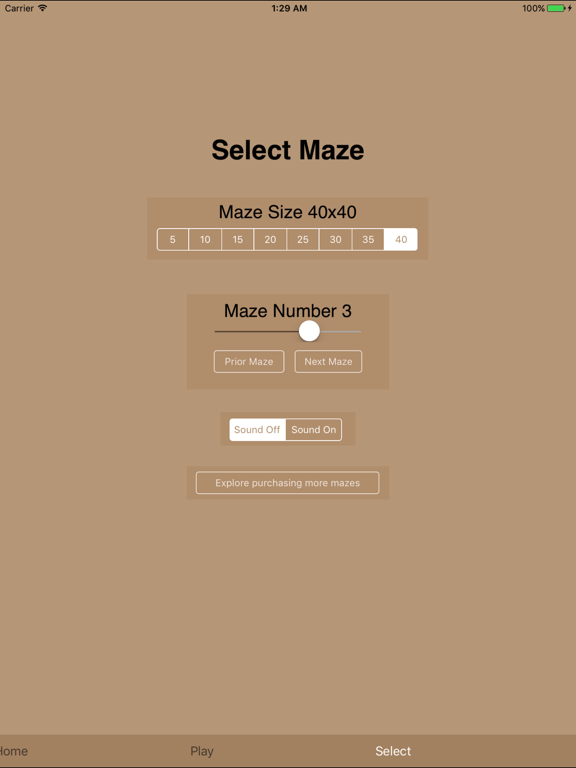
32 free 2-D mazes from 5x5 to 40x40 (iPad) or 6x6 to 20x20 (iPhone). Color and sound. Maze walls can be invisible, revealed upon touch, shown only along a horizontal and vertical line, shown only near your position, or fully displayed. * 32 mazes (In App Purchase increases this to 4000 mazes) * iPhone - Easy 6x6 mazes to hard 20x20 mazes * iPad - Easy 5x5 mazes to hard 40x40 mazes * Touch and drag to move - fast smooth action * 8 colors * Sound on moving * Breadcrumb markers * Show Best Move feature * Timer * Walls can be: invisible visible only when touched visible only nearby (adjustable) visible throughout visible along a horizontal and vertical line (this 1Dx1D display is geometrically similar to the 2Dx2D display in Maze Cube - a true 3D maze game also available at the App Store) Screen shots below show: iPhone - 1) a 20x20 maze with the current position in the center and the 'Show best Move' feature used 2) a 10x10 maze using the 'Reveal' walls option solved using the 'right-hand-rule' 3) a 14x14 maze with the solution marked with 'breadcrumbs' 4) a 20x20 maze using the 'Near' option with walls shown only near the current position 5) the Select Maze screen used to select from the 32 mazes available on the iPhone iPad - 1) a 40x40 maze with the current position in the center and the 'Show best Move' feature used - Portrait view 2) a 15x15 maze using the 'Reveal' option with the solution found using the right-hand-rule - Landscape view 3) a 10x10 maze using the "1Dx1D" option showing only the walls along a horizontal and vertical line and with the path to that position marked with 'breadcrumbs' 4) a 30x30 maze using the 'Near' option with walls shown only nearby the current position 5) the Select Maze screen used to select from the 32 mazes available on the iPad
Latest release
What’s New
All new mazes
Audience growth
Ratings growth
Baseline captured. Growth appears after the crawler observes a changed rating count.
Momentum comes from crawler snapshots for the tracked storefront. “Viral growth signal” means unusually fast recent rating gains; it is an indicator, not download data.
Price tracking
Price intelligence
First snapshot captured. The trend line starts after the next crawler price observation.
- First observed Sep 1, 2026 · 6:04 AM Free
Screenshots