About this app
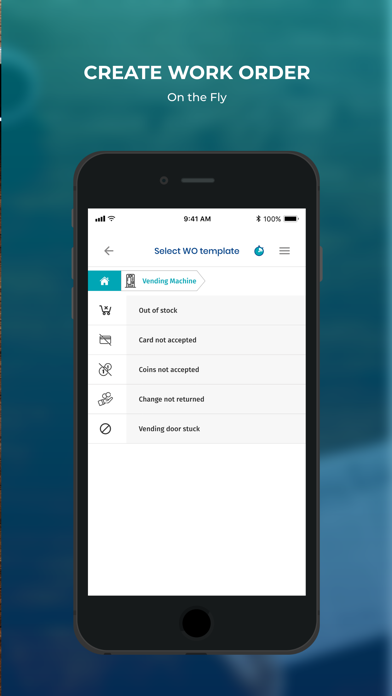
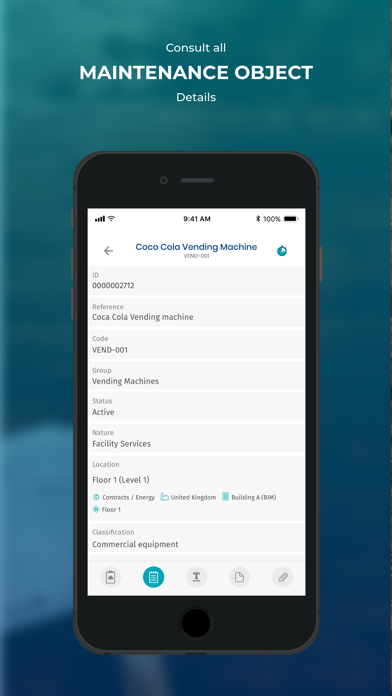
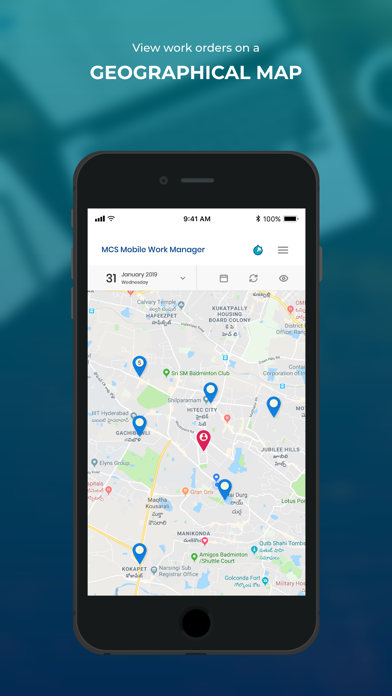
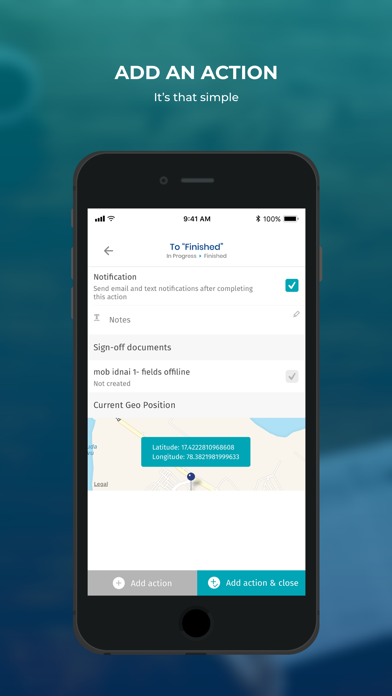
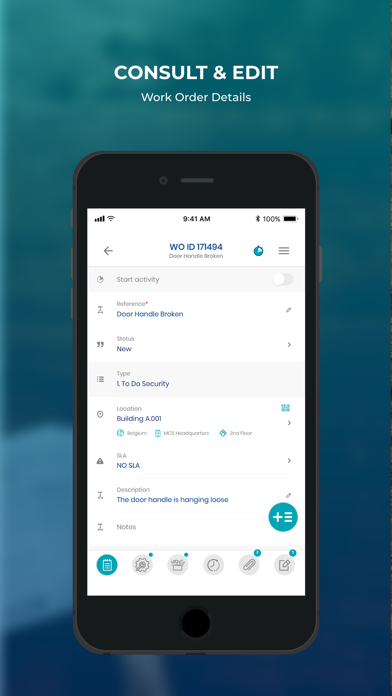
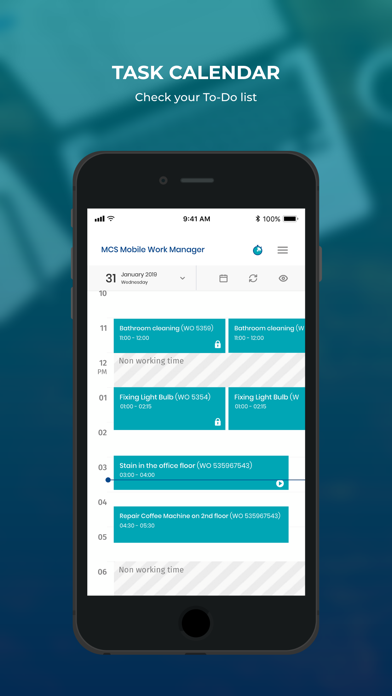
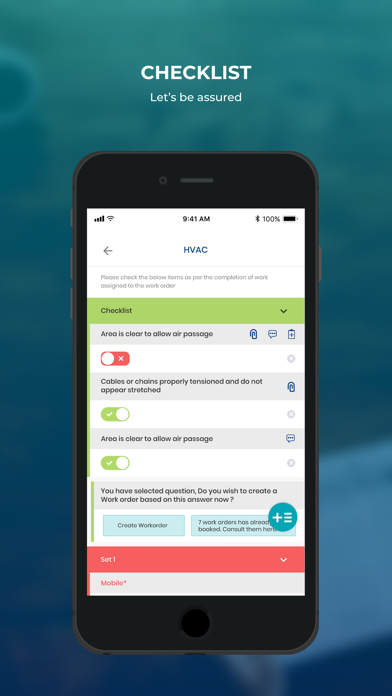
Mobile Work Manager is a facility management field service app. Built on the MCS IWMS platform, the mobile app enables technicians to efficiently manage work orders on the go and complete tasks faster and better. Key capabilities • Intuitive user interface and personalized information • Work order overview with picture ribbon, task calendar, geo map • Work order and resource status, viewing and editing of details • Creation of new work orders on the fly • QR code scanning to identify objects and locations • Fast access to equipment data (incl. full maintenance history) and related documents • Easy tracking of time (start/stop timer) and consumption of materials • Possibility to take work orders offline in case of a weak signal in the field • Storage of GPS coordinates for traceability • Interactive checklists for in-field task guidance and quality control • Digital customer sign-off Minimum supported MCS versions 16.0.346 17.0.136
Latest release
What’s New
Improvements & Bug Fixing
Audience growth
Ratings growth
Baseline captured. Growth appears after the crawler observes a changed rating count.
Momentum comes from crawler snapshots for the tracked storefront. “Viral growth signal” means unusually fast recent rating gains; it is an indicator, not download data.
Price tracking
Price intelligence
First snapshot captured. The trend line starts after the next crawler price observation.
- First observed Aug 19, 2026 · 8:02 AM Free
Screenshots