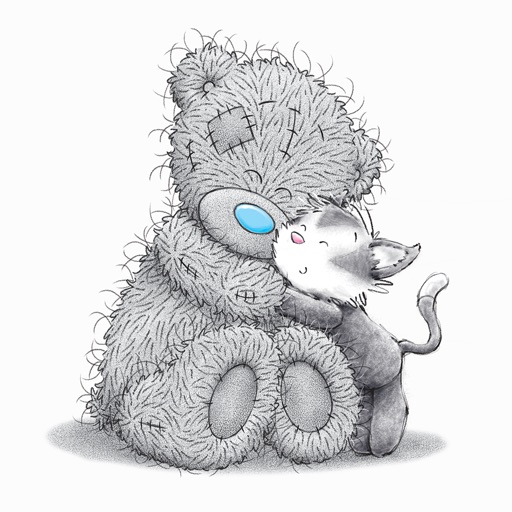
About this app
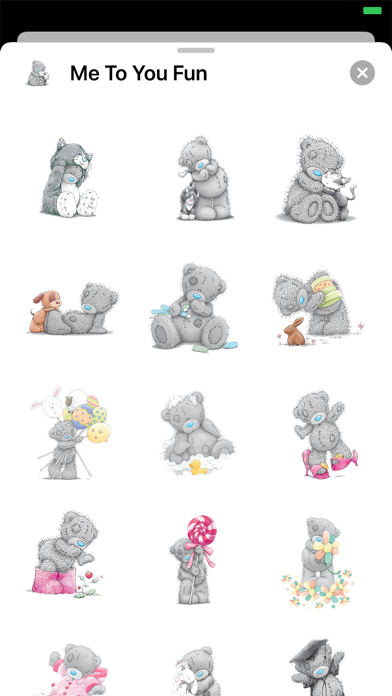
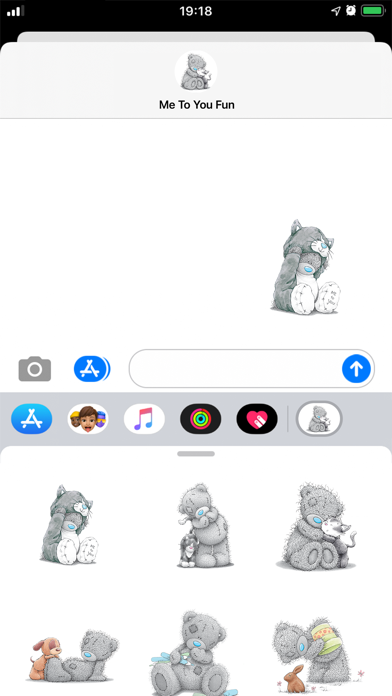
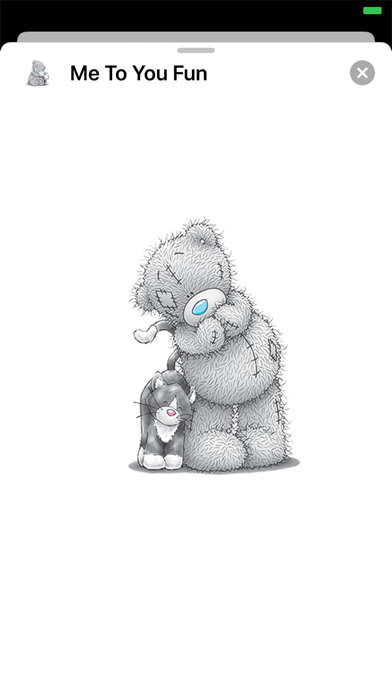
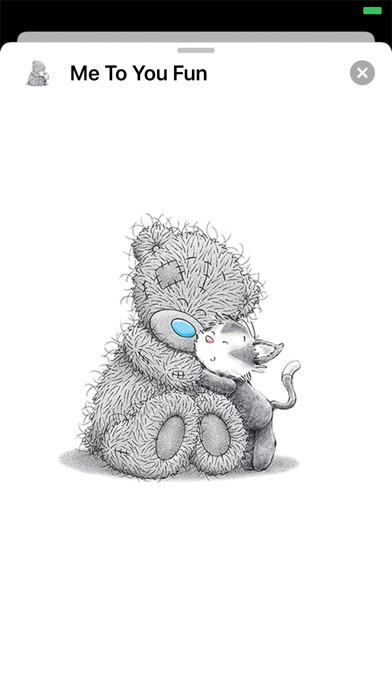
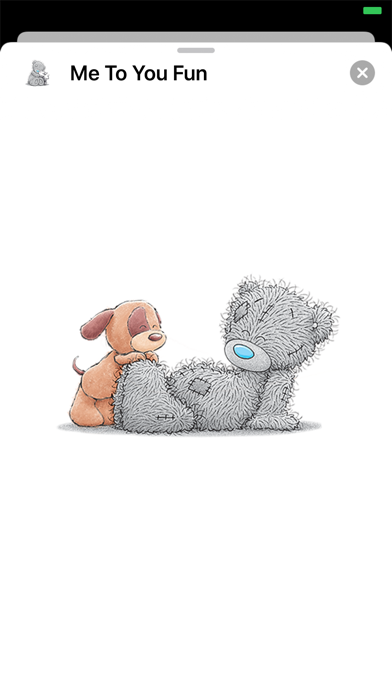
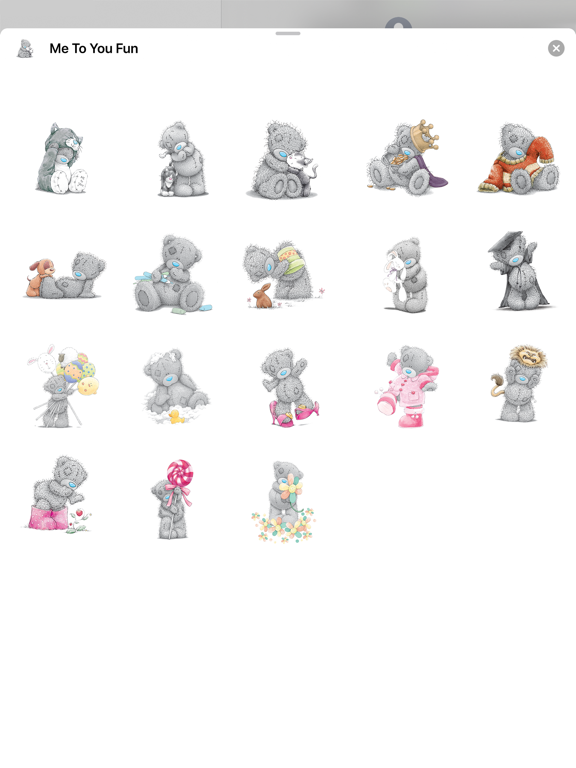
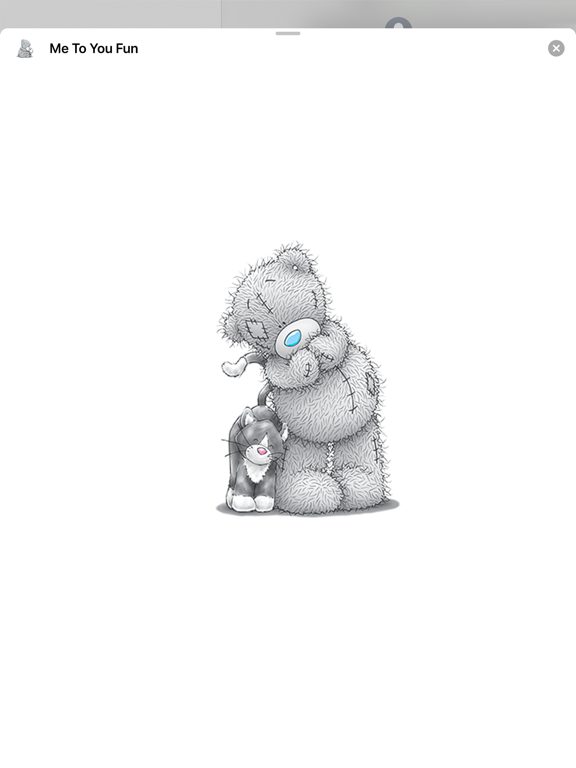
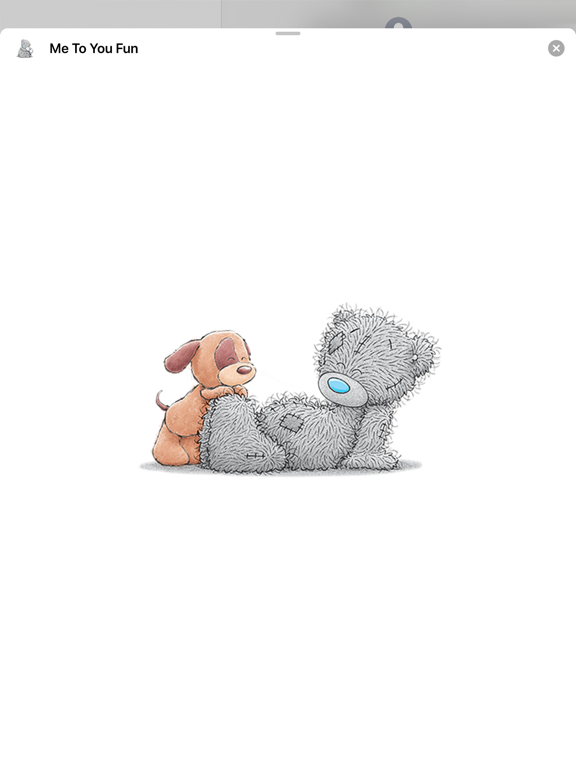
Perfect way for parents to communicate either with each other or with their kids. A new baby, a birthday, or nothing really special — just a lovely parental feeling expression. Get these tiny Teddy Bears for messaging with and/or about your beloved kids. The tips on sending iMessage stickers: - Open your iMessage, select the contact you want to send stickers - Under the message compose field scroll horizontally to locate the Me To You Fun app icon and tap it - Scroll vertically to locate the sticker you'd like to send and tap it - Tap the send button and here it goes! Check out our other ranges of Me to You stickers for iMessage available on the App store. To use a sticker within a conversation you can tap to send or hold them to place on top of bubbles, photos and other stickers.
Latest release
What’s New
Thank you for using this app and sending tender Tatty Teddy stickers to each other. In this update we've adapted the app for all the newest devices and done some optimization.
Audience growth
Ratings growth
Baseline captured. Growth appears after the crawler observes a changed rating count.
Momentum comes from crawler snapshots for the tracked storefront. “Viral growth signal” means unusually fast recent rating gains; it is an indicator, not download data.
Price tracking
Price intelligence
First snapshot captured. The trend line starts after the next crawler price observation.
- First observed Aug 20, 2026 · 10:49 PM $1.99
Screenshots