About this app
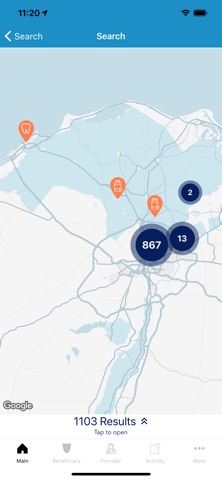
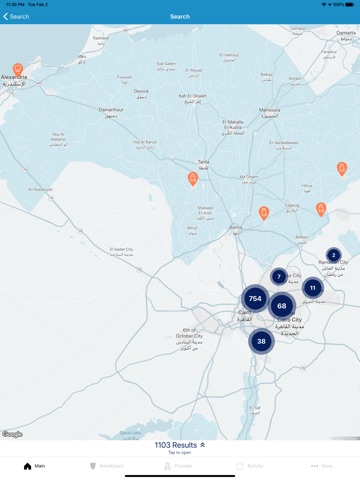
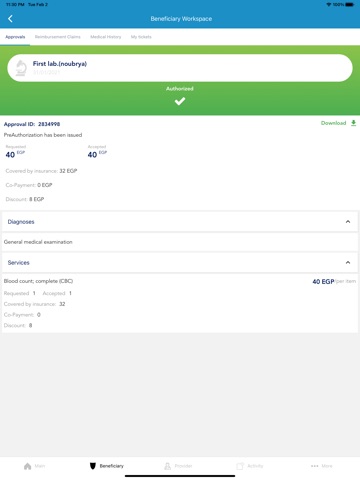
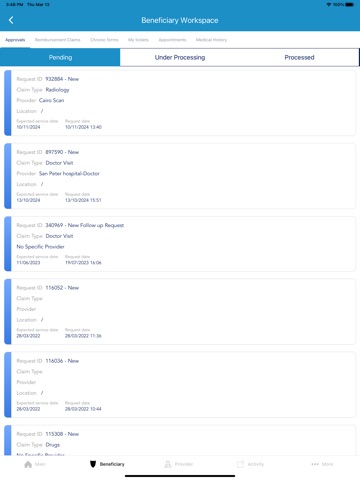
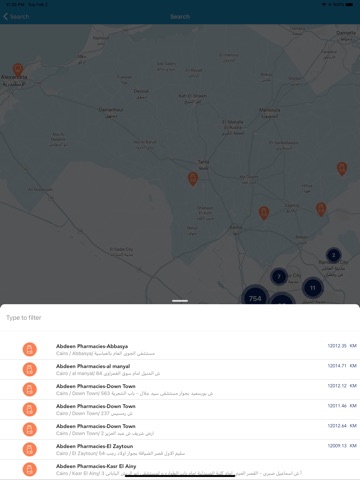
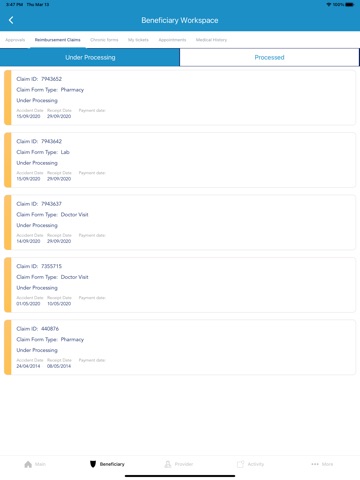
Register to our new App and ease every step of your healthcare cycle Med Right HPM mobile application has been updated to serve you the following: · Search your medical network & nearest medical providers to your location. Mark your preferred medical providers. · Access your E-card (digital card) · Check your benefits & policy · Review and manage all your dependents related information · Request your services/approvals & track them · Receive immediate notifications for your requests & its status · Monitor your utilization & review your medical history · Submit your reimbursement claims/requests & track their progress · Submit any complaints or suggestions · Request a Doctor’s appointment · Request Medication Delivery How to register to your app? You will need to sign up with your registered mobile number within Med Right HPM’s database. You can register/edit your mobile number through your company’s HR team or by sending an email to info@med-right.com using your corporate’s business email. This is a mandatory step to be able to use our app since it will grant you access to all your confidential medical data. Medical Facility lookup • Nearby Providers on Map • Location Search on Map • Smart Search • Advanced Search • Favorite Providers E-Card • Beneficiary Electronic Medical Card Approvals Management • Request Approval directly from the mobile app (In-Patient and Out-Patient) • Track Approval Requests • Receive Notifications for processed approvals • Check Approvals History Claims Management • Submit Reimbursement Claims • Track Claim Status • Check Claims History • Receive Claim Processing Notification Medical History • Medical File (Medical Conditions, Medical Episodes, Share Medical File with Patient Physician) • Review Diagnostic Test Results • Chronic Drugs (Review Chronic Application and Chronic Drugs Monthly Dispensation) Doctor Appointments • Schedule Doctor Visit • Check Doctor Visit History Tickets • Open Tickets and Submit Enquiries • Track Tickets • Receive Notifications • Check Ticket History Payments Management • Review Payment History • Track Submitted Batches • Receive Payment Notifications
Latest release
What’s New
New Features & Enhancements
Audience growth
Ratings growth
Baseline captured. Growth appears after the crawler observes a changed rating count.
Momentum comes from crawler snapshots for the tracked storefront. “Viral growth signal” means unusually fast recent rating gains; it is an indicator, not download data.
Price tracking
Price intelligence
First snapshot captured. The trend line starts after the next crawler price observation.
- First observed Sep 4, 2026 · 6:07 AM Free
Screenshots