About this app
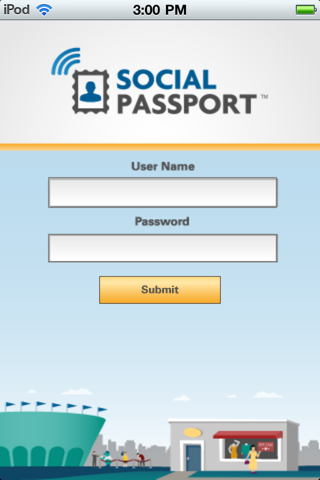
The Social Passport uses QR technology to securely encapsulate social networking information (Facebook, Twitter, Foursquare, etc) into a 2D barcode that users can carry on a regular cell phone, smartphone, or even a piece of paper. Merchants set up inexpensive scanners that read customers’ passports and in seconds send out a tweet, like, check-in, etc about their products or services to the customer’s entire social network. This Social Passport Scanner app turns your iPad or iPhone into a scanner that will read customers’ QR codes and in seconds send out a tweet, like, check-in, etc about their products or services to the customer’s entire social network. Content of the social media messages are easily customized through the SocialPassport.net merchant back-end interface.
Latest release
What’s New
-Icon notifications of social networks that have been reached with each scan. -New sound notifications -Bug fixes
Audience growth
Ratings growth
Baseline captured. Growth appears after the crawler observes a changed rating count.
Momentum comes from crawler snapshots for the tracked storefront. “Viral growth signal” means unusually fast recent rating gains; it is an indicator, not download data.
Price tracking
Price intelligence
First snapshot captured. The trend line starts after the next crawler price observation.
- First observed Oct 8, 2026 · 10:57 AM Free
Screenshots