About this app
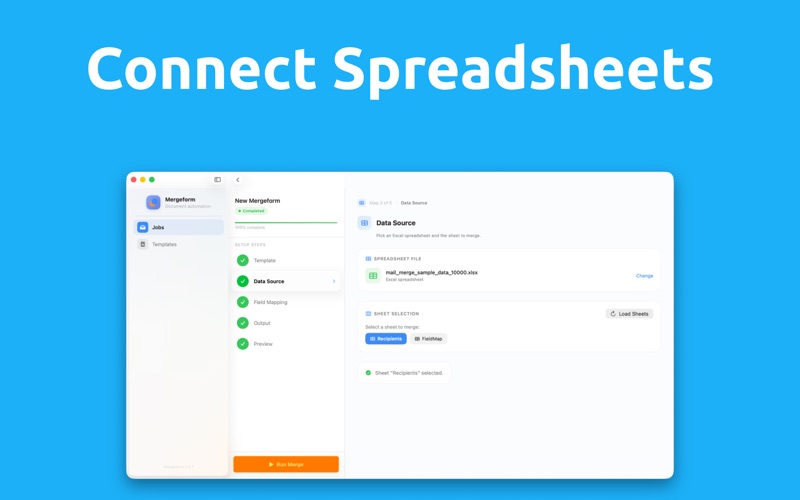
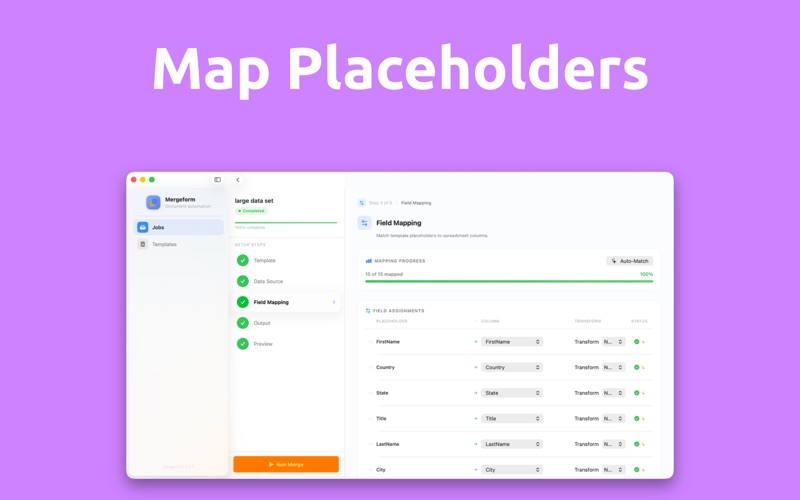
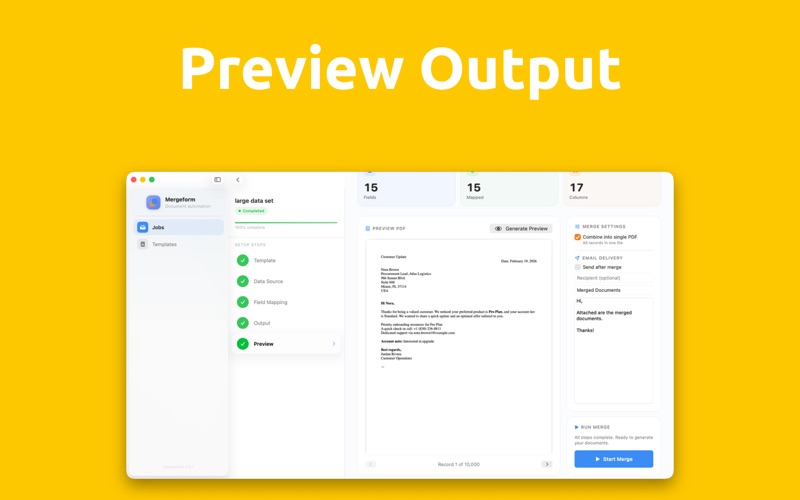
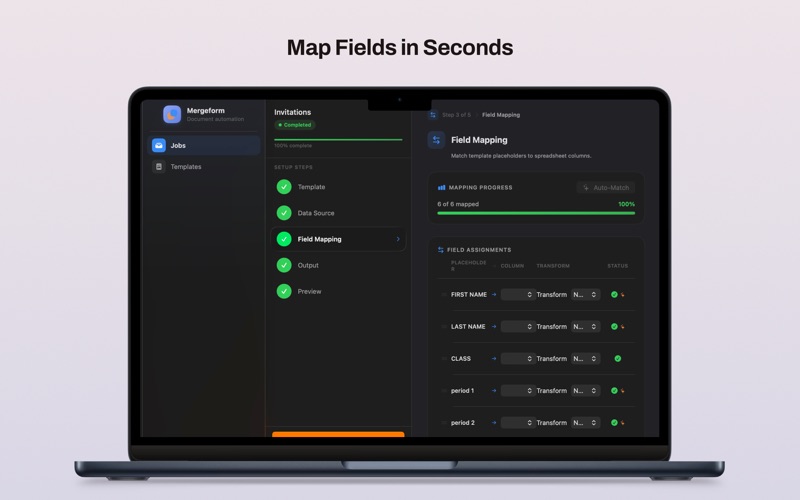
Mergeform lets you turn your existing documents and spreadsheets into thousands of personalized PDFs in just a few clicks. Instead of manually editing each document, you use the files you already know: • Start with your own DOCX Use any Word .docx file as a template. Add simple merge fields like {{Name}} or {{Address}} right where you want personalized data to appear. • Connect an Excel spreadsheet Choose your Excel workbook and select the sheet that holds your data. Each row becomes a personalized document, and each column can fill in a different part of your template. • Map fields with clarity Match template placeholders to specific spreadsheet columns so you know exactly what will appear where. See at a glance which data is used for names, dates, amounts, and more. • Preview before you commit Generate a sample PDF to confirm everything looks right before you run the full job. Check formatting, spelling, and layout so there are no surprises later. • Export exactly what you need Create a separate PDF for every row in your spreadsheet, or export a single combined PDF that contains all generated documents in one file, ready to print or share. Because it is built specifically for macOS, Mergeform feels right at home on your Mac: • Clean, focused interface that stays out of your way • Fast processing for large spreadsheets and long documents • Reliable PDF output that preserves your fonts and layout Use Mergeform for: • Letters: Personalized client letters, school notices, fundraising campaigns • Certificates: Event participation, course completion, awards, memberships • Invoices and billing: Customized invoices, statements, receipts • Reports and forms: Enrollment forms, HR letters, agreements, and more With Mergeform, you can go from a single DOCX and a simple spreadsheet to hundreds or thousands of polished PDFs in minutes, without learning new tools or complex systems.
Latest release
What’s New
We redesigned major parts of the app with a new visual system, so everything looks consistent and feels faster to use. What’s new: - App navigation updated for smoother, quicker access to every section - Jobs overview redesigned to help you spot what matters at a glance - Template library refreshed for easier browsing, selection, and starting new jobs - Category sheets updated so you can find the right templates in fewer taps - Job setup workspace rebuilt to make the full process clearer from start to finish We also refreshed the configuration experience: - New configuration screens with cleaner layout and more intuitive controls - Improved preview and run flow so you can test your setup with less back-and-forth - Shared components updated for more consistent behavior across the app Finally, we updated paywall styling to match the new design system, keeping the upgrade experience visually aligned with the rest of the product.
Audience growth
Ratings growth
Baseline captured. Growth appears after the crawler observes a changed rating count.
Momentum comes from crawler snapshots for the tracked storefront. “Viral growth signal” means unusually fast recent rating gains; it is an indicator, not download data.
Price tracking
Price intelligence
First snapshot captured. The trend line starts after the next crawler price observation.
- First observed Aug 8, 2026 · 1:40 PM Free
Screenshots