About this app
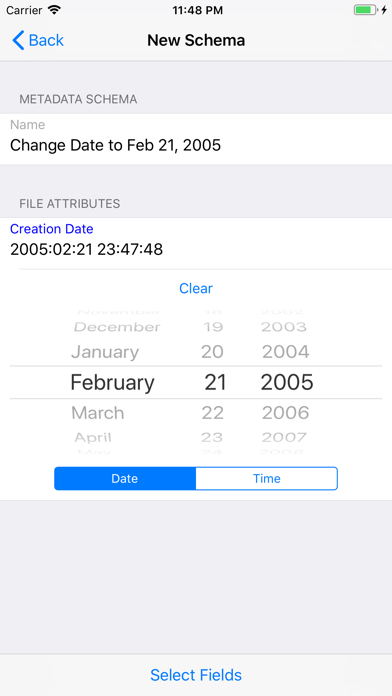
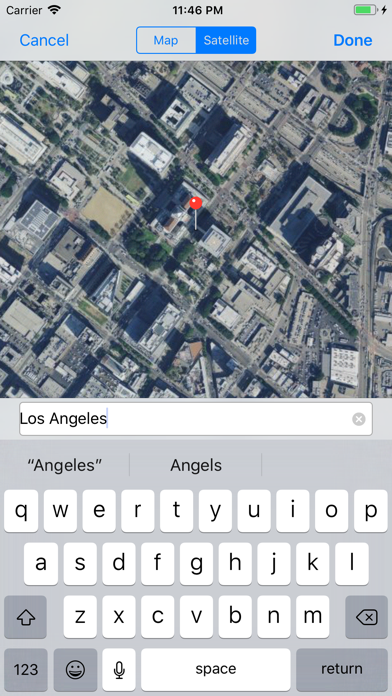
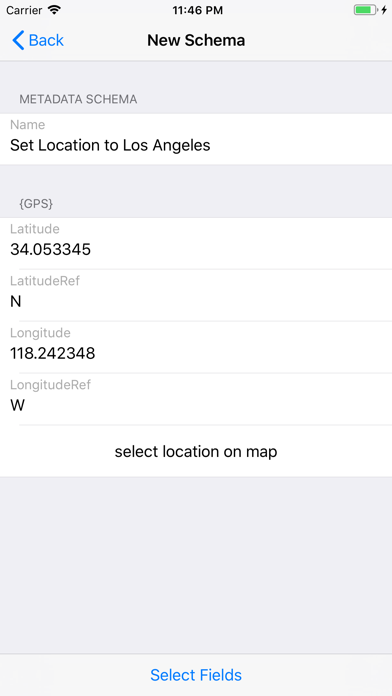
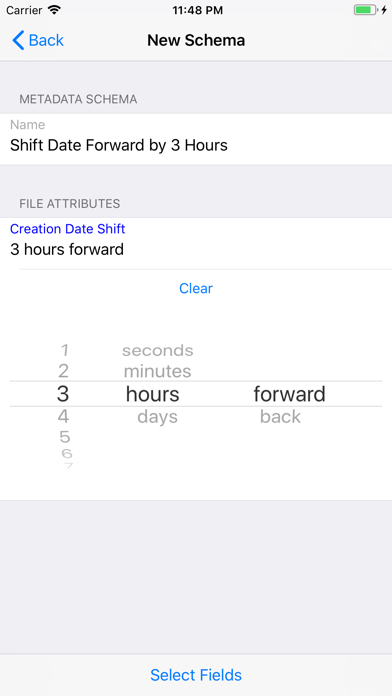
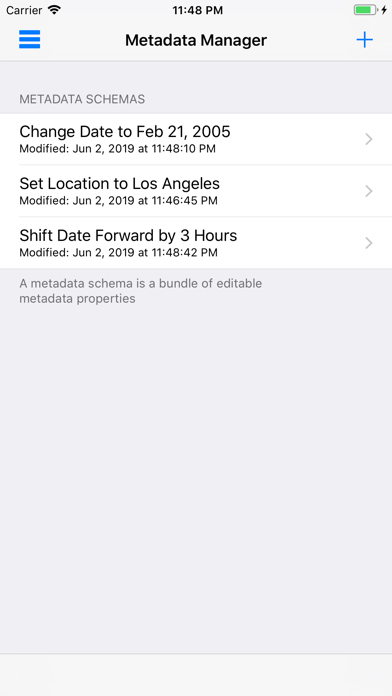
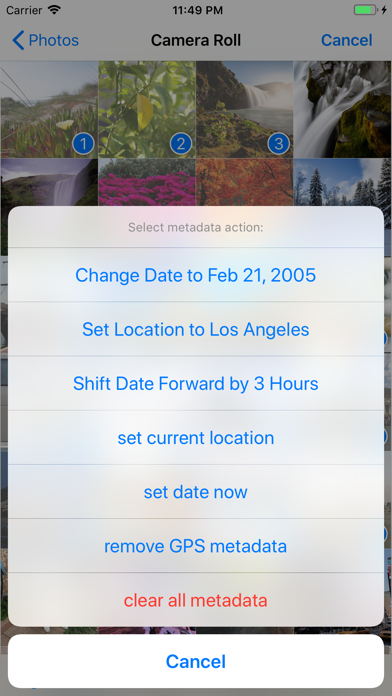
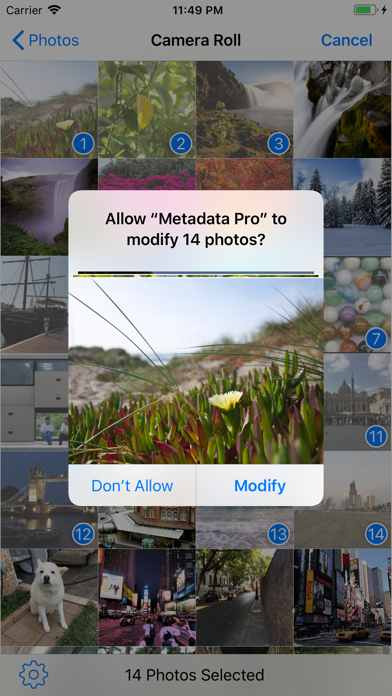
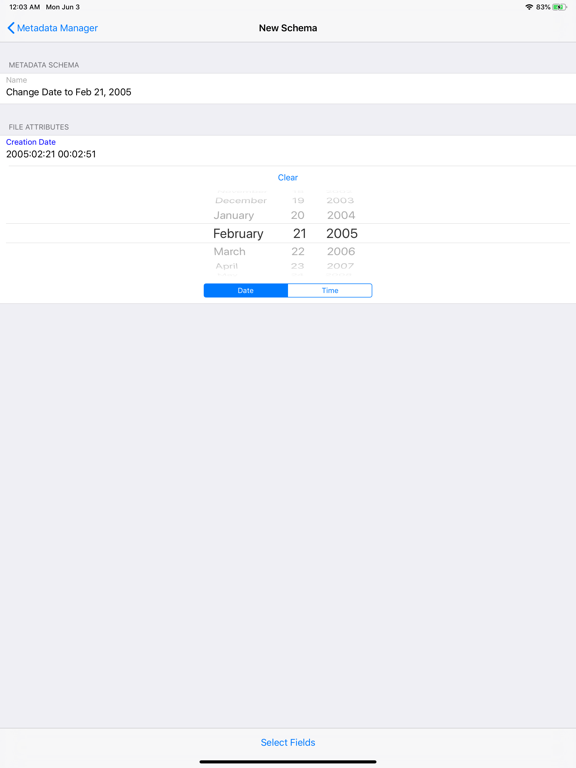
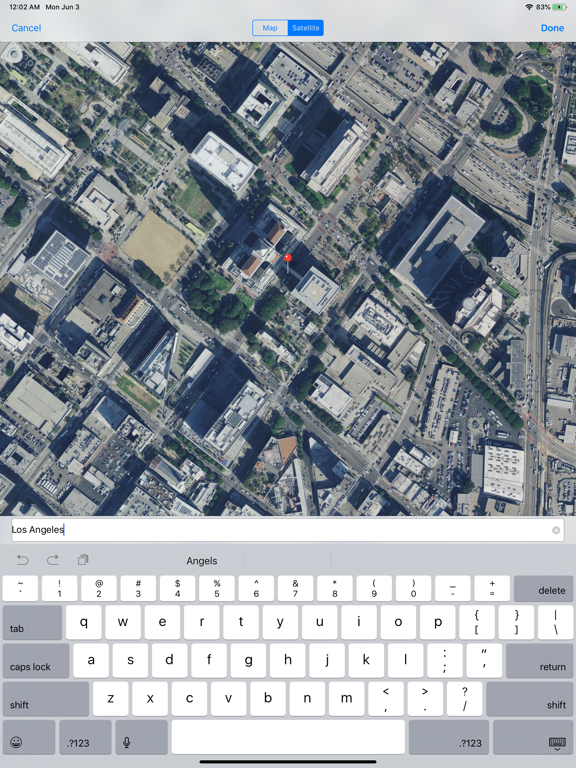
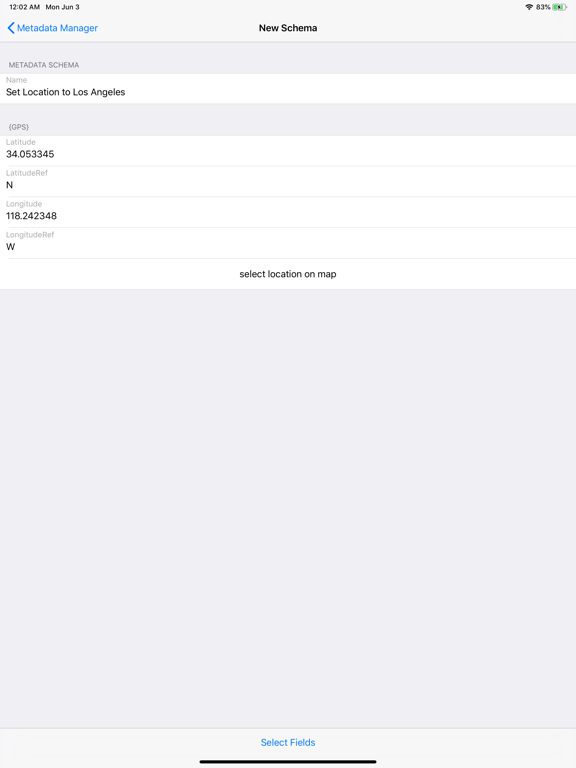
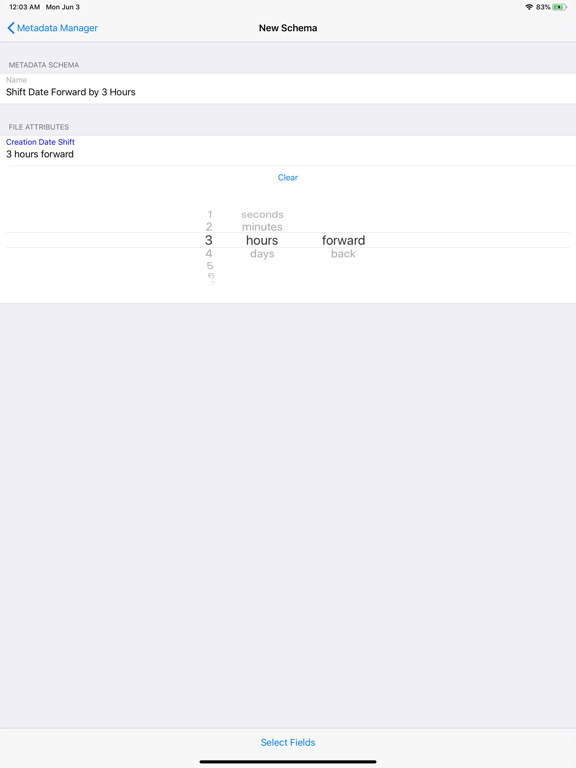
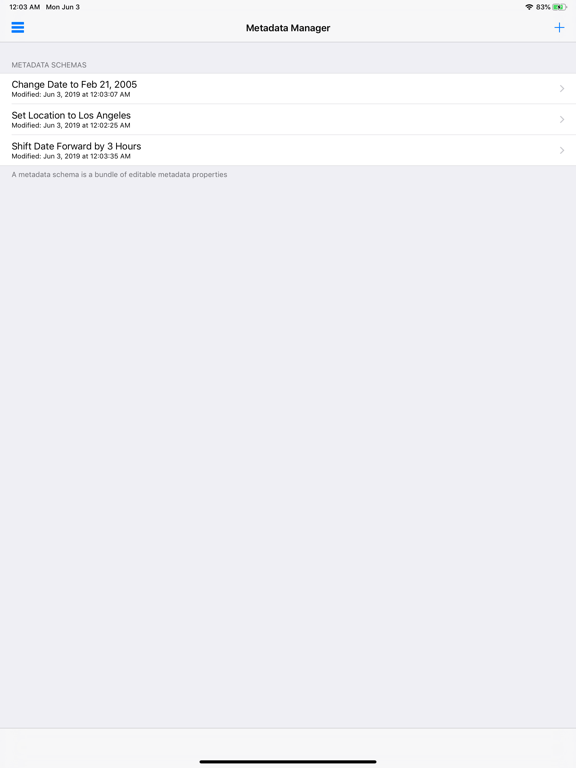
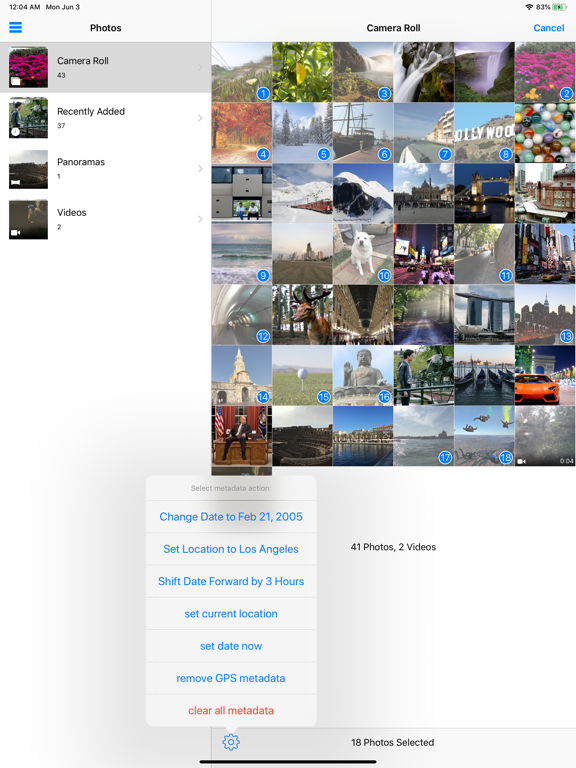
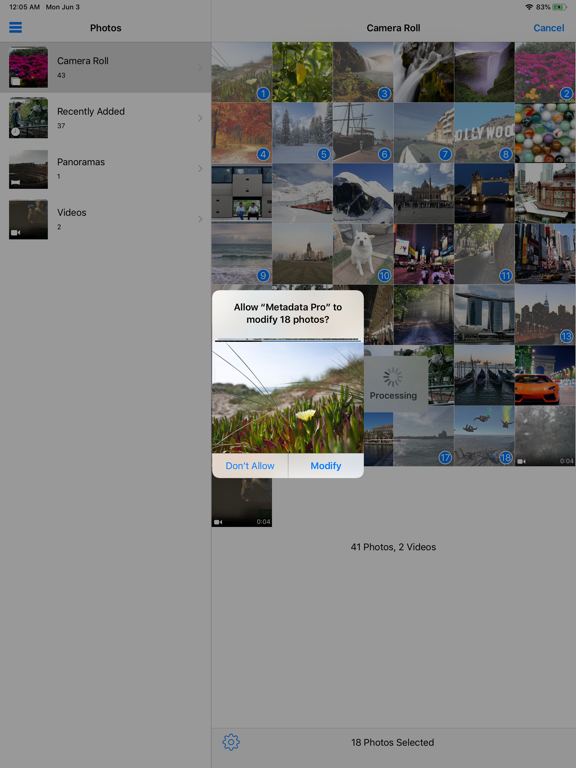
PHOTO AND VIDEO METADATA EDITOR •Single or batch edit date •Single or batch edit location/GPS •Single or batch EXIF, PNG, and TIFF metadata •Single or batch shift dates to correct timezone (i.e. shift photos by 5 hours) Built in actions to quickly perform these functions to a single or batch of photos/videos: •Remove GPS/Location metadata •Remove All metadata •Set to current date and time Additional Features: •View filename and size of photos and videos •View duration and resolution of videos •Export metadata from photos and videos to apply to other photos and videos •Create metadata schemas to reuse on photo and videos •Read metadata of RAW photo file types such as CR2, NEF, DNG, and more! (Note: export of RAW file types not supported at this time) Metadata Pro supports adding, removing, and/or editing the following photo metadata: GPS: •Altitude •AltitudeRef •Latitude •LatitudeRef •Longitude •LongitudeRef TIFF: •Artist •Copyright •DateTime •ImageDescription •Make •Model •Orientation •Software PNG: •Author •Copyright •Description •Software •Title IPTC: •Keywords Exif: •ApertureValue •BodySerialNumber •BrightnessValue •CameraOwnerName •Contrast •CustomRendered •DateTimeDigitized •DateTimeOriginal •DigitalZoomRatio •ExposureBiasValue •ExposureIndex •ExposureMode •ExposureProgram •ExposureTime •Flash •FlashEnergy •FNumber •FocalLength •FocalLenIn35mmFilm •FocalPlaneResolutionUnit •FocalPlaneXResolution •FocalPlaneYResolution •GainControl •Gamma •ISOSpeed •LensMake •LensModel •LensSerialNumber •LightSource •MeteringMode •RecommendedExposureIndex •Saturation •SceneCaptureType •SceneType •SensingMethod •SensitivityType •Sharpness •ShutterSpeedValue •StandardOutputSensitivity •SubsecTime •SubsecTimeDigitized •SubsecTimeOrginal •UserComment •WhiteBalance Metadata Pro supports adding, removing, and/or editing the following video metadata: •Copyright •CreationDate •Description •Location •Make •Model •Software Note: Modifying of existing photos and videos is only possible with JPG/JPEG photos and MOV videos.
Latest release
What’s New
Bug fixes and optimizations.
Audience growth
Ratings growth
Baseline captured. Growth appears after the crawler observes a changed rating count.
Momentum comes from crawler snapshots for the tracked storefront. “Viral growth signal” means unusually fast recent rating gains; it is an indicator, not download data.
Price tracking
Price intelligence
First snapshot captured. The trend line starts after the next crawler price observation.
- First observed Aug 27, 2026 · 6:58 AM $3.99
Screenshots