About this app
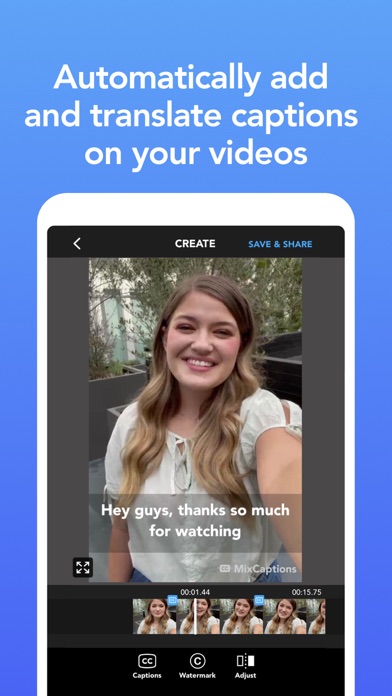
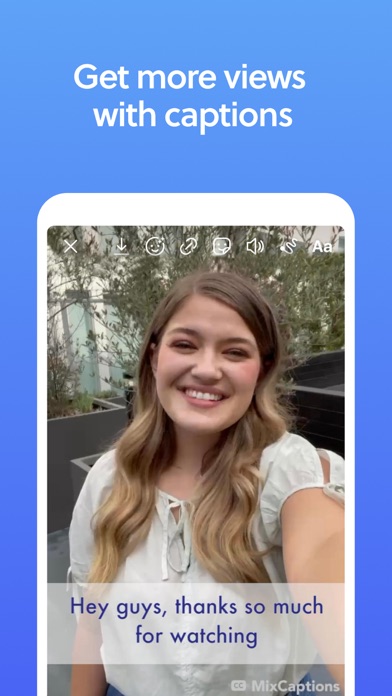
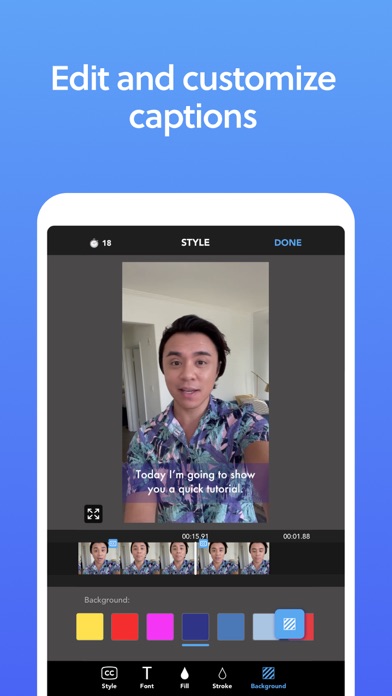
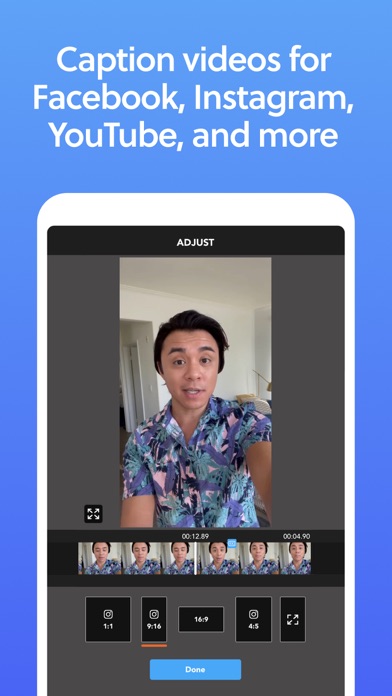
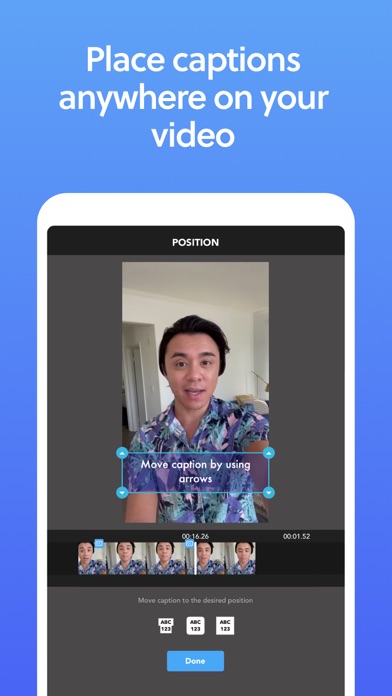
Automatically caption your videos and get accurate, elegant video with text on screen. It’s the secret to getting people to stop scrolling and watch your videos. CREATE AUTOMATIC, ACCURATE SUBTITLES For influencers and business founders, closed captioning is one of the most important steps before posting video content. And with MixCaptions, it’s quick, easy, and automatic: just upload a video, and we’ll transcribe and translate it in only a few minutes. You can always edit and customize your video captions later. ACCESSIBILITY FOR ALL More than 8 million people in the US are deaf or hard of hearing. MixCaptions makes your videos accessible to all fans and followers who may be watching on mute. CAPTION YOUR NEXT VIDEO FOR FREE Download MixCaptions and we’ll transcribe your first video for free (up to 3 minutes long). MixCaptions will save you time and money! FEATURES: • Transcribe longer videos: up to 10 minutes for individual subscribers, or up to 30 minutes for business subscribers • Edit video captions after they’re transcribed • Import and export SRT files • Display captions anywhere on your videos • Load your own fonts • Add effects and customize fonts, colors, and text backgrounds • Remove the MixCaptions watermark • Add your own text or image watermark, like a logo or handle • Supports most common video ratios — including vertical and 16:9 — that are ideal for Instagram posts, IGTV, Instagram Stories, Facebook, and Twitter • Automatically transcribes 23 languages*: English, Croatian, Danish, Dutch, Finnish, French, German, Hebrew, Hungarian, Italian, Japanese, Korean, Norweigan, Polish, Portuguese, (Portugal and Brazil), Russian, Spanish, Swedish, Thai, Traditional Chinese, Turkish, and Vietnamese * MixCaptions does not translate your videos. It will transcribe the spoken language into text. • Subscription auto-renew at the cost of the selected plan, unless cancelled 24-hours in advance prior to the end of the current period. The subscription fee is charged to your iTunes account at confirmation of purchase. You may manage your subscription and turn off auto-renewal by going to your Account Setting after purchase. Per Apple policy, no cancellation of the current subscription is allowed during active subscription period. Once purchased, refunds will not be provided for any unused portion of the term. • Terms of use - https://www.mixcord.co/terms-of-use-agreement.html • Privacy policy - https://www.mixcord.co/privacy-policy.html Have any comments? Want to request a feature? Please Email Team@mixcord.co Follow us: @MixCaptions
Latest release
What’s New
- Improvements & bug fixes Note: If you are experiencing problems please email us at team@mixcord.co so that we can get more details from you. Simply leaving a review does not always give us the information needed to resolve the issue.
Audience growth
Ratings growth
Momentum comes from crawler snapshots for the tracked storefront. “Viral growth signal” means unusually fast recent rating gains; it is an indicator, not download data.
Price tracking
Price intelligence
- First observed Aug 7, 2026 · 1:58 AM Free
Screenshots