About this app
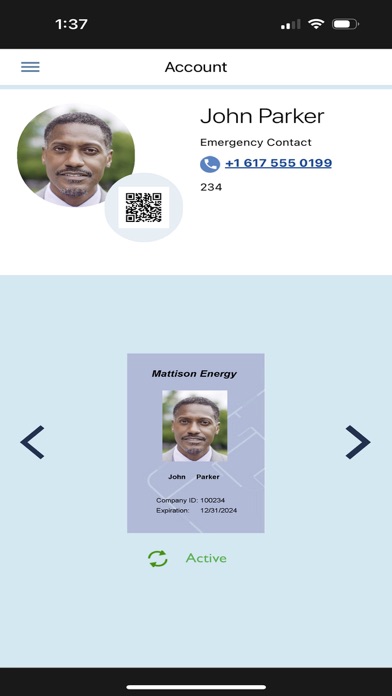
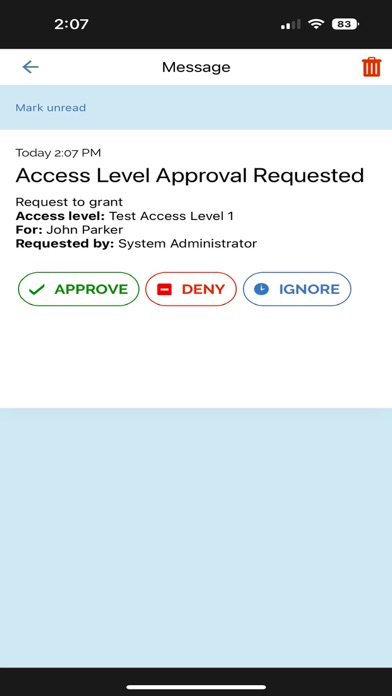
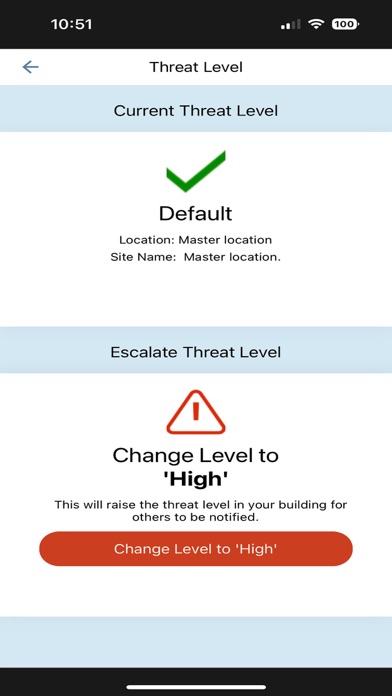
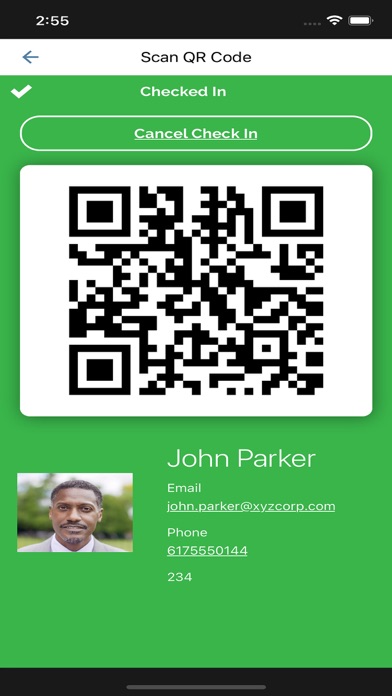
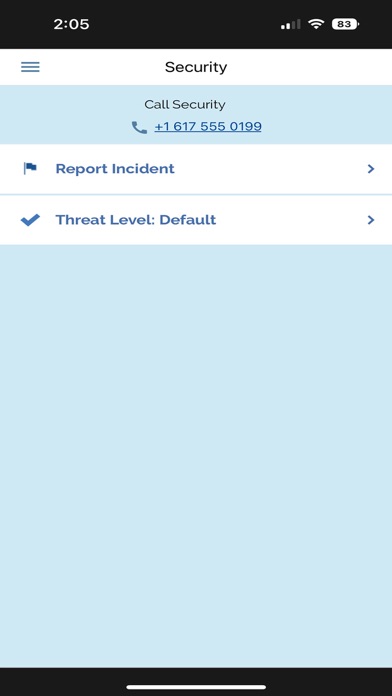
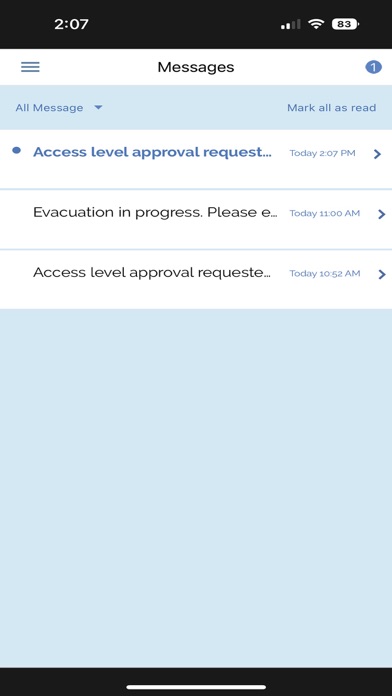
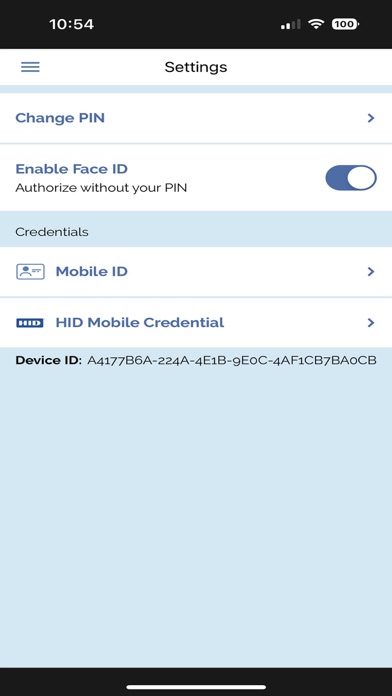
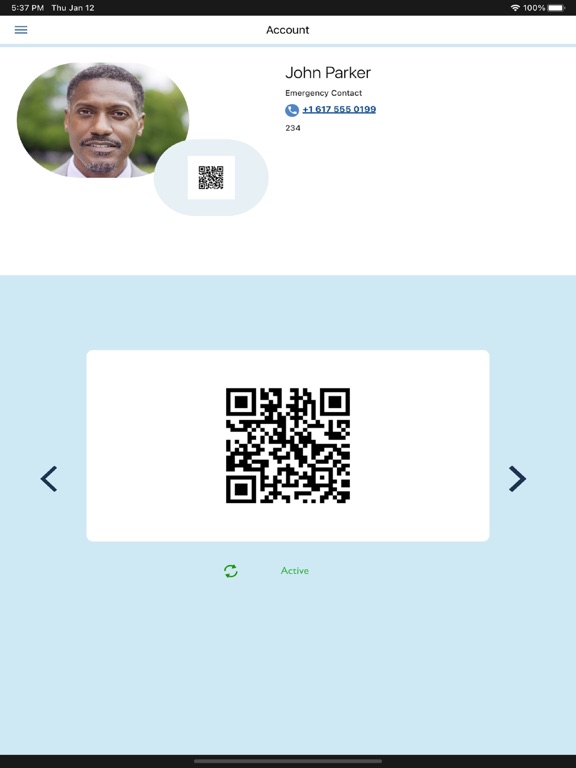
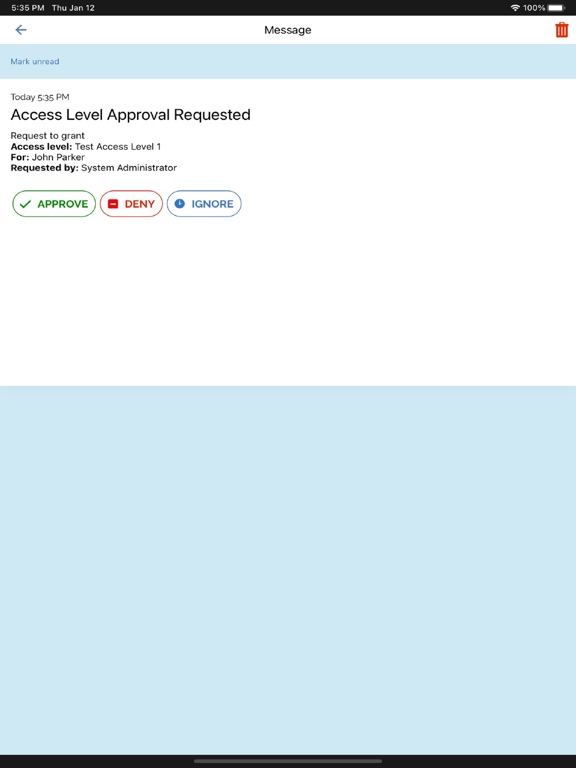
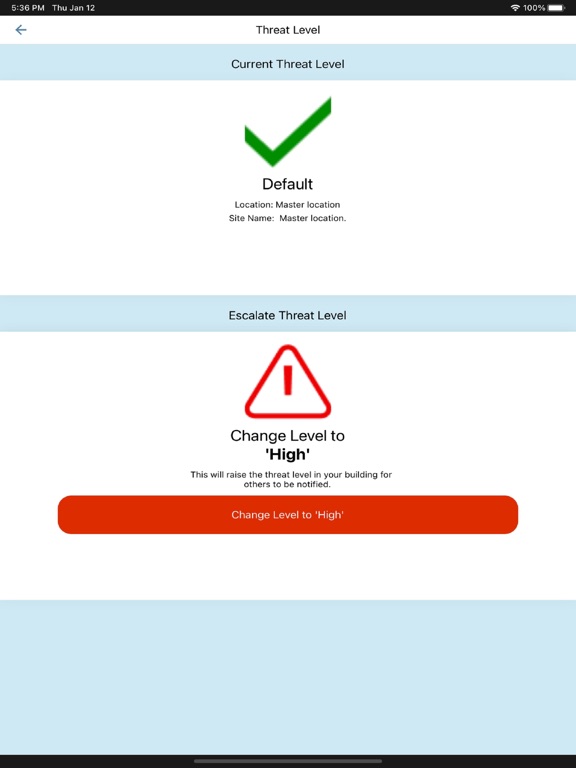
Mobile Security User is a mobile application that enhances safety and security, designed to be used by everyone in the workplace. With Mobile Security User, employees can receive notifications from security personnel, utilize their phone as a mobile photo ID or mobile credential using HID Origo services integrated with NetBox version 5.3 or later, share crowdsourced media, raise or lower threat levels, and muster during an evacuation event. Mobile Security User features tight integration with Mobile Security Professional, making them an ideal pairing in enterprise deployments. Mobile Security User features a mobile photo ID to enable users to identify themselves, streamlining access throughout a building or campus. The photo ID also includes an individualized QR code for use during evacuations. Users can also take a variety of actions within the app such as calling security, escalating a threat (which can initiate a lockdown) as well as self-mustering in the event the user is not present for an ongoing evacuation. Mobile Security User can also receive notifications. Notifications can be sent to individuals or groups of people using Mobile Security User from Magic Monitor, NetBox and Mobile Security Professional via the Cumulus cloud service. Mobile Security User supports the ability to share crowdsourced media captured on smartphones. Using the app, users can upload media to the Cumulus cloud platform where it can then be downloaded, curated and viewed alongside recorded security footage on a Magic Monitor. The app also features an access level approval workflow. Administrators can create a tiered approval group whose members are able to approve access levels assigned to cardholders directly from Mobile Security User. The notification for approval can be approved, denied or ignored. When ignored, the notification will move to the next person assigned in the approval group.
Latest release
What’s New
Minor improvements and bug fixes
Audience growth
Ratings growth
Baseline captured. Growth appears after the crawler observes a changed rating count.
Momentum comes from crawler snapshots for the tracked storefront. “Viral growth signal” means unusually fast recent rating gains; it is an indicator, not download data.
Price tracking
Price intelligence
First snapshot captured. The trend line starts after the next crawler price observation.
- First observed Aug 13, 2026 · 3:56 AM Free
Screenshots