About this app
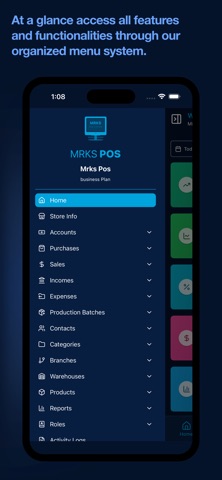
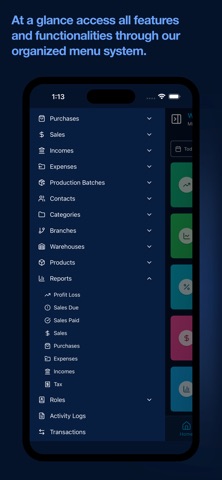
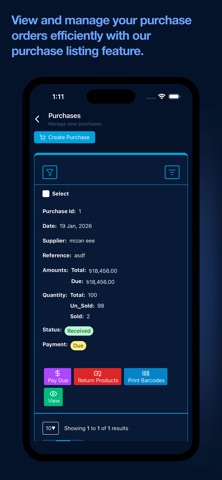
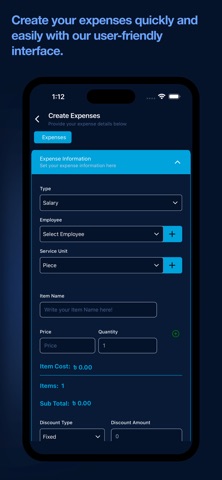
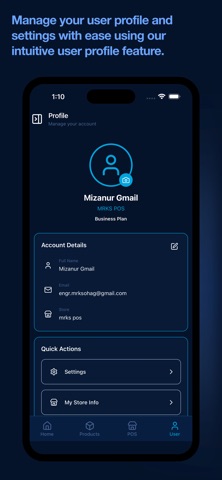
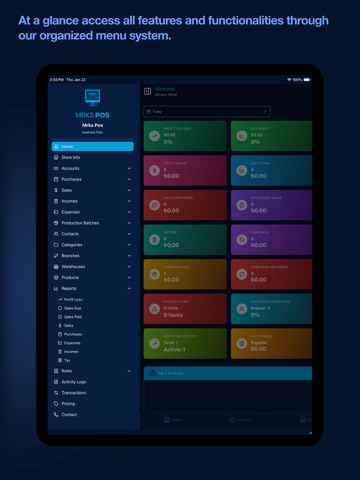
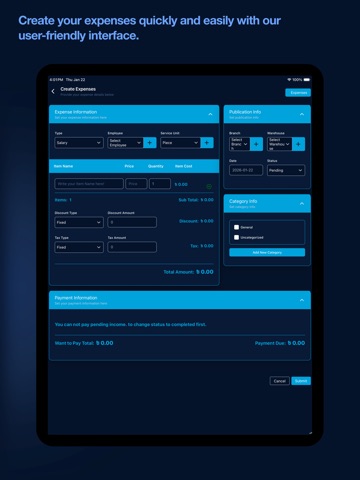
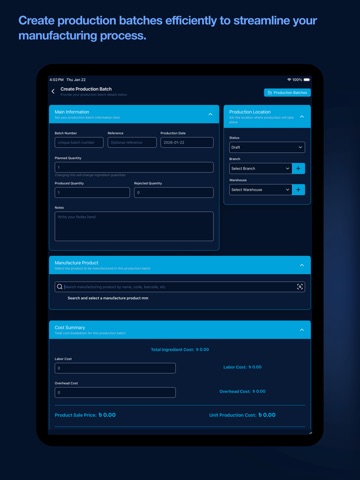
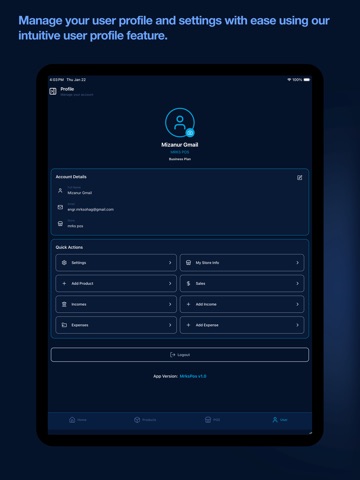
Run your entire business from your mobile device with MrksPos. MRKS POS is a complete ERP & business management system for retail, wholesale, restaurants, pharmacies, factories and any kind of business. Manage sales, inventory, production, CRM, HR & accounting — all in one platform. Available on web, Android & iOS. Sell more effectively, track stock in real-time, and manage your business operations online. Whether you run a retail store or wholesale, restaurant, or service business, MrksPos provides the tools you need to streamline checkout and stay organized. Key Features Smart Point of Sale Turn your smartphone or tablet into a powerful POS terminal. • Fast Checkout: Process sales quickly with an intuitive interface. • Barcode Scanning: Use your device’s camera to add items instantly. • Flexible Payments: Manually record cash, split payments, and track due amounts. No payment processing is involved; transaction details are stored for reference only. • Digital Receipts: Print via Bluetooth Printer (Thermal printer ESC POS Mode / Thermal printer TSPL Label Sticker mode) / USB Printer / Wifi Printer or share invoices as PDFs. Inventory & Stock Management Never run out of stock again. • Real-time Tracking: Monitor inventory levels across multiple stores or warehouses. • Product Variants: Easily manage sizes, colors, and models. • Low Stock Alerts: Get notified when items are running low. • Supplier Management: Handle purchase orders and supplier relationships efficiently. Business Insights & Analytics Make data-driven decisions. • Sales Reports: View daily, weekly, and monthly performance. • Profit Tracking: Monitor margins and expenses. • Dashboards: Visual summaries of your top-selling products and categories. Customer & Staff Management • Customer Loyalty: Track purchase history and reward loyal shoppers. • Staff Permissions: Assign robust roles and permissions per branch or specific access levels to secure your data. • Activity Logs: Keep a secure audit trail of all staff actions. Designed For MrksPos is optimized for retailers, wholesalers, cafes, beauty salons, grocery stores, fashion boutiques, and multi-location franchises. Permission Notice: Privacy Policy: https://mrkspos.com/pages/privacy-policy Terms of Use (EULA): https://mrkspos.com/pages/terms-and-conditions
Latest release
What’s New
Regular maintenence, bug fixing and performance improvements
Audience growth
Ratings growth
Baseline captured. Growth appears after the crawler observes a changed rating count.
Momentum comes from crawler snapshots for the tracked storefront. “Viral growth signal” means unusually fast recent rating gains; it is an indicator, not download data.
Price tracking
Price intelligence
First snapshot captured. The trend line starts after the next crawler price observation.
- First observed Sep 11, 2026 · 9:27 AM Free
Screenshots