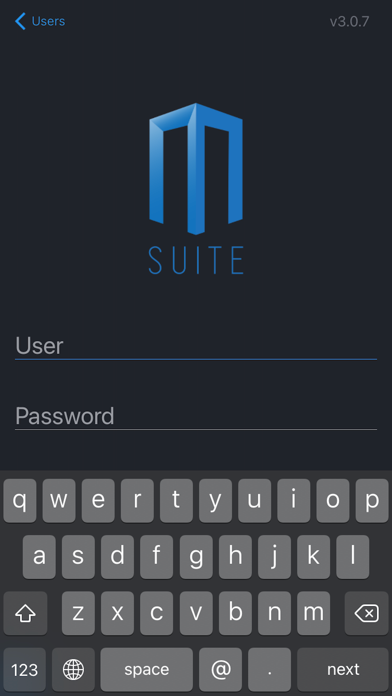
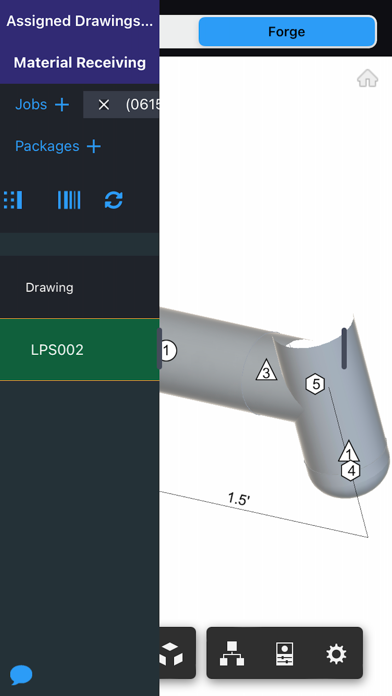
About this app
Optimize Production with MSUITE - Waste Reduction With integrations into machines like TigerStop, RazorGauge, Watts, HGG, and PypeServer FabPro is able to optimize your cutting processes. - Increase Productivity Stay on track with the most advanced materials and labor progressing in the industry. FabPro automatically turns shop floor production data into actionable insights you can use to improve your efficiency and productivity. - Streamline Communication Whether it is the endless emails asking when things will be shipped or the drawing changes on the fly, FabPro streamlines communications between office, shop, and field teams with real-time notification of things like approvals for fabrication, drawing markups, trucks leaving the shop, and more.
Latest release
What’s New
Faster, More Reliable Barcode Scanning • Scanning is now significantly faster and more stable • Resolved high CPU usage during scanning • Fixed PDFs not loading correctly after a scan Your Shop Is Now Visible in the App • Your shop designation now appears next to your name throughout the app Bug Fixes • Drawing selections now highlight green immediately when selected • Partner work items now correctly highlight blue when the primary partner starts a timer • Drawings are removed from the list once all items at a stage are completed • Work History sort icon now appears correctly • Fixed drawings appearing for stages they are no longer at after stopping a timer • Fixed selected drawings not populating when starting a shift or timer • Newly created containers are now automatically assigned to the selected drawing • Fixed blank rows at the top when sorting Tag Number ascending • Fixed an error when saving a signature during Receive Shipment • Fixed the Create button appearing greyed out when it was active • Fixed deleted container names continuing to display after deletion • Improved the validation message when creating a container without a name • Fixed the app becoming unresponsive after annotating with a text box header • Improved annotation save performance to reduce unnecessary network calls Stability & Crash Fixes • Resolved multiple crash scenarios reported through error tracking • Fixed unexpected sign-out after entering a PIN • Fixed a crash that could occur when stopping a timer • Fixed an intermittent issue where drawing files could fail to load
Audience growth
Ratings growth
Baseline captured. Growth appears after the crawler observes a changed rating count.
Momentum comes from crawler snapshots for the tracked storefront. “Viral growth signal” means unusually fast recent rating gains; it is an indicator, not download data.
Price tracking
Price intelligence
First snapshot captured. The trend line starts after the next crawler price observation.
- First observed Aug 17, 2026 · 10:06 AM Free
Screenshots