About this app
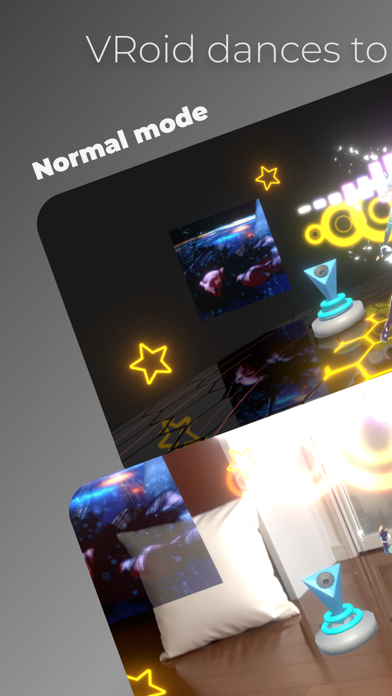
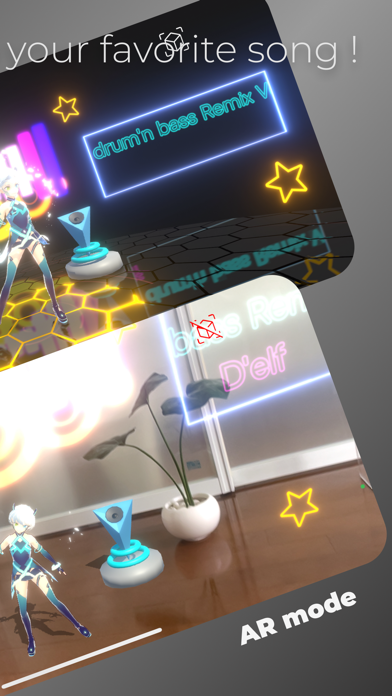
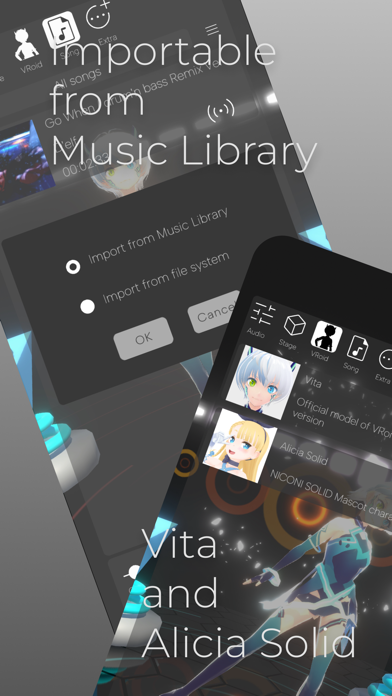
~ MP3 / MP4Audio music player for visual enjoyment ! ~ * Auto beat detection and VRoid dancing to the beat ! * Stylish audio visualizer ! * New music experience with AR display ! * Ability to import songs from music library ! ----- Music player functions ----- * Volume control, mute * High and low equalizer * Reverb setting * Shuffle playback, repeat playback ----- Caution ----- * Available VRoid characters are Vita and Alicia Solid. * Not all songs can be detected at the correct tempo (in some cases, such as when the tempo changes during a song, it may not be detected correctly). * Music files with mp3 and m4a file extensions can be played, but DRM (copyright protection mechanism) files are not supported. * I have confirmed that it can play music files downloaded from Apple Music. * The size of songs that can be played depends on the amount of memory available. It has been confirmed that 10-minute songs can be played stably on iPhone 13 mini (released in 2021), iPhone XR (released in 2018), and iPad Pro 9.7 inch (released in 2016). ----- License Agreement, etc. ----- * The license agreement is subject to Apple's Standard License Agreement (https://www.apple.com/legal/internet-services/itunes/dev/stdeula/). * This app does not use an external server. This app do not collect any information. Therefore, I would be happy to receive your review. ----- Operation ----- # About the operation panel * Tap the screen, and the operation panel will appear. * The control panel will disappear after a while. If you want it to disappear immediately, tap with two fingers. * If you do not want to erase the control panel, press the "thumbtack" icon in the upper right corner of the panel. # How to import a song file 1. display the control panel and click the Song icon 2. Click on the menu icon (3-line icon) 3. A pop-up menu will appear. Click on the Import song menu item. 4. A dialog box appears. Select one of the following options and press the OK button. [Import from Music Library] / [Import from file system] # AR Mode * Use the button in the upper right corner of the screen to toggle AR mode on and off. * When approaching a character, set AR Tracking to [Always on]. * If you are using a fixed device with AR display, it is recommended to set AR Tracking to [On only when detecting a place]. * To change AR Tracking settings, open the control panel and tap the Stage icon.
Audience growth
Ratings growth
Baseline captured. Growth appears after the crawler observes a changed rating count.
Momentum comes from crawler snapshots for the tracked storefront. “Viral growth signal” means unusually fast recent rating gains; it is an indicator, not download data.
Price tracking
Price intelligence
First snapshot captured. The trend line starts after the next crawler price observation.
- First observed Sep 18, 2026 · 10:09 PM Free
Screenshots