About this app
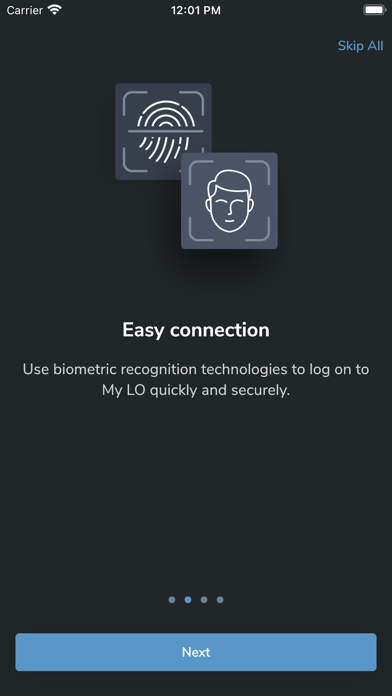
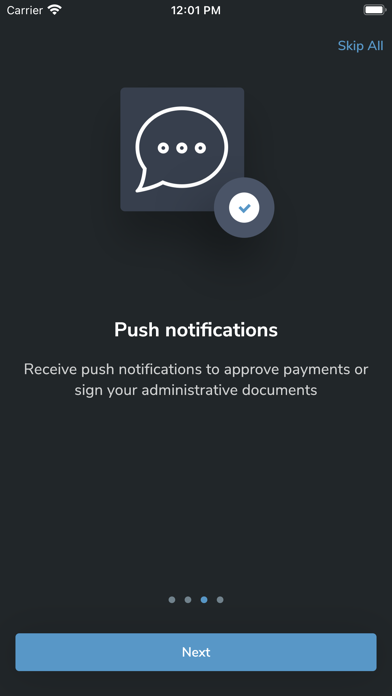
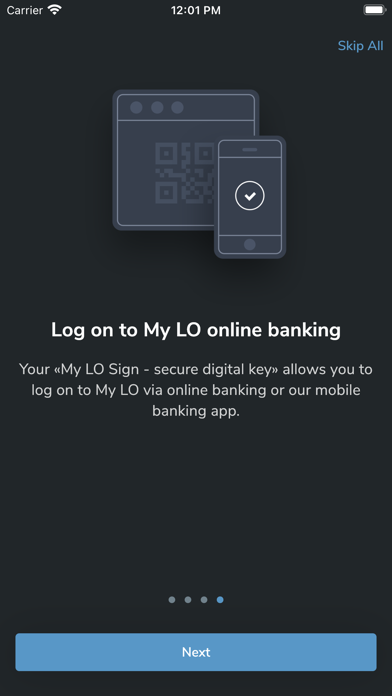
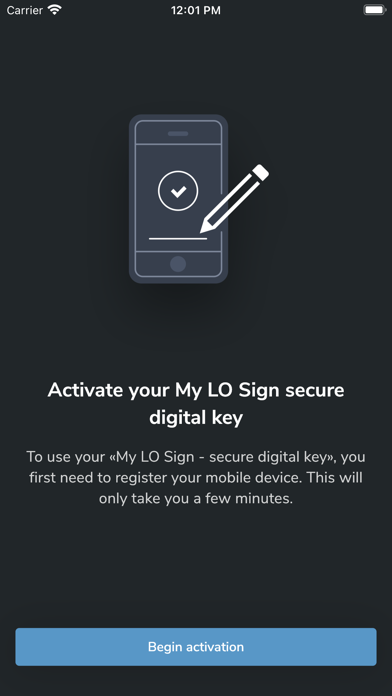
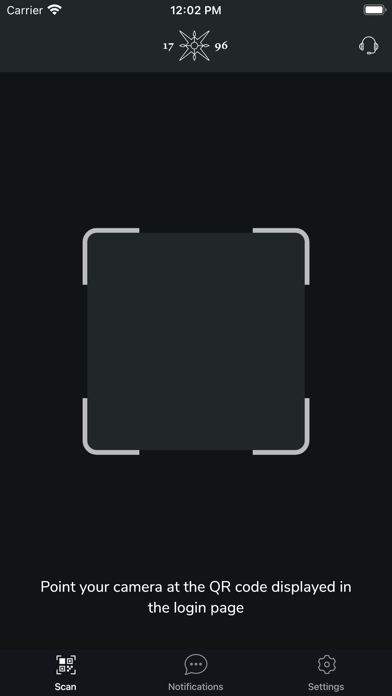
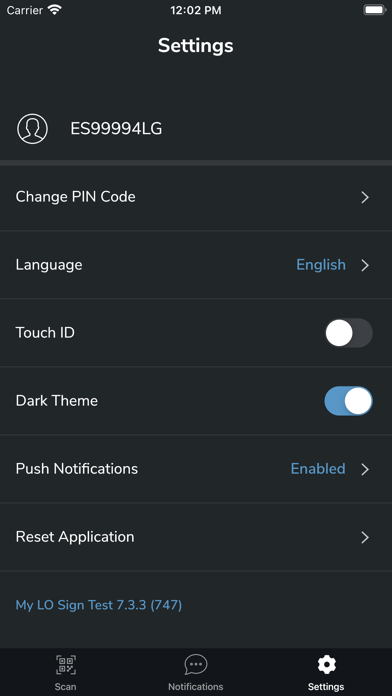
My LO Sign is a mobile application enabling secure authentication on Lombard Odier's corporate portals. My LO Sign also allows you to validate payment transactions or change personal data with the two-step validation principle, in order to offer you a high level of security. After registering in the application, you will be able to activate biometrics and use your mobile device to quickly authenticate yourself on a Lombard Odier corporate website (in a web browser by scanning a QR code). You will also be able to log in to our online banking platforms, My LO & LO Gate, from a web browser or directly on your mobile device from our dedicated mobile applications.
Latest release
What’s New
We regularly update this application to offer you the best possible digital experience. This release contains some user interface improvements and minor fixes.
Audience growth
Ratings growth
Baseline captured. Growth appears after the crawler observes a changed rating count.
Momentum comes from crawler snapshots for the tracked storefront. “Viral growth signal” means unusually fast recent rating gains; it is an indicator, not download data.
Price tracking
Price intelligence
First snapshot captured. The trend line starts after the next crawler price observation.
- First observed Sep 4, 2026 · 8:26 AM Free
Screenshots