About this app
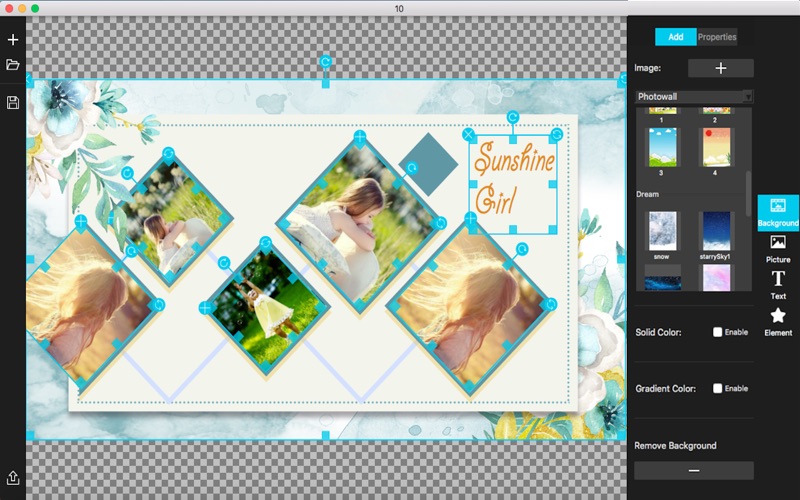
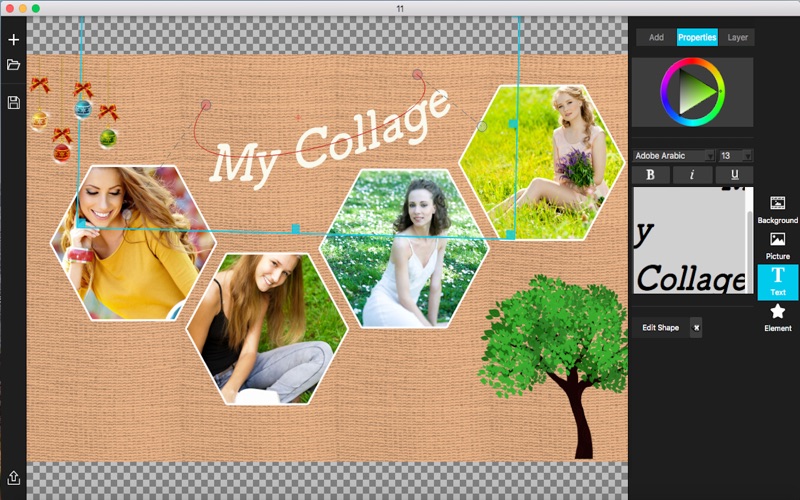
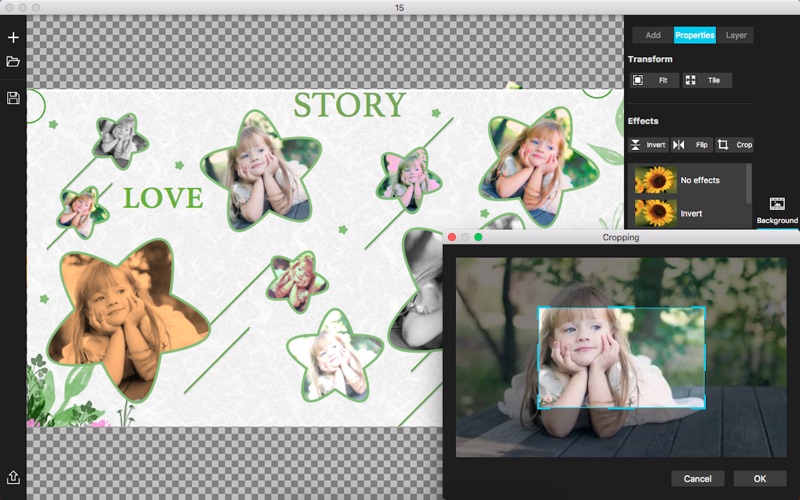
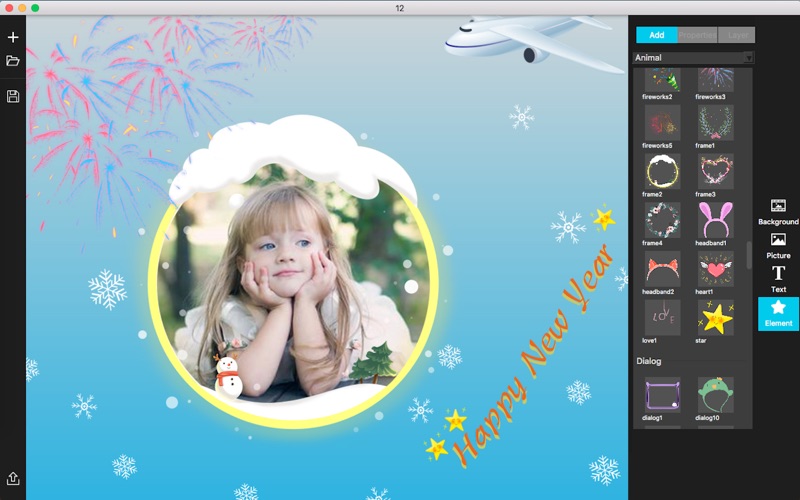
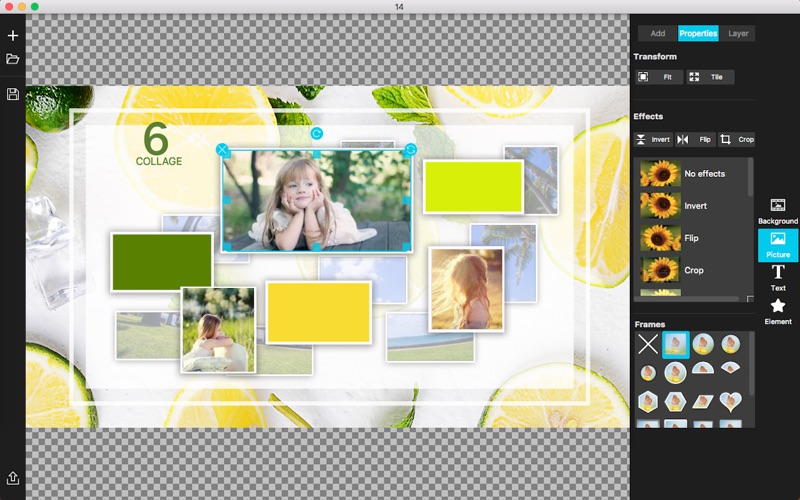
My Photo Collage - Maker comes with dozens of high-quality image filters and commonly used photo frames, and provides a lot of elements. - Common Functions Freely add backgrounds, import multiple photos, add some text, add various elements. Adjust the layer order of photos, text, and elements. You can freely adjust it up and down. Adjust layer transparency for photos, text, and element objects. Save the current working document as a project file, so that you can directly open the project file for further editing later. Export posters and photos as picture formats-png, jpg, bmp, tif. - Photo Apply a variety of photo frames to make photos more perfect and diverse. Various shapes of frames, heart, hexagon, circle, etc .; Various stroke shapes of frames; frames with shadows to increase the three-dimensional impression. Rotate, zoom, stretch, move, and resize the photos. Crop the photo, you can choose any part you want to display to make it more perfect. Apply various effects to photos, flip, tint, blend, glow, blur and other filters. - Background Add any image as background. Apply various effects to the background of the image, such as flip, color, blend, glow, blur and other filters. Use solid or gradient background to make all kinds of beautiful collages and posters. Supports the adjustment of the background size, which is convenient for customizing the size of the poster and photo collage. - Text Add texts. Customize the way text is wrapped around to make it more diverse. - Element Provide a lot of beautiful elements. Rotate, stretch, move elements. Flip elements horizontally, flip elements vertically. Please send an email to ColorLemonStudio@yeah.net, if you have any problems.
Latest release
What’s New
1. Fix some minor bugs;
Audience growth
Ratings growth
Baseline captured. Growth appears after the crawler observes a changed rating count.
Momentum comes from crawler snapshots for the tracked storefront. “Viral growth signal” means unusually fast recent rating gains; it is an indicator, not download data.
Price tracking
Price intelligence
First snapshot captured. The trend line starts after the next crawler price observation.
- First observed Sep 1, 2026 · 11:55 AM Free
Screenshots