About this app
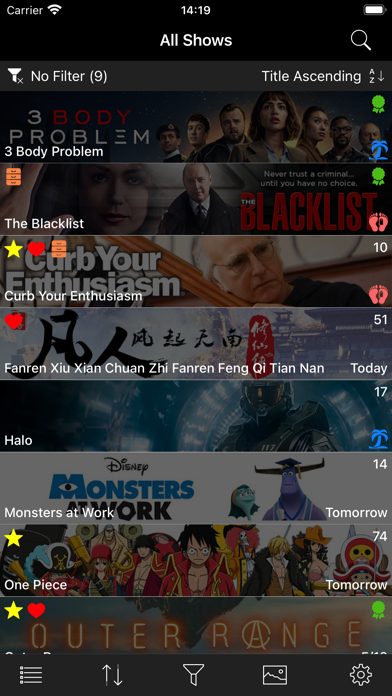
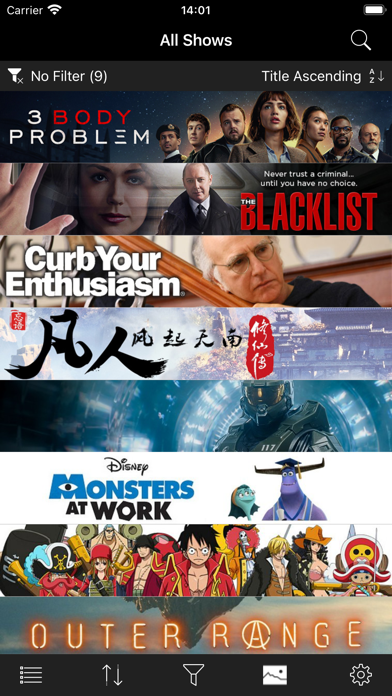
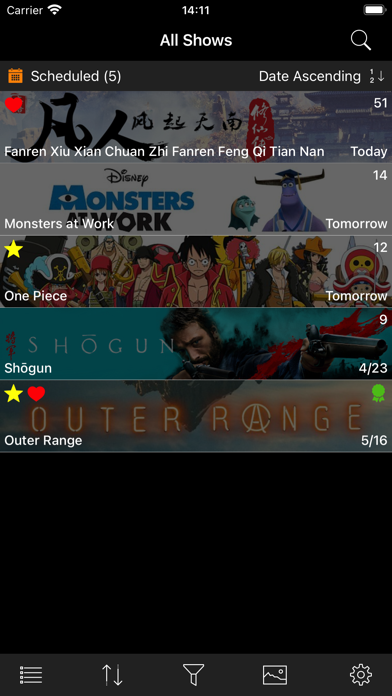
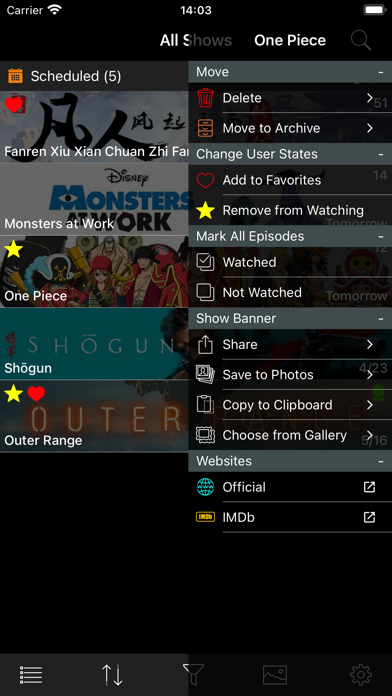
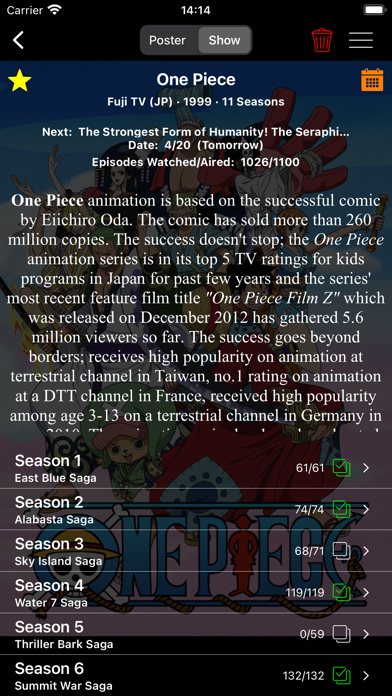
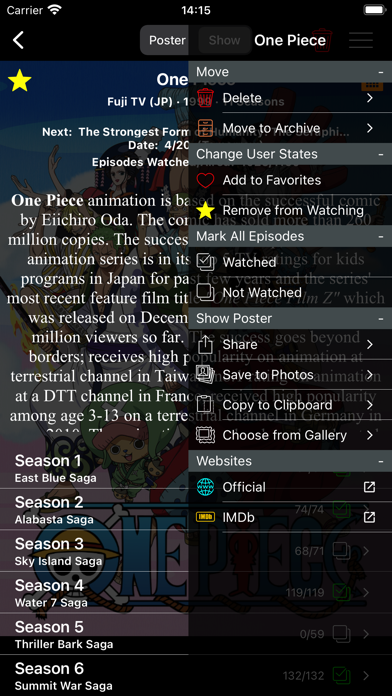
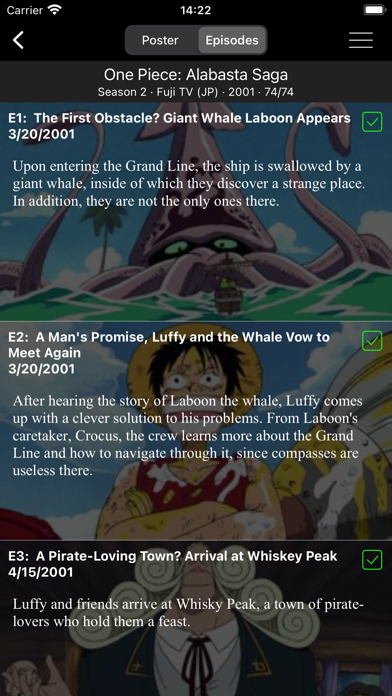
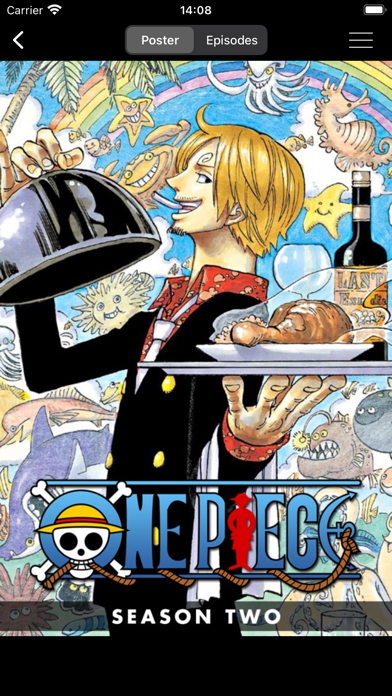
About: - Keep track of up to 3 shows for free to try it out; tracking more shows requires purchase of the app via in-app purchase. - Creation of an external account and/or login is not required. - You cannot watch TV shows with this app. List Functionality: - Select your working list. Make choice by tapping the list button in the toolbar and selecting from the popup menu: * Active shows * Archived shows * All shows - Filter the shows in your working list. Make choice by tapping the filter button in the toolbar and selecting from popup menu: * Scheduled - only display shows that have a scheduled upcoming episode. * Favorites - only display shows marked by the user as a Favorite. * Watching - only display shows marked by the user as Actively Watching. * In Development - only display shows that are In Development; i.e shows that have been announced, but the first show has not been scheduled. * On Hiatus - only display shows that are On Hiatus; i.e. in between seasons or mid-season break. * Ended - only display shows that have Ended; i.e are no longer in production. * No Filter - display all shows in the list. - Sort the shows in your working list. Make choice by tapping the filter button in the toolbar and selecting from popup menu: * Title A to Z * Title Z to A * Next episode date sooner to later * Next episode date later to sooner Show Functionality: - Move show back and forth between active/archive/all show lists. - Mark a show as a Favorite or as a show that is being Actively Watched. - Mark all the episodes of a show as watched or unwatched with one tap. - Mark all the episodes of a single season as watched or unwatched with one tap. - Change downloaded artwork if other choices are available. - Save downloaded artwork to Photos. - Share downloaded artwork. - Copy downloaded artwork to the clipboard. - Follow link to official show webpage, if one exists. - Follow link to IMDb entry, if one exists. How To: - Add a show: tap Search button (magnifying glass) to navigate to Search view. Type in title and tap return. In resulting list of shows, tap a row to add that show to your list. - Refresh show information: perform pull-to-refresh action on displayed list of shows. When updates are complete, an alert appears providing list of updated shows. - For a given show in your displayed list: * Tap row to navigate to Season view. * Long press row to display Show Activity Menu. * Swipe left on row to uncover Delete Action.
Latest release
What’s New
- Swiping left on a show in the main show list now presents an Archive/Unarchive action. Tap to toggle the archival status of the show. - Added capability to hide episode summaries and images from view until the episode is marked as watched (No Spoilers). - Search results now contain all basic show information, not just title only. - Bug fixes and optimizations.
Audience growth
Ratings growth
Baseline captured. Growth appears after the crawler observes a changed rating count.
Momentum comes from crawler snapshots for the tracked storefront. “Viral growth signal” means unusually fast recent rating gains; it is an indicator, not download data.
Price tracking
Price intelligence
First snapshot captured. The trend line starts after the next crawler price observation.
- First observed Aug 19, 2026 · 7:02 PM Free
Screenshots