About this app
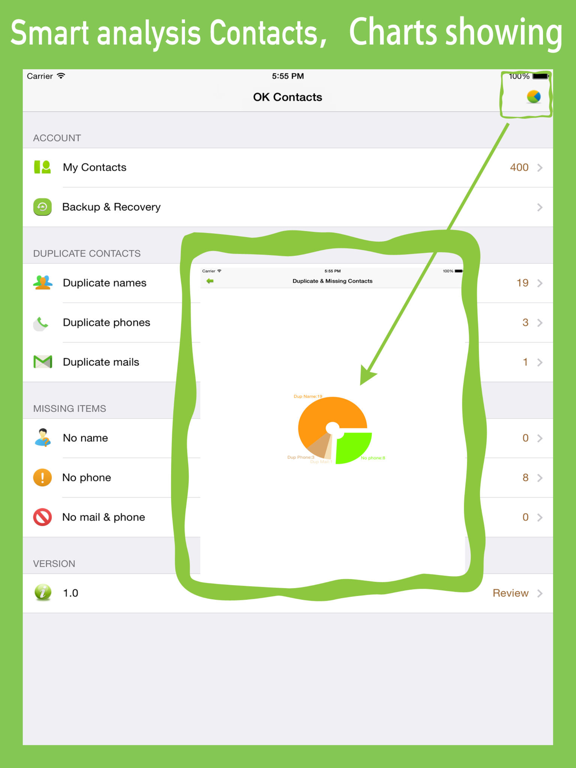
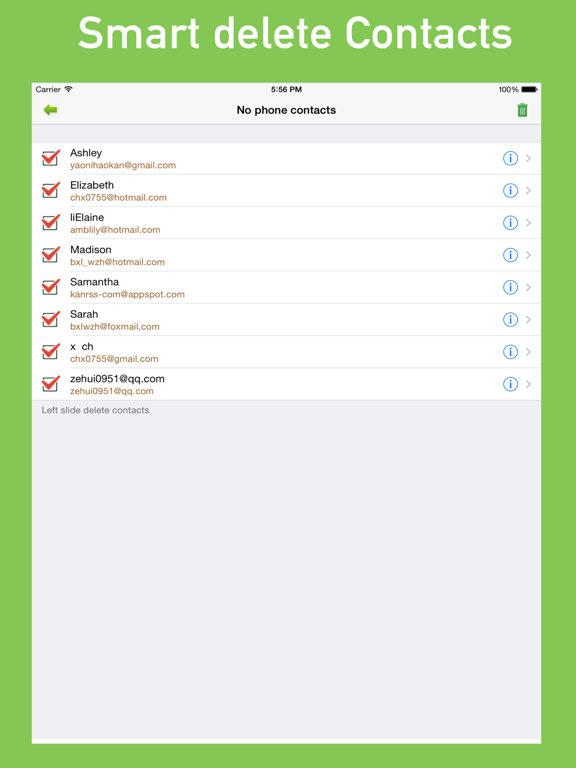
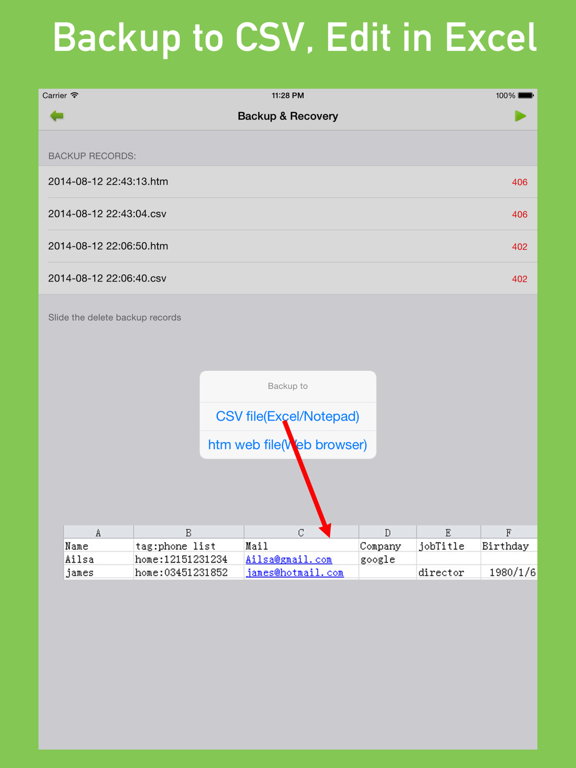
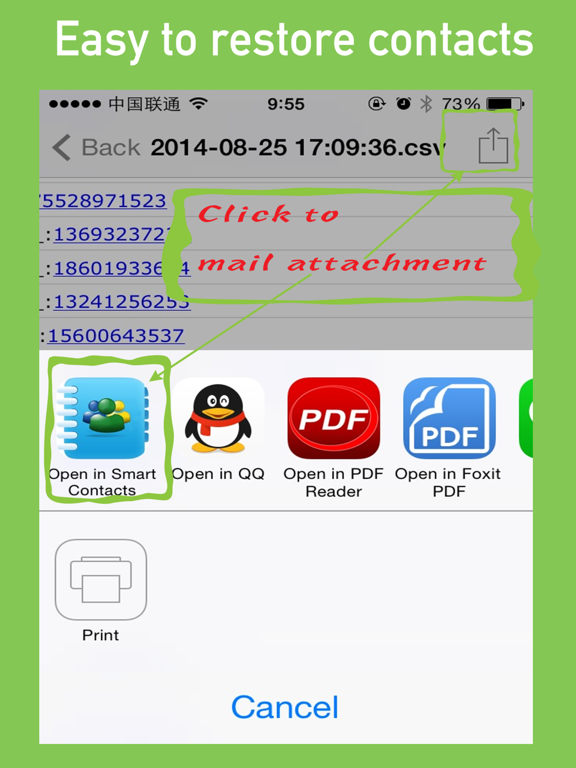
# Smart analysis contacts, charts showing. # Smart merge duplicate contacts. # Remove contacts without name or phone number. # Backup & export to spreadsheet (CSV) or web page (htm) file. # Backup file can been edit in Excel and simple import. Your contacts are the most important data in your phone which easily becomes messy if not consistently updated. MyCleaner easily helps you detect and merge duplicate contacts. 1, Contacts Smart analysis, charts show. MyCleaner will smart analysis your contacts, including the contact's name, phone, eMail, etc., and the results have been showing of chart. 2, Smart merge duplicate contacts. For the contact's name, phone, eMail duplicate contacts can be easily merge a new contact, and can choose whether to delete old contacts. 3, Missing important information contact mart cleanup For missing name, phone, eMail and other important information of contacts , you can easy delete or fix them. 4, Backup & export to table (CSV) or web page (htm) file Your contacts can been easy backup to CSV or htm file. CSV files can be viewed and edited in Excel or Notepad, htm file can be viewed by IE, Safari, chrome and other web browser. The file can be send by mail. If you use Excel to open CSV files garbled, please open a blank Excel, select Data> From Text> select * .csv file, then select English Comma Separated Values, select UTF8 encoding format, you can eliminate the distortion, normally open. 5, backup file import simple If you change the phone, You can also be in the mail (or any other program to save the backup file) to open the backup file, select "Open other programs" - After the "Select" MyCleaner ", associated with the program, MyCleaner will automatic analysis of records, and imported into the address book. Note: 1. When the program started, run the program to access your contacts, if you clicked No, set in Setting -> Privacy -> Contacts, granted access to communications MyCleaner recorded, you can start again. 2. We will not upload your contacts to a third-party server. We will only clean up and merge your contacts within your phone. When you back up your contacts as a file, you can only export from your private mailbox.
Latest release
What’s New
Optimized contacts backup and restore details, fixed bugs
Audience growth
Ratings growth
Baseline captured. Growth appears after the crawler observes a changed rating count.
Momentum comes from crawler snapshots for the tracked storefront. “Viral growth signal” means unusually fast recent rating gains; it is an indicator, not download data.
Price tracking
Price intelligence
- First observed Aug 20, 2026 · 10:56 PM Free
Screenshots