About this app
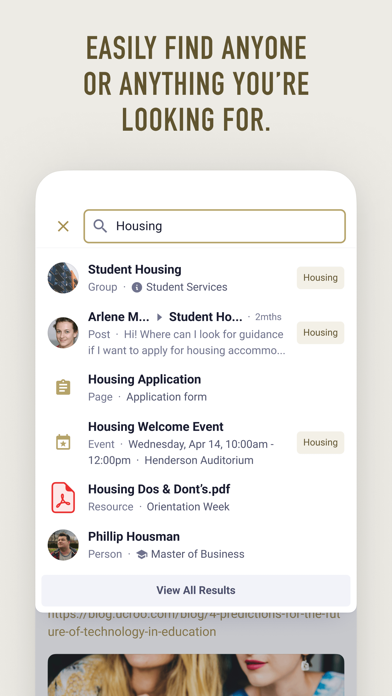
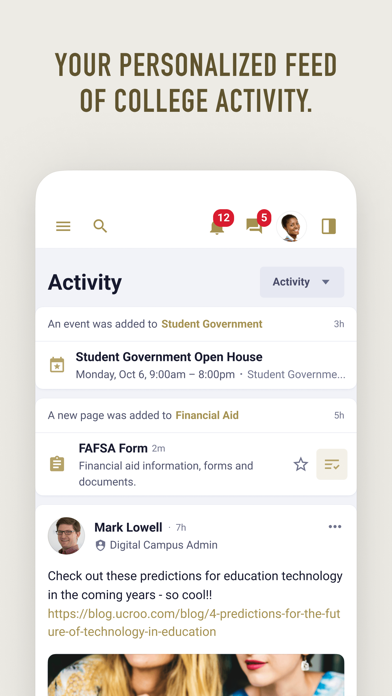
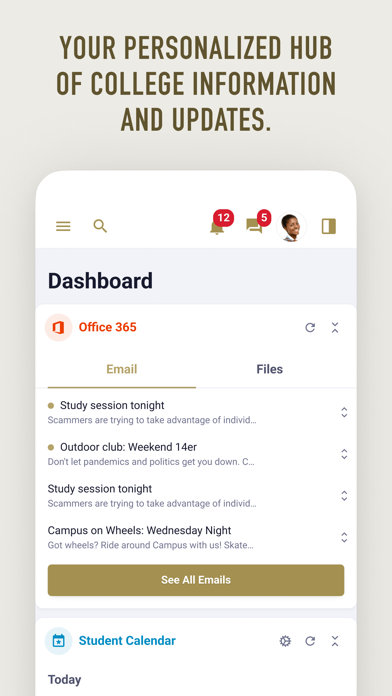
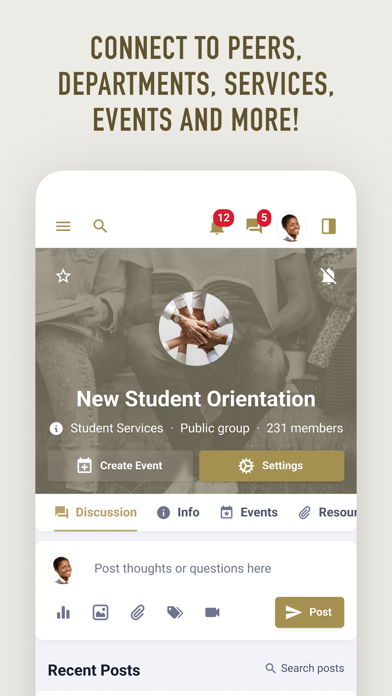
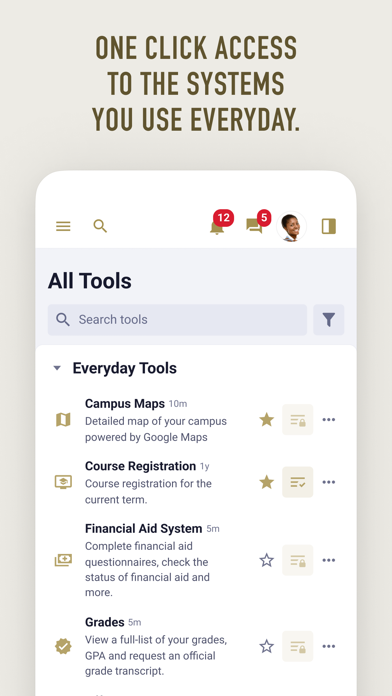
MyLindenwood is your one-stop-shop connecting you with the systems, information, people and updates you'll need to succeed at Lindenwood University. Use MyLindenwood to: - Access Student Information, Canvas, MS 365 Email, StarRez, LindenCircle, Workday, and other everyday systems - Receive key notifications from Student Systems, Canvas, and Workday - Keep updated on announcements and alerts relevant to you - Search staff, peers, systems, resources, and more - Connect with departments, services, organizations, and peers - Stay focused on your most important to-dos - View personalized resources and content - Find and join campus events If you have questions about MyLindenwood, please contact the Lindenwood University IT Helpdesk at helpdesk@lindenwood.edu or (636) 255-5100.
Latest release
What’s New
Bug fixes and performance improvements
Audience growth
Ratings growth
Baseline captured. Growth appears after the crawler observes a changed rating count.
Momentum comes from crawler snapshots for the tracked storefront. “Viral growth signal” means unusually fast recent rating gains; it is an indicator, not download data.
Price tracking
Price intelligence
First snapshot captured. The trend line starts after the next crawler price observation.
- First observed Sep 8, 2026 · 1:08 AM Free
Screenshots