About this app
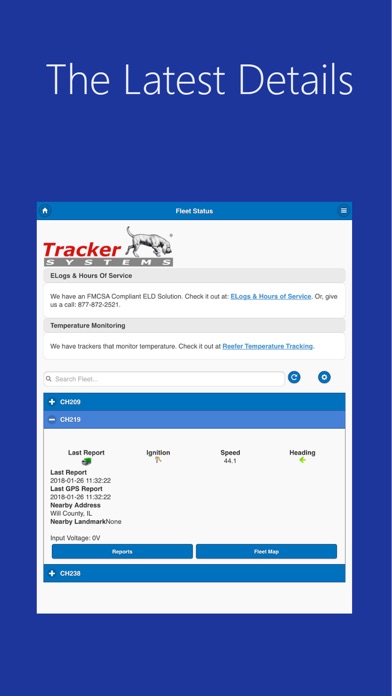
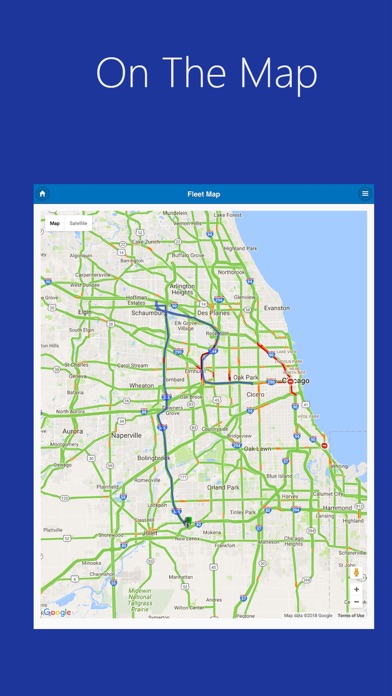
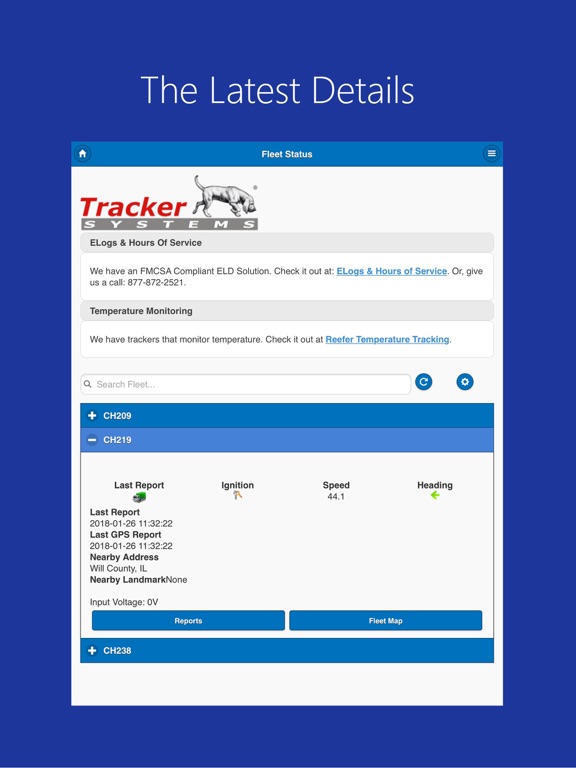
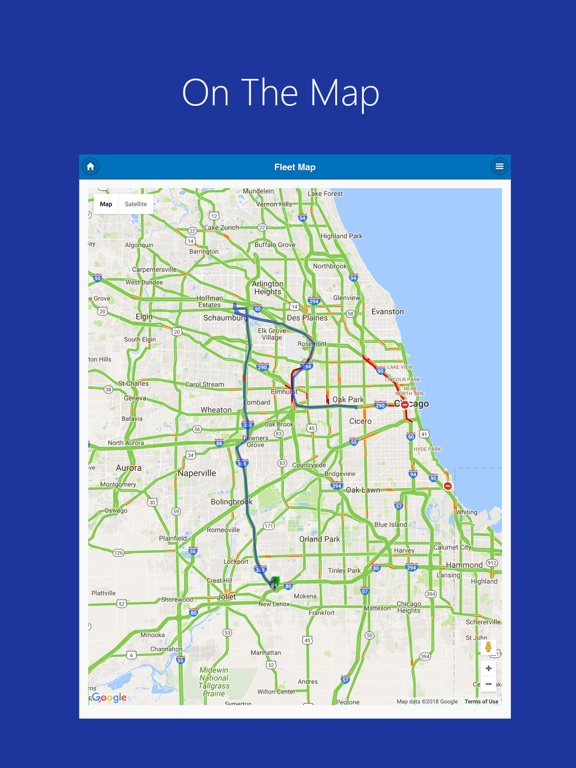
If you have GPS Tracking Devices from Tracker Systems, this software will let you see the device positions on the map, get current status information and run any of our custom reports. Easily view your fleet's current status, recent routes and explore our full set of reports. The software is optimized for iPhones and iPads. It is easy-to-use and gives you all the information you need about your cars, trucks and assets. NOTE: This application requires an active TrackerSystems.net NimbleGPS tracking device and subscriber account. Not sure how to login? Call 877-872-2521 for sales and support or visit www.trackersystems.net to get started with GPS Vehicle and Asset Tracking.
Latest release
What’s New
We've added Geofences and Landmarks to all of the fences. In the video department we've improved controls to let the user know when the remote camera is busy and already sending data. And, we've cleaned up the pop-ups on maps to make them clearer and easier to read.
Audience growth
Ratings growth
Baseline captured. Growth appears after the crawler observes a changed rating count.
Momentum comes from crawler snapshots for the tracked storefront. “Viral growth signal” means unusually fast recent rating gains; it is an indicator, not download data.
Price tracking
Price intelligence
First snapshot captured. The trend line starts after the next crawler price observation.
- First observed Sep 1, 2026 · 3:12 PM Free
Screenshots