About this app
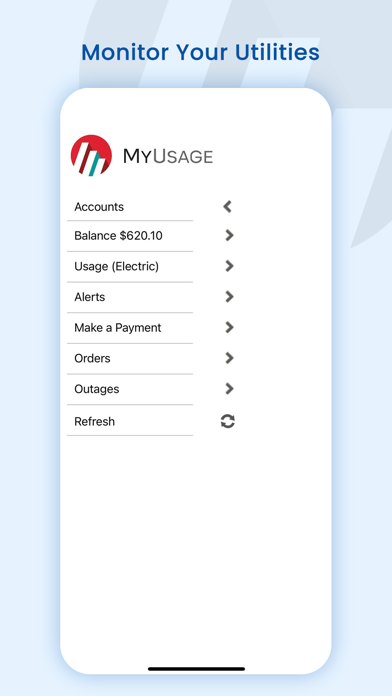
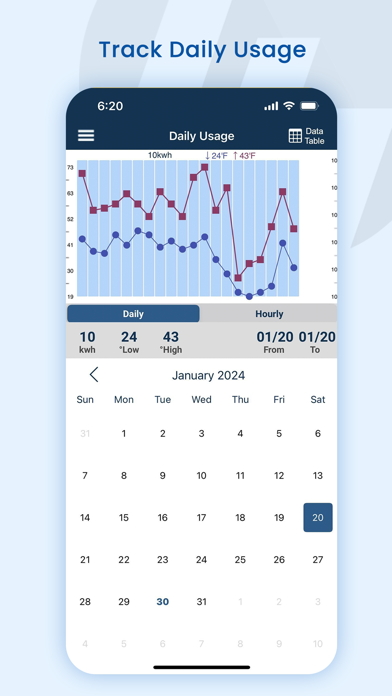
In order to use this app, your utility must offer MyUsage service and you must have an active MyUsage account. If you do not have a MyUsage account, please check with your utility about availability and establishing a MyUsage account. Description: MyUsage Mobile allows you to get information about your utility service anytime, anywhere. It’s fast, easy, and convenient. If your home, apartment, or business has a smart meter, you can get information 24/7 about how much you’re using – and how much it’s costing you. • Monitor your service 24/7 • Track how much you’re being charged each day • View daily usage data • Manage your automatic alerts and user settings via the application • View your balance and daily charges in real time if you have a prepaid account Optional Features (if permitted by your utility): • Report an outage • Make check and credit card payments within the app • Manage your automatic alerts and user settings via the application • Receive push notifications Benefits With accurate information about your utilities, you can reduce your carbon footprint and better manage your budget. MyUsage gives you the information you need in order to make informed decisions regarding your usage. Languages: English Requirements: Compatible with iPhone and iPod touch Requires iOS 5 or later In order to use this app, your utility must offer MyUsage service and you must have an active MyUsage account. If you do not have a MyUsage account, please check with your utility about availability and establishing a MyUsage account.
Latest release
What’s New
Bug Fixes and Improvements
Audience growth
Ratings growth
Baseline captured. Growth appears after the crawler observes a changed rating count.
Momentum comes from crawler snapshots for the tracked storefront. “Viral growth signal” means unusually fast recent rating gains; it is an indicator, not download data.
Price tracking
Price intelligence
First snapshot captured. The trend line starts after the next crawler price observation.
- First observed Sep 1, 2026 · 3:52 AM Free
Screenshots