About this app
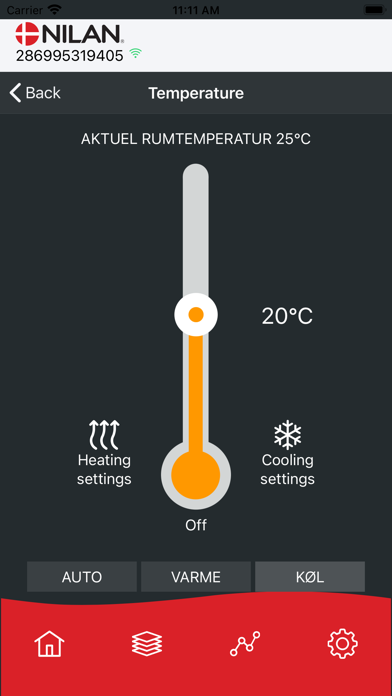
If you have connected a Nilan Gateway to your Nilan ventilation unit, heat pump or commercial unit, you can use the Nilan User APP to control and monitor the unit via a smartphone, wherever you are in the world. Some of the many features are for example: • Changing fan speed level • Set the desired room temperature • Receive notifications when filters need to be changed • See any alarms on the unit • View current data and curves on operations • Set humidity control • Set CO2 control * • Switch the after-heating element on / off * • Changing cooling settings * • Changing hot water temperature * • Switching hot water production on and off * • Set the anti-legionella hot water treatment * • User settings for the heat pump * • Changing flow temperature in the underfloor heating * * Does not apply to all models Multiple Nilan units can be connected to the same APP, and multiple users can be connected to the same unit. NB! The Nilan Gateway can be connected to Nilan units with CTS400 and CTS602 controls.
Latest release
What’s New
Addressed issues with alarms on certain units and resolved an issue preventing the clearing of a filter alarm. Graphs will now be displayed horizontally on iOS 16 and above.
Audience growth
Ratings growth
Baseline captured. Growth appears after the crawler observes a changed rating count.
Momentum comes from crawler snapshots for the tracked storefront. “Viral growth signal” means unusually fast recent rating gains; it is an indicator, not download data.
Price tracking
Price intelligence
First snapshot captured. The trend line starts after the next crawler price observation.
- First observed Aug 20, 2026 · 2:34 AM Free
Screenshots