About this app
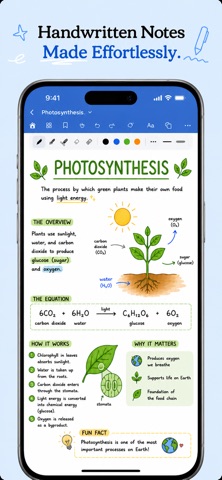
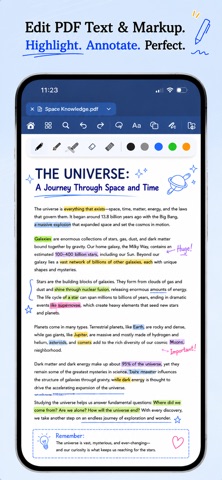
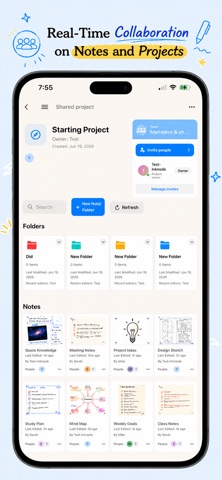
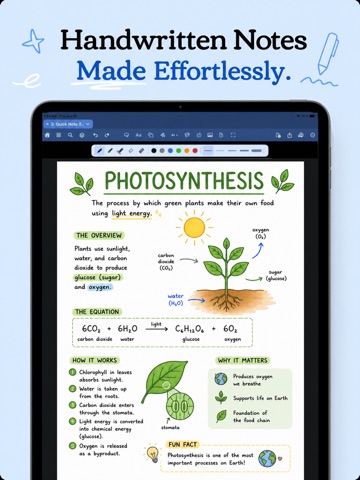
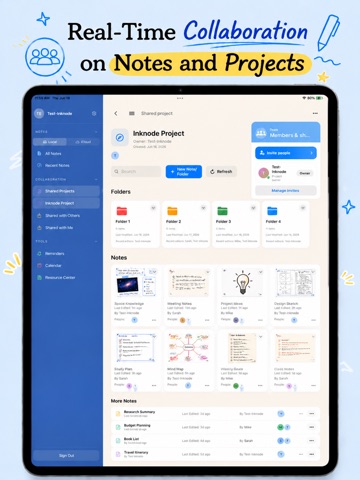
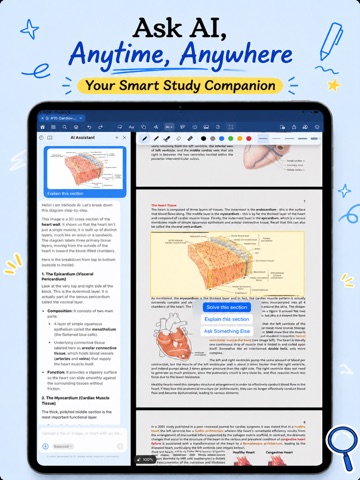
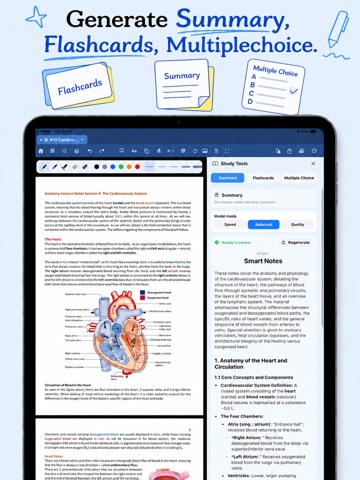
InkNode is a Handwriting Notes app with numerous features: PDF markup & Annotation, Searchable Handwriting and PDF texts. Ultimately, write by hand, then let AI turn your messy notes into interactive Mindmaps, searchable handwriting, clean summaries, flashcards, and practice quizzes — all in one app. WRITE THE WAY YOU THINK • Smooth, natural handwriting with Apple Pencil • Unlimited notebooks, folders, and pages • Beautiful templates: lined, grid, dotted, planners, and more • Import PDFs to annotate, highlight, and mark up • Convert handwriting to text instantly • Handwriting Beautification: Turn messy handwriting into beautiful chosen text of your choice. • Interactive Mindmap: Build a mindmap from scratch or use AI to turn your notes into one STUDY SMARTER WITH AI • Summarize long lecture notes into clean, structured outlines • Auto-generate flashcards from your handwritten notes • Create multiple-choice quizzes to test yourself before exams • Use the tape tool to hide and memorize key terms • Spend less time rewriting and more time learning EVERYTHING IN ONE PLACE • Collaborate on shared notebooks in real time • Sync securely across iPhone and iPad via iCloud sync • Stay on track with a built-in focus timer • Export and share notes as PDF WHY INKNODE (Alternatives to Goodnotes, Notability, Freenotes) Goodnotes and Notability are powerful — but their subscriptions add up fast, and AI study tools are an afterthought. InkNode was built AI-first and priced fairly: take handwritten notes for free, and unlock AI forever with a one-time Lifetime purchase. No recurring fees, no surprises. ALL YOUR TOOLS IN ONE CANVAS • Fountain pen, ballpoint, highlighter, and pencil • Custom colors, stroke styles, and pen widths • Shape recognition for clean lines, boxes, and diagrams • Lasso to move, resize, and rearrange handwriting • Tags and labels to organize and find notes fast • Dark mode for late-night study sessions • Works offline — your notes are always with you MORE WAYS TO USE INKNODE • Digital planner, journal, and bullet journal • Meeting notes and to-do lists for work • Homework, assignments, and a study planner • Math notes, diagrams, and equations by hand • Sketching, drawing, and quick idea capture • A second-brain notebook for research and writing WHAT STUDENTS SAY “The AI turns my messy lecture scribbles into clean summaries. I use the multiple-choice feature to study and the tape tool with the generated flashcards.” “I switched to InkNode because Goodnotes/Notability subscriptions were way too expensive. The lifetime AI was a perfect fit for my study notes.” “Smart concept that combines note-taking with teamwork in a smooth, practical way.” PERFECT FOR • Students taking lecture and class notes • Anyone studying for exams with flashcards and quizzes • Teams and study groups collaborating on shared notes • Anyone who annotates PDFs or keeps a digital notebook FREE TO START Create unlimited notebooks, write with Apple Pencil, annotate PDFs, and export — free. Upgrade to Premium for AI summaries, flashcards, quizzes, and cloud features. Choose a subscription or pay once for Lifetime AI. Download InkNode and turn your handwriting into your smartest study tool. We use the Standard Apple Terms of Use Terms of Use: https://www.apple.com/legal/internet-services/itunes/dev/stdeula/
Latest release
What’s New
[UPDATE] • Turn your notes into flowcharts, instantly. Our new AI can read your documents and generate clean, editable flowcharts and mind maps for you — perfect for studying and organizing ideas. • A smarter drawing canvas. Draw a rough shape and watch it snap into a perfect one, connect nodes with smart lines that stay put, and lasso-select to move things around effortlessly. • Redesigned Study Tools with a cleaner, more focused interface. • New interactive tutorial to help you get up and running in seconds. • Improved zoom, smoother in-note search, and lots of little UI polish throughout. Plus various bug fixes and performance improvements. Thanks for using InkNode!
Audience growth
Ratings growth
Baseline captured. Growth appears after the crawler observes a changed rating count.
Momentum comes from crawler snapshots for the tracked storefront. “Viral growth signal” means unusually fast recent rating gains; it is an indicator, not download data.
Price tracking
Price intelligence
First snapshot captured. The trend line starts after the next crawler price observation.
- First observed Sep 4, 2026 · 2:39 AM Free
Screenshots