About this app
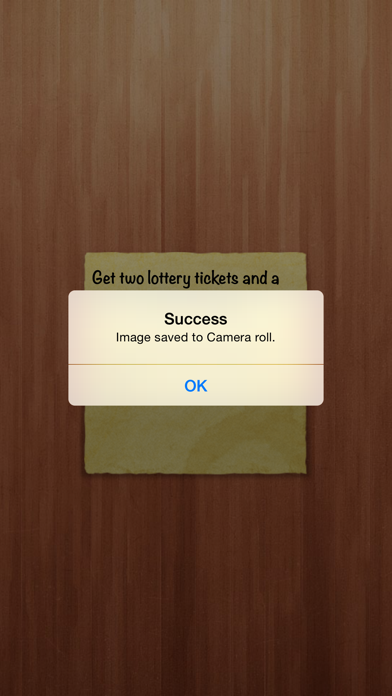
Have you ever wanted to use your iPhone's / iPod touch's lock screen as a note keeper? Well, now you can! Just open the application and follow these simple instructions: · Tap the note to bring out the keyboard. · Write your note. · Swipe the note down or tap on the top of the screen to hide the keyboard. · And finally take a screenshot by tapping the bottom of the screen, or by pressing both the home button and the sleep/wake button at the same time, and set that image as wallpaper so that you don't forget anything! What people are saying about NoteNow: “…if you’ve been looking for an easy to use app to store all your other thoughts and activities with a different method, well — there you go.” - Federico Viticci, MacStories If you want to make a new note, all you have to do is swipe left. Then to go back to previous notes you just have to swipe right. Swipe the note down when the keyboard is hidden to bring out the settings, there you'll be able to change the app so that it looks however you like it best!
Latest release
What’s New
New - Support for iPhone 6 and iPhone 6 Plus. Fixed - Saving is now working correctly again.
Audience growth
Ratings growth
Baseline captured. Growth appears after the crawler observes a changed rating count.
Momentum comes from crawler snapshots for the tracked storefront. “Viral growth signal” means unusually fast recent rating gains; it is an indicator, not download data.
Price tracking
Price intelligence
First snapshot captured. The trend line starts after the next crawler price observation.
- First observed Sep 19, 2026 · 1:58 AM Free
Screenshots