About this app
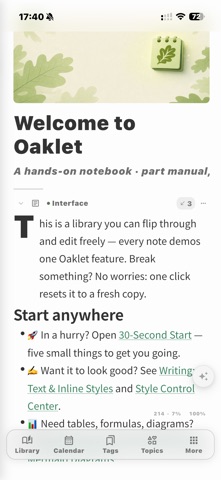
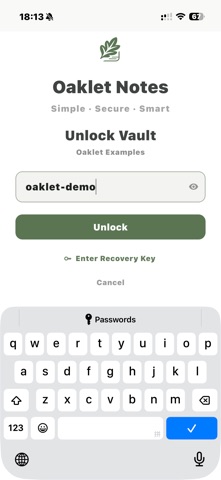
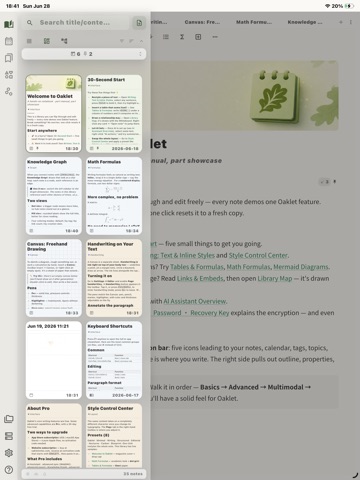
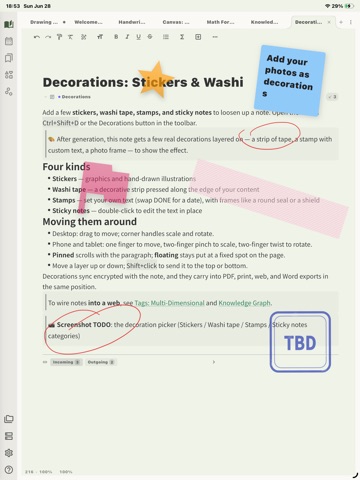
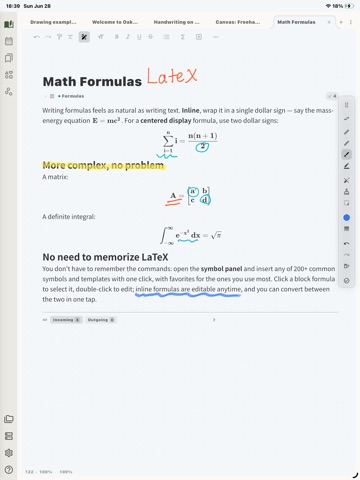
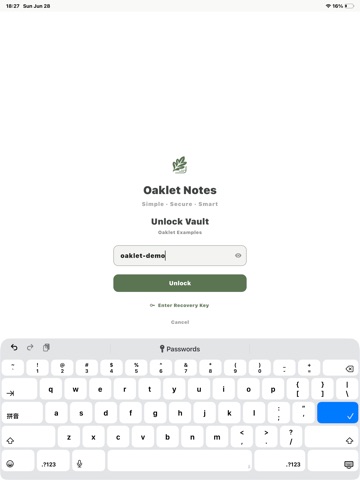
Oaklet Notes brings writing, whiteboards, drawing, and structured knowledge together in a single note — kept in an encrypted vault that stays on your device. Work in rich text and Markdown, sketch with Apple Pencil, build mind maps, and handle tables, math, and diagrams, then link everything into your own knowledge graph. It's truly yours: offline-first, with no account, no cloud, and no sign-up. TRULY PRIVATE • AES-256-GCM encryption protects every note • Vault password, plus an optional Note Password for sensitive notes • Unlock with Face ID or Touch ID • No account, no server, no cloud — works fully offline MULTI-MODAL — EVERY MODE, ONE NOTE • A clean, block-based rich-text editor • Drawing with native Apple Pencil — pressure-sensitive, low-latency, layers, fill, and SVG export • Whiteboard for mind maps and flowcharts, with one-click auto layouts • Tables with formulas, LaTeX math, Mermaid diagrams, code blocks, task lists • Decorations — stickers, sticky notes, tape and stamps, pinned or floating PRIVATE AI, ON YOUR TERMS • Connect a local AI model on your own network — no API key, no third-party cloud • Or use your own cloud AI provider • Drafting and rewriting, semantic search, auto-tagging, whiteboard generation, and plain-language tool calling • AI is optional — the app connects to your provider rather than hosting one ORGANIZE & CONNECT • [[WikiLinks]] and ![[embeds]] build your knowledge network • Backlinks panel and an interactive knowledge graph • Hierarchical tags and full-text search NO LOCK-IN • Notes on your own disk, not a vendor's database • Sync through your own WebDAV server — or keep everything local • Import and export Markdown anytime; export to PDF, HTML, and Word Oaklet Notes is free to use. An optional Pro subscription unlocks advanced features and includes a free trial. Subscriptions are billed through your Apple ID and can be managed in Settings. Privacy Policy: https://oakletnotes.com/en/privacy Terms of Use (EULA): https://www.apple.com/legal/internet-services/itunes/dev/stdeula/
Latest release
What’s New
Smoother handwriting and a more capable phone editor. NEW • Page-corner quick actions on the phone editor — handwriting, search, and a document menu at your fingertips • Three-finger undo now shows a capsule you can tap repeatedly • Open a built-in sample vault right from the welcome screen IMPROVED • Pen strokes render much more smoothly on long handwritten pages FIXED • Export on iPhone/iPad now hands files to the system share sheet • A crash when undoing past the start of a handwriting session • Floating keyboard toolbar reliability on iPad, and layout issues on narrow screens • Safer saves under concurrent writes
Audience growth
Ratings growth
Baseline captured. Growth appears after the crawler observes a changed rating count.
Momentum comes from crawler snapshots for the tracked storefront. “Viral growth signal” means unusually fast recent rating gains; it is an indicator, not download data.
Price tracking
Price intelligence
First snapshot captured. The trend line starts after the next crawler price observation.
- First observed Aug 23, 2026 · 5:53 PM Free
Screenshots