About this app
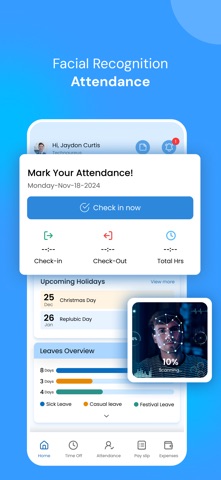
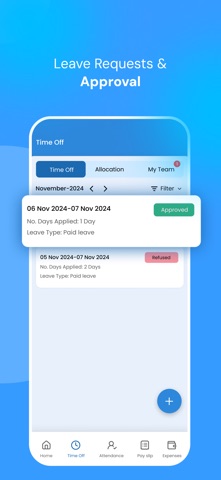
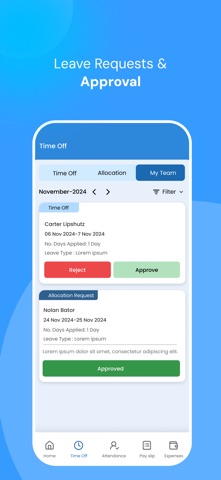
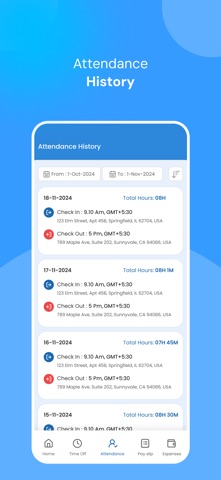
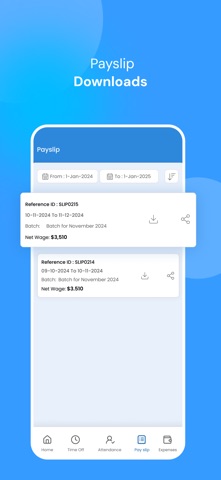
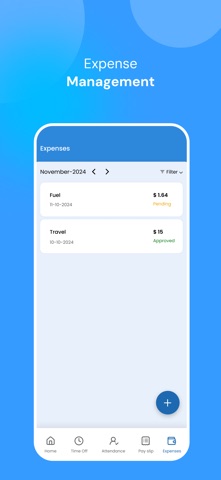
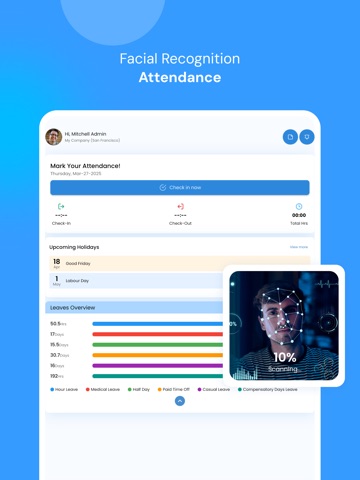
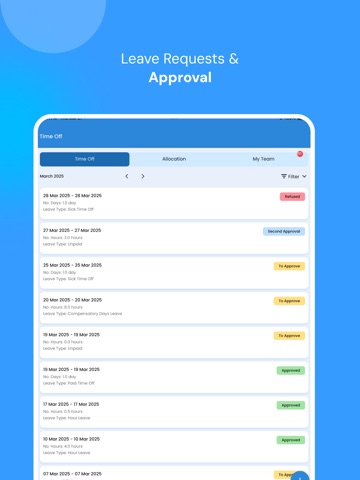
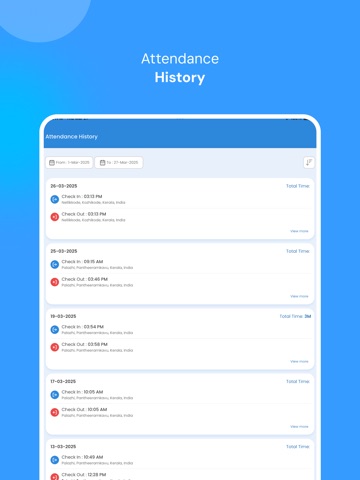
Attendance: Employees can check in and out, with the app capturing their current location. Attendance records are sortable by date. Geolocation Tracking: For remote or field workers, the module can track the location of clock-ins and clock-outs using GPS, ensuring accountability and preventing time theft. Leave Requests: Employees can submit leave requests, specifying leave type (paid leave, sick leave, etc.), duration, and relevant notes. Also allow users to apply leave for customisable hours. Approval Workflow: Managers can review and approve or reject leave requests. Leave Allocation Reject: Managers can reject leave allocation requests if they don't meet the criteria or are not feasible. Leave Balances: Tracks each employee’s accrued, used, and remaining leave. Customizable Leave Types: Administrators can define different leave types with customizable rules and entitlements. Integration with Calendar: Approved leave requests are automatically added to employee calendars for easy scheduling. Reporting: Generate reports on leave usage, balances, and trends for compliance and decision-making. Clock-in/Clock-out: Employees can clock in and out via physical clocks, web interfaces, or mobile apps. Real-time Attendance Tracking: Managers can monitor employee attendance in real-time. Geolocation Tracking: Tracks remote or field employees' clock-in/out locations using GPS for accountability. Overtime Management: Manage and track overtime hours to ensure compliance with labor regulations. Timesheet Management: Employees can submit timesheets indicating hours worked on different projects. Integration with Payroll: Seamless integration of attendance data with payroll processing for accurate calculations. Leave Allocation Requests: Employees can request specific leave days to be allocated. Payroll Records: Employees can download and share payroll records or receipts. Notes Creation and Visibility: Allows users to create and view notes for better communication and record-keeping.
Latest release
What’s New
Minor improvements
Audience growth
Ratings growth
Baseline captured. Growth appears after the crawler observes a changed rating count.
Momentum comes from crawler snapshots for the tracked storefront. “Viral growth signal” means unusually fast recent rating gains; it is an indicator, not download data.
Price tracking
Price intelligence
First snapshot captured. The trend line starts after the next crawler price observation.
- First observed Aug 19, 2026 · 10:06 AM Free
Screenshots