About this app
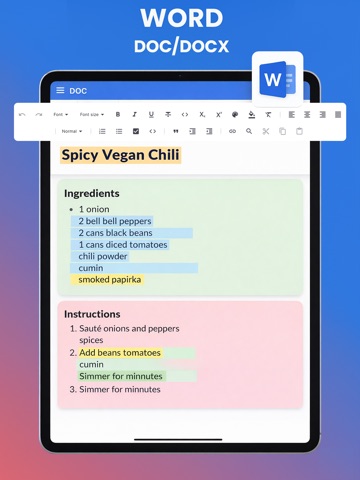
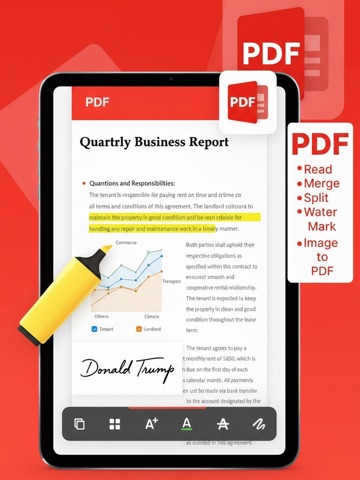
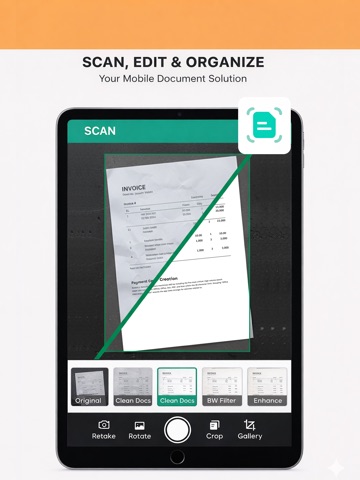
The definitive Offline Office Suite PDF Reader and all-in-one Document Reader designed for maximum productivity and privacy. Power Point View, PDF View, Cam Scan, Doc View functionalities with all text styling options. Power Point edit, PDF Edit, spreadsheet and Doc Edit functionality all in one offline office. Make Presentations, manage comprehensive PDF Tools, and turn your phone into an Intelligent Document Scanner all without needing an internet connection using PDF Reader. This application is built as a complete replacement for cloud-dependent services, offering a powerful Documents Editor for seamless on-the-go work and total PDF file control. We offer Offline Office, Cam scan, PDF, spreadsheet, and Doc Scanner to ensure maximum discoverability for users seeking reliable, powerful document management. You can find easy ways for PDF Reader, PDF Watermark, Image to PDF converter, Edit PDF, Merge PDF, Split PDF and Document to PDF with enhanced PDF tools in PDF Reader. We have Doc Edit, Documents Edit, Docs edit functionality that have rich text style in Doc editor all in one offline office suite. Power point presentations to make slides with a lot of features in the presentation. Power full spreadsheet for finance. This is not the end. We use AI-Powered for scanning documents with a lot of filters for scan documents, and enhance scan documents with AI-Powered intelligence. Notes editor along with PDF Reader. Key Features: All-in-One Productivity Hub 1. Powerful Word Document & Presentation Editor Unleash a full Word document processing experience with rich formatting support for DOCX files, allowing you to create, view, and edit complex documents directly on your device through PDF Reader. Easily open and edit PPTX and TXT files, providing comprehensive multi-format support across the entire Office ecosystem with Word document. 2. Advanced PDF Tools and Editor Go beyond a simple PDF Viewer or PDF Reader. Our robust suite of utilities gives you complete control over your files. Merge & Split: Combine multiple PDF documents or quickly split large files. Watermark: With PDF Reader secure your files with custom watermarks. Image to PDF Converter: Instantly transform images (including JPG and PNG) into high-quality PDFs. 3. Intelligent AI Document Scanner Use your cam to capture, digitize, and convert physical papers into crisp, professional PDF or Image files. The AI-powered cam scanner uses advanced auto-detection for perfect cropping and enhancement every time, functioning like a superior Cam-Scanner alternative. 4. Notes Functionality Quickly capture thoughts and organize information with the integrated Notes functionality. That will boost your productivity while maintaining privacy using offline office services. 5. Unmatched Privacy and Offline Security We champion user privacy. The app is 100% offline, meaning all your files, documents, edits, and scans remain strictly on your device. With zero cloud dependency, you can trust that your sensitive work is secure and private, offering a unique selling point over standard document viewing applications. 6. Powerful spreadsheet editor for business work with a lot of rich text styling sheets to manage your data. Offline office suite all-in-one Modules: PDF Reader Document Reader Power Point Preview Document Editor PDF Editor Power Point Editor Image to PDF and PDF to Image Documents Scanner Word Document Spreadsheets edit PDF Merge PDF Split Doc to PDF and PDF to Doc PDF Watermark Cam Scanner Notes edit Download the ultimate Offline Office Document Suite today and experience powerful editing, secure PDF management, PDF Reader, Cam Scan, Power Point, Spreadsheet, Notes, PDF Converter, Image to PDF, intelligent scanning and many more tools without compromising your security or connectivity.
Latest release
What’s New
Added Xlsx/SpreadSheet viewer Added Notes feature Added PDF to Image feature Added Compress PDF feature Added Rotate PDF feature Added Page number in PDF feature Added PDF Redact feature
Audience growth
Ratings growth
Baseline captured. Growth appears after the crawler observes a changed rating count.
Momentum comes from crawler snapshots for the tracked storefront. “Viral growth signal” means unusually fast recent rating gains; it is an indicator, not download data.
Price tracking
Price intelligence
First snapshot captured. The trend line starts after the next crawler price observation.
- First observed Aug 14, 2026 · 2:53 AM Free
Screenshots