About this app
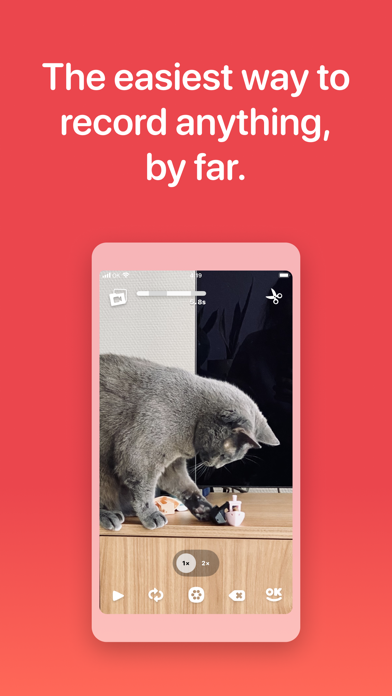
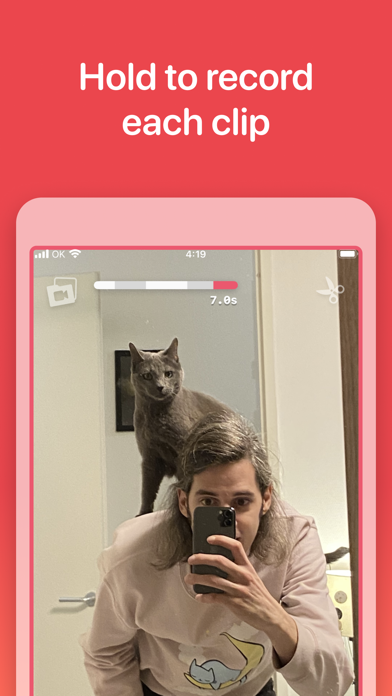
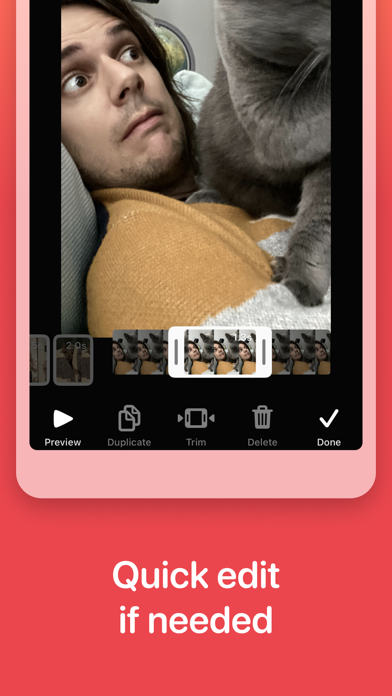
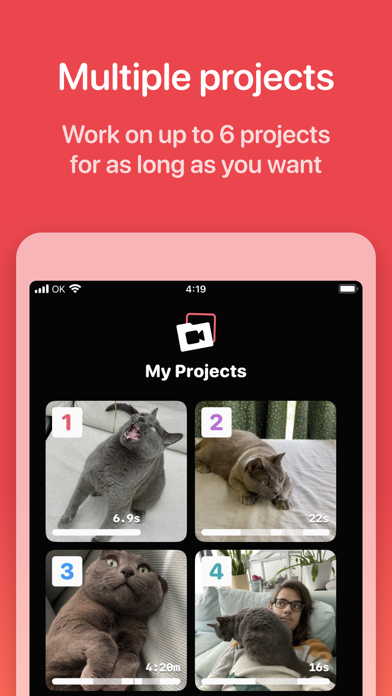
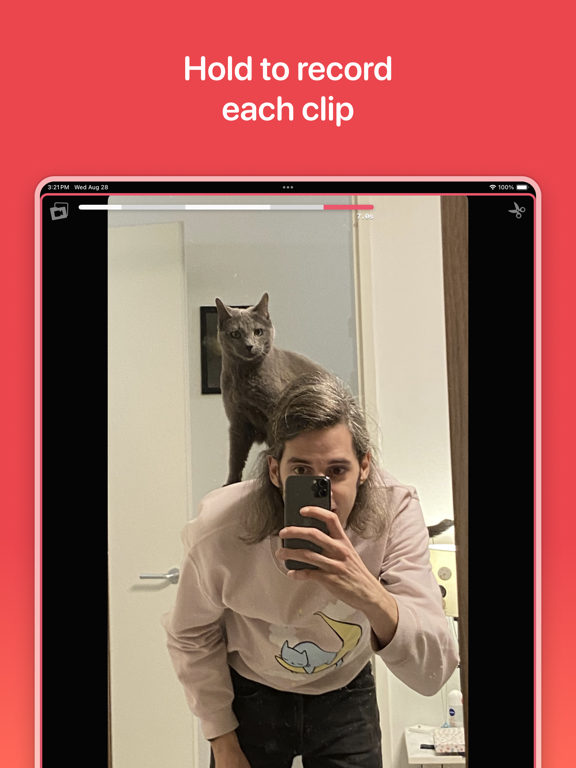
Tap. Record. Share. OK Video is the simplest video camera you have — and there’s no need to edit. Just tap and hold the screen to record as many shots as you want. It’s the fastest way to create a vlog, stop motion video, or just capture what’s happening right now. Save to your phone or share it with anyone! Still need to change something? It’s easy to remove mistakes, reorder shots, or tweak the timing in the Editor. TAP TO RECORD Tap and hold the screen to record the highlights so you don’t have to edit — with no limits but your imagination. EASY SHARING Just tap OK to save or share your video anywhere. QUICK EDIT IF NEEDED Need to perfect your project? Just trim, reorder, duplicate, or delete your clips with a tap. NOT DONE? NO PROBLEM Up to 6 projects means you can finish things whenever you’re ready — and instantly access them with the home screen widget. PRIVACY FIRST No tracking. No analytics. Just your videos, on your device — until you decide to share them. OK Video is a unique little app that takes your time seriously and never bugs you about cookies, subscriptions, ads or with other nasty practices. Hopefully you’ll have a great time making OK videos, and if not: please don’t hesitate to reach out!
Latest release
What’s New
Timestamps! This new feature lets you add a timestamp to your clips, showing the exact recording date and time. These will be rendered on your exported videos in the bottom-right corner. Look for the option in the Settings menu under ‘Video Overlays’. For a small, one-time purchase you can now add an old-school camcorder feel to your projects. Other bits: - Fixed issue with blinking camera view - Updated ’Show Watermark’ setting to new picker to select video overlays - Improved support for variable font sizes - Added a cool new timestamp purchase animation Notes: - There still an iOS issue with the locked camera capture ability. When your clips don’t seem to import, try opening the extension and closing the extension and open the app from your home screen. Apple is aware of the problem and will hopefully release a fix soon.
Audience growth
Ratings growth
Baseline captured. Growth appears after the crawler observes a changed rating count.
Momentum comes from crawler snapshots for the tracked storefront. “Viral growth signal” means unusually fast recent rating gains; it is an indicator, not download data.
Price tracking
Price intelligence
First snapshot captured. The trend line starts after the next crawler price observation.
- First observed Aug 21, 2026 · 12:21 PM Free
Screenshots