About this app
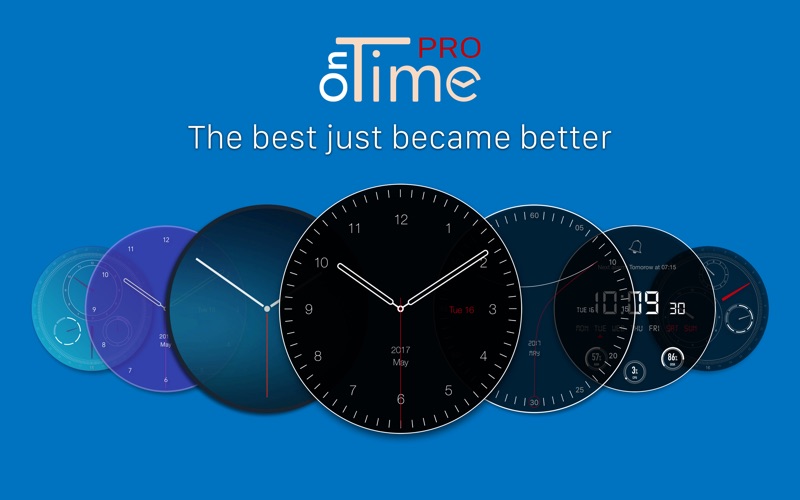
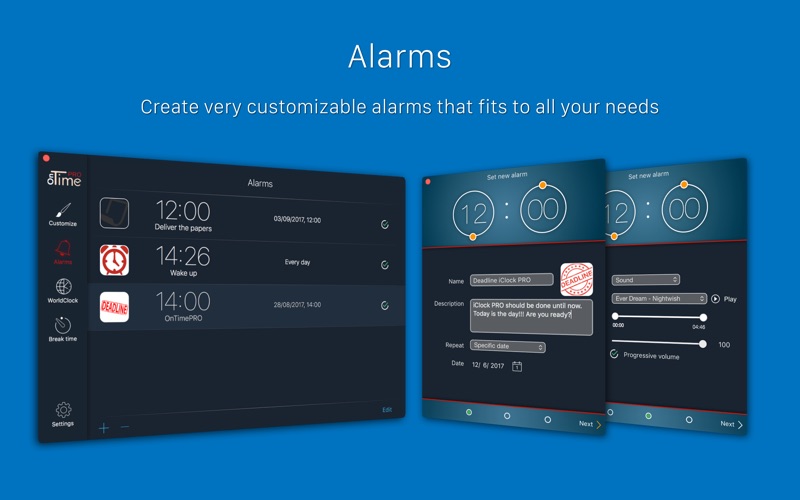
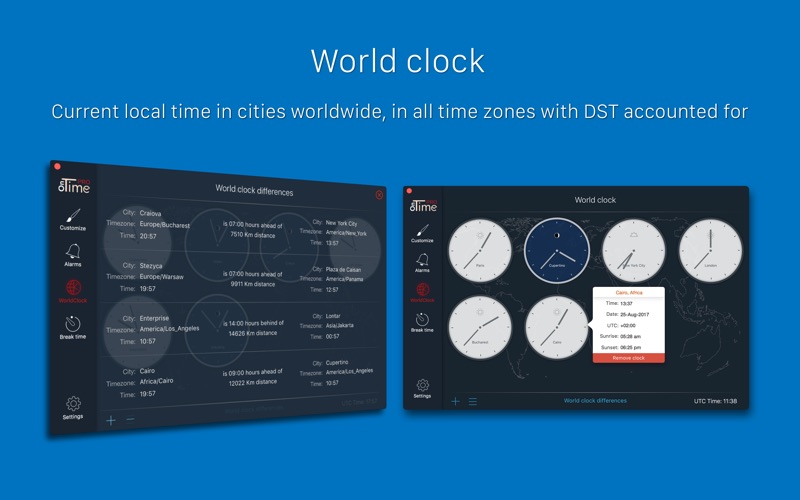
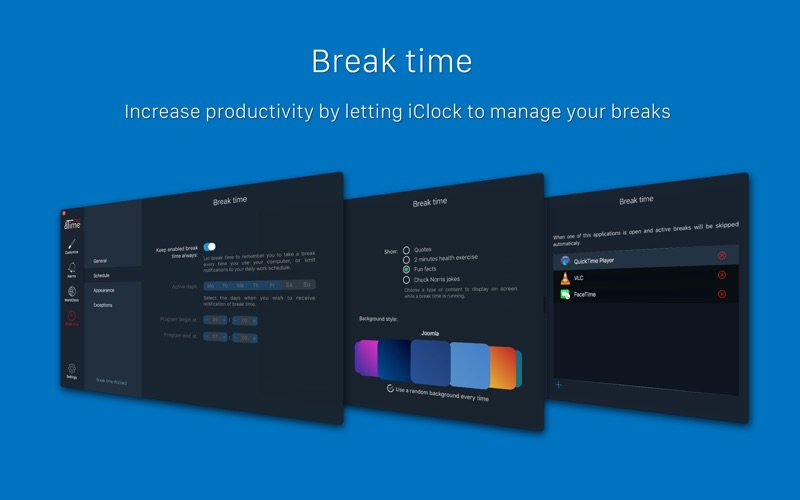
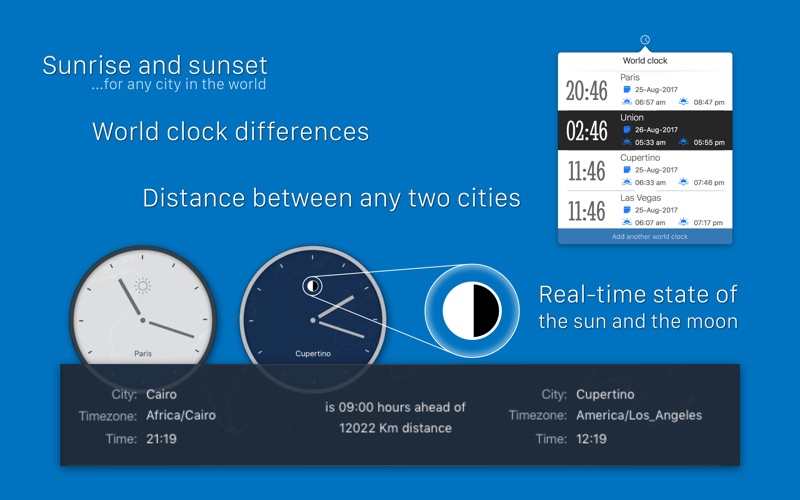
The best just become better! OnTime PRO is the all in one indispensable time tool that you will ever need. Using the intuitive interface you can create unlimited beautiful and useful clocks for your desktop. Don't ever forget important things that you need to do: using the alarms feature you can easily add as many alarms as you need. Use World clock to view in every moment the time in any corner of the world. It will even tell you to take short breaks while working in order to become more productive. Key features: Clock - Customize every clock element - Switch between analog, digital, fantasy, hybrid and bent clock - Multiple analog hands to chose from - Customize the background clock with: - unlimited colors - unlimited gradients - personal pictures - Different animations for hands movement - See live usage of CPU,RAM and Disk Alarm - Set alarm to sound, voice messages or both - Custom alarm sound - Progressive volume - Unlimited alarms - Easy management for alarms using status bar icon World clock - Realtime sunset and sunrise - Unlimited world clocks - Clock background automatically changes with day or night color schemes - Show world clocks from menu bar - Time differences calculator - Put world clocks on desktop Break time - Manage your breaks - Force yourself to take a break - Schedule for breaks - Diffent appearance for breaks - Exceptions Smart quotes - Random quotes - Quiet hours Multiple interface styles Run at startup Show dock icon
Latest release
What’s New
We are thrilled to bring you the latest update to OnTime Pro. Our mission to create the most customizable and user-friendly clock/alarm experience on macOS continues with this new version. Here’s what we’ve polished up in this update: Quick World Clock Search: Stay connected across time zones effortlessly! Now you can quickly search for any world clock using the World Clock Status Item icon. Tracking different time zones from your menu bar has never been easier. macOS Sonoma Compatibility: Enhanced compatibility with macOS Sonoma, ensuring OnTime Pro operates smoothly on the latest macOS iteration. Improved Performance and Stability: We’ve made some under-the-hood tweaks to boost the performance and stability of OnTime Pro, ensuring a more robust and seamless operation. Bug Fixes: Minor bugs have been fixed to further refine the functionality and user experience of OnTime Pro. Upgrade to the latest version today and enjoy a more enriched clock and alarm experience with OnTime Pro.
Audience growth
Ratings growth
Baseline captured. Growth appears after the crawler observes a changed rating count.
Momentum comes from crawler snapshots for the tracked storefront. “Viral growth signal” means unusually fast recent rating gains; it is an indicator, not download data.
Price tracking
Price intelligence
First snapshot captured. The trend line starts after the next crawler price observation.
- First observed Aug 18, 2026 · 3:58 PM $4.99
Screenshots