About this app
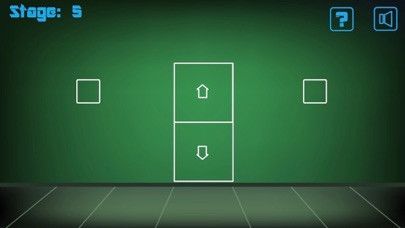
- How to Play - -Unlock the door to get to the next level. -To do that, pinch, poke, shake, tilt, swipe the on-screen images, to find a way to solve the puzzles. -You can pick certain items up and use them from your inventory. -For the first floor, tap the green elevator button to open the door. Tap the green arrow behind the door to go to the next floor. -For Floor 2, swipe the trashcan to move it aside and tap the green arrow button behind it. Tap the button in your inventory and tap the grayed out arrow above the red arrow. Tap the green button once it is placed to open the door. -Hint for Floor 4: What is the opposite motion of pinching? Enjoy the rest of the game!
Latest release
What’s New
This update from Apple will improve the functionality of this app. No new features are included.
Audience growth
Ratings growth
Baseline captured. Growth appears after the crawler observes a changed rating count.
Momentum comes from crawler snapshots for the tracked storefront. “Viral growth signal” means unusually fast recent rating gains; it is an indicator, not download data.
Price tracking
Price intelligence
First snapshot captured. The trend line starts after the next crawler price observation.
- First observed Aug 21, 2026 · 12:02 PM Free
Screenshots