About this app
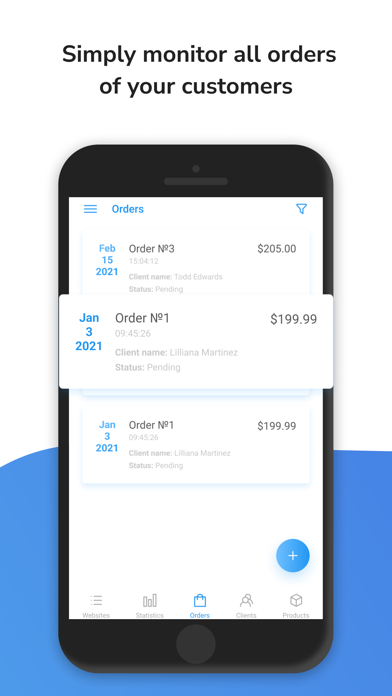
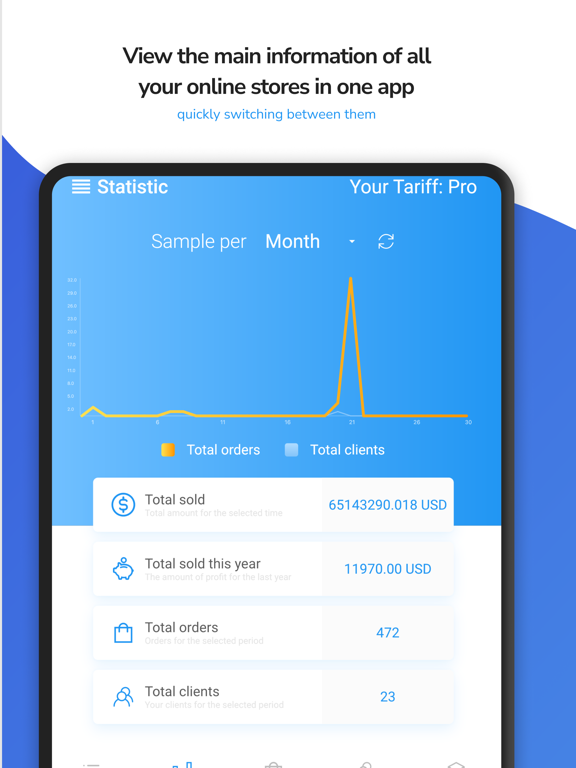
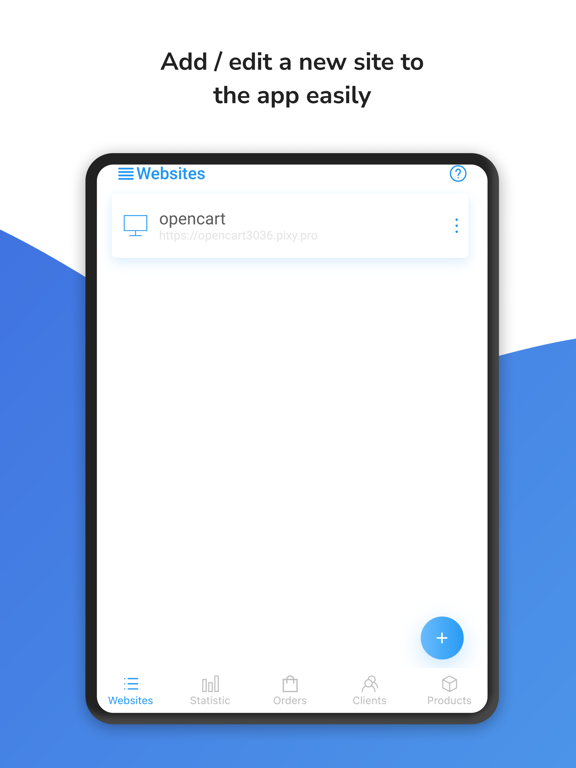
The OpenCart Mobile Admin app is a useful tool for anyone who runs an online store using the OpenCart platform. With this app, you can easily monitor and manage your store’s performance from anywhere in the world, right from the convenience of your smartphone or tablet. The app’s user-friendly interface makes it easy to navigate, and you can quickly view important data such as revenue, order history, and product listings. You can also use the app to manage customer accounts, process orders, and even update your store’s design and layout. Overall, the OpenCart Mobile Admin app is a must-have for anyone who wants to have access to their online store and manage using a mobile device. Its convenience, ease of use, and powerful features make it an invaluable tool for any e-commerce entrepreneur. Features: - Manage your online store from your mobile device, - View information about your products, - Manage orders and access customer information, - Add new products, edit existing products, and adjust prices, - Quick overviews of sales by period and visual graphs of statistics, - Push notifications of new orders - Filtering and searching by products and customers - Simple and intuitive interface - Lightweight and fast design - Technical support and regular updates For the operation of our app, you must additionally install the module on your online store. You can download the module from the link below: https://shop.pinta.pro/opencart/mobile-admin-pro-for-opencart-v-1-5-4 So why wait? Download the app today and try the free version! If you have any questions, please, contact us - info@pinta.com.ua Terms of Use: https://shop.pinta.pro/terms-of-use-en Privacy Policy: https://shop.pinta.pro/privacy-en
Latest release
What’s New
This update focuses on stability, performance, and reliability improvements. Changes include: • Improved login and session handling • More reliable network communication • Enhanced error handling and app stability • UI logic optimizations for smoother performance • General bug fixes and internal improvements
Audience growth
Ratings growth
Baseline captured. Growth appears after the crawler observes a changed rating count.
Momentum comes from crawler snapshots for the tracked storefront. “Viral growth signal” means unusually fast recent rating gains; it is an indicator, not download data.
Price tracking
Price intelligence
First snapshot captured. The trend line starts after the next crawler price observation.
- First observed Aug 19, 2026 · 10:08 AM Free
Screenshots