About this app
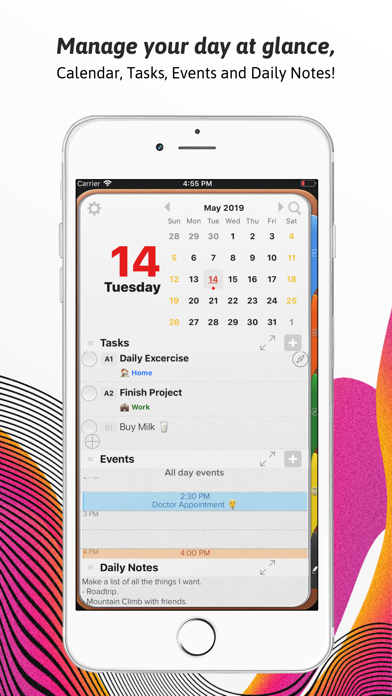
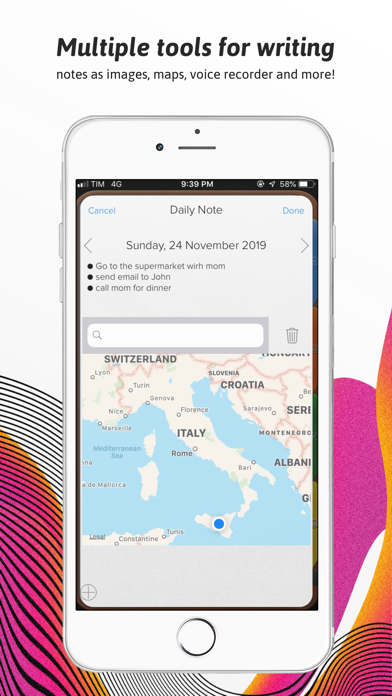
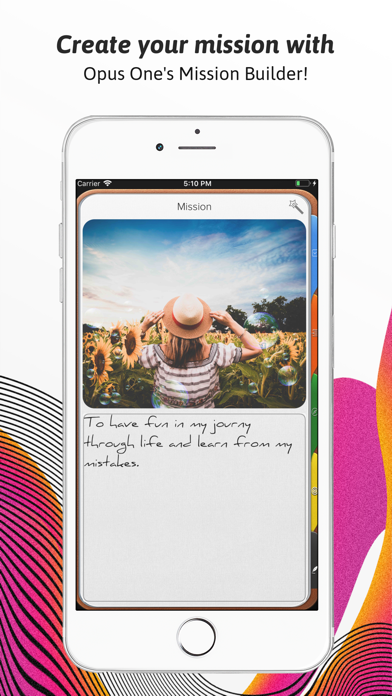
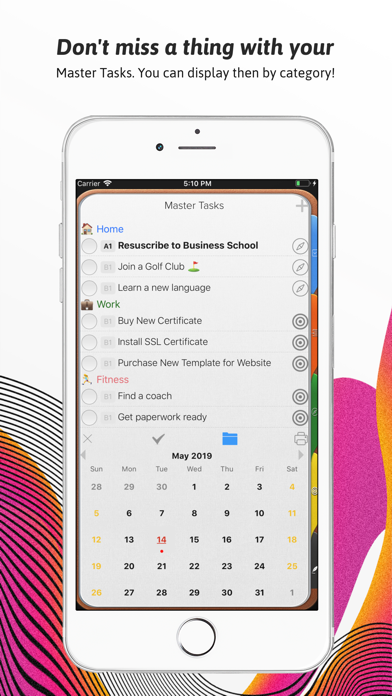
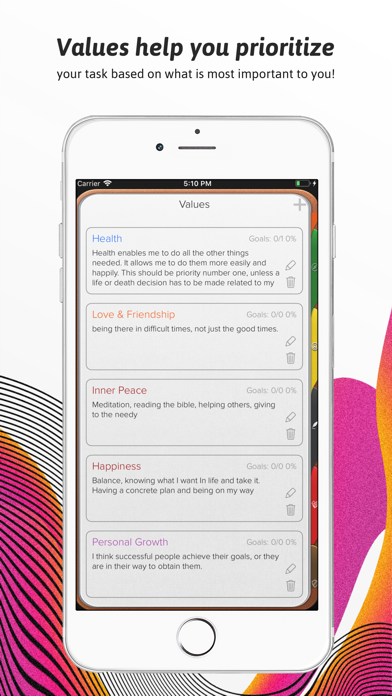
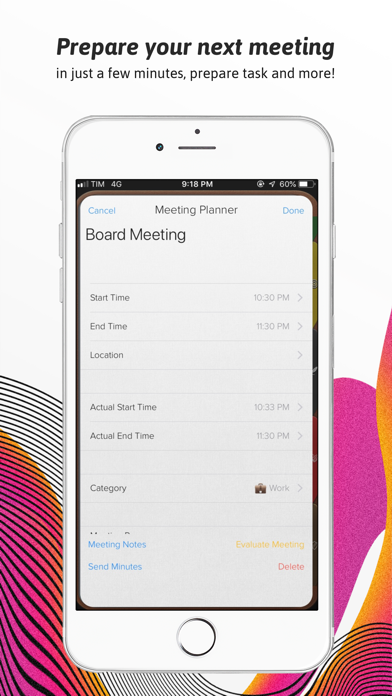
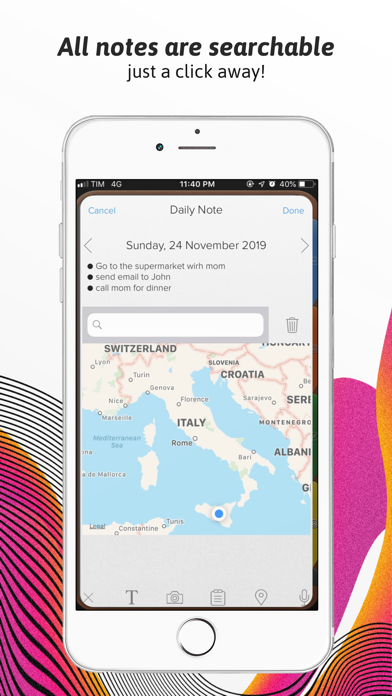
An effective to do manager. Use our Master Task section to get everything off your mind, easily glance at your day or week on the Planner, move from the list to the schedule. Finally drag and drop to reorder, prioritize or reschedule tasks & events. Our powerful tools include: 1. Daily Task lists with status, priority and notes 2. Daily Schedule and Event integration with Calendar 3. Daily Notes with Motivational Quotes and the ability to include text and maps. 4. Master Task list with side Planner Views. 5. Task Alarms synced through out devices. 6. New Daily Notes section that allow you to change font, size and color for a specific text, phrase or paragraph. 7. Daily Quotes Widgets. 8. New Widgets for Daily Tasks and events at a glance, Mission statement, Values & Principles. 9. Planner Themes. 10. The new notes section will allow you to change font at any point in the note, Change font size up or down and Change font color. 11. Meeting Planner section The Universal Subscription includes: 1. Cloud synchronization across other iOS Devices and MacOS. 2. Weather Information including Current Weather, 10 Day Weather forecast with automatic city location. 3. Images, PDF's, checklists, maps & audio notes. 4. Sketch drawing canvas optimized for Apple Pencil 5. Color Coded Categories 6. Repeating Rules with advanced customization 7. Goals. 8. Add tasks using Siri. 9. Planner Themes. 10. The new notes section will allow you to change font at any point in the note, Change font size up or down and Change font color. Our auto renewable Universal Subscription is available on a Yearly or Monthly basis. One subscription will give you access to Opus One for iOS devices (iPhone and iPad) and MacOS Information About our Universal Subscription: - Payment will be charged to iTunes Account at confirmation of purchase - Subscription automatically renews unless auto-renew is turned off at least 24-hours before the end of the current period - Account will be charged for renewal within 24-hours prior to the end of the current period, and identify the cost of the renewal - Subscriptions may be managed by the user and auto-renewal may be turned off by going to the user's Account Settings after purchase - No cancellation of the current subscription is allowed during active subscription period - One subscription is valid for all Apple devices (iPhone, iPad and Mac) that have the same iCloud account. Privacy Policy: https://piso13.com/privacy-policy-2/ Terms of Service: https://piso13.com/terms-of-service/
Latest release
What’s New
We’ve redesigned the Apple Watch app, making it easier to see your day and check off tasks right from your wrist. This update also includes: - A new in-app What’s New screen so you never miss what each update brings. - Faster loading of repeating tasks. - A fix for sync issues that could occur across devices. - Several crash fixes and stability improvements, especially on iPad.
Audience growth
Ratings growth
Baseline captured. Growth appears after the crawler observes a changed rating count.
Momentum comes from crawler snapshots for the tracked storefront. “Viral growth signal” means unusually fast recent rating gains; it is an indicator, not download data.
Price tracking
Price intelligence
First snapshot captured. The trend line starts after the next crawler price observation.
- First observed Sep 1, 2026 · 2:05 PM Free
Screenshots