About this app
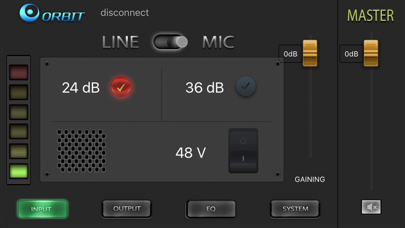
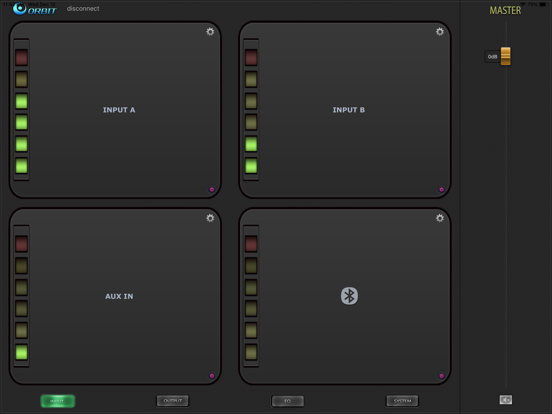
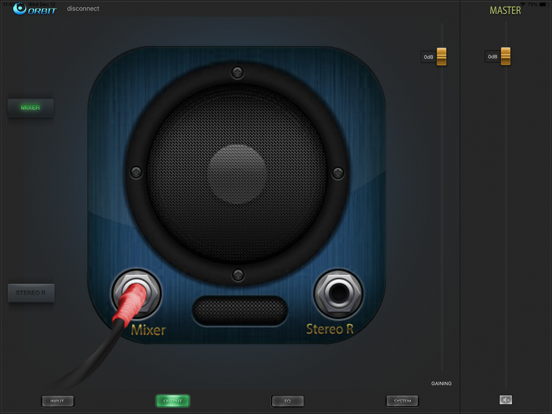
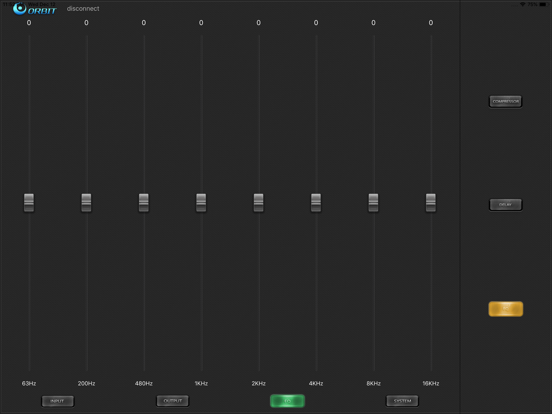
ORBIT Connect helps you use ORBIT's smart devices more easily. 1. INPUT Set the audio input channel you need to open, set the parameters of each channel, for example: volume, db, voltage 2. OUTPUT Set the desired output, stereo or normal channel 3.EQ Set the high and low parameters, the sound equalizer is adjusted. Sound delay effect. 4. SYSTEM Adjust the brightness of the audio display, select various balance effects set by the system, and restore the factory settings.
Audience growth
Ratings growth
Baseline captured. Growth appears after the crawler observes a changed rating count.
Momentum comes from crawler snapshots for the tracked storefront. “Viral growth signal” means unusually fast recent rating gains; it is an indicator, not download data.
Price tracking
Price intelligence
First snapshot captured. The trend line starts after the next crawler price observation.
- First observed Aug 23, 2026 · 1:24 PM Free
Screenshots