About this app
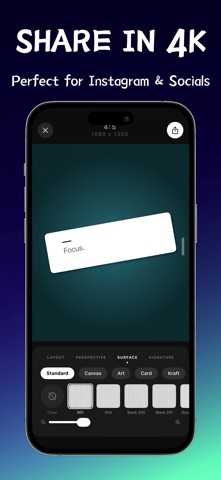
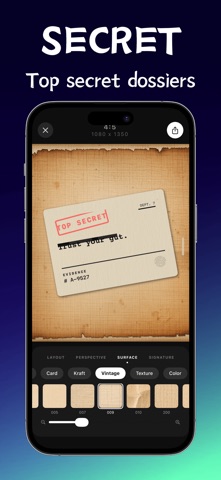
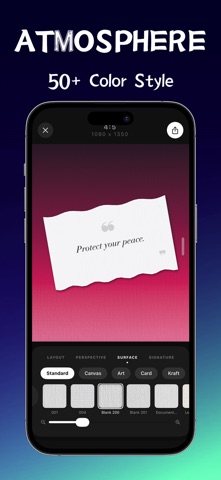
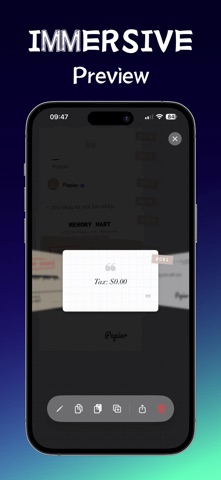
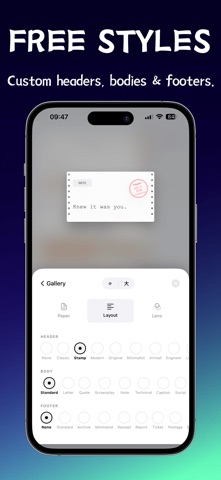
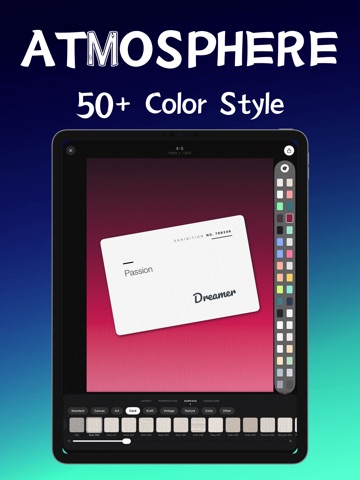
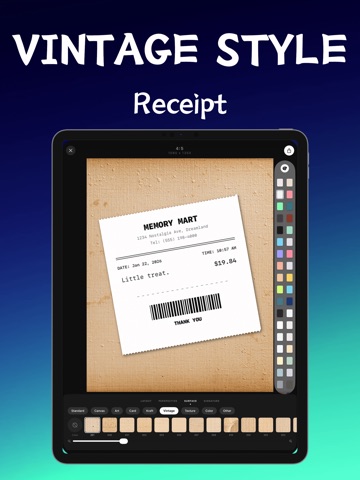
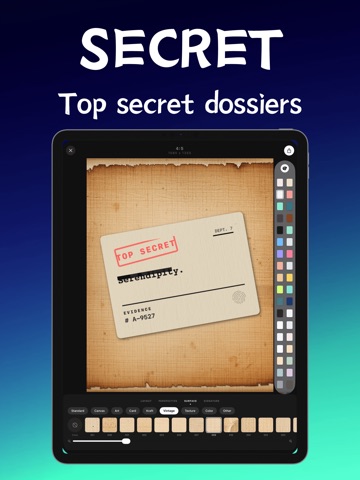
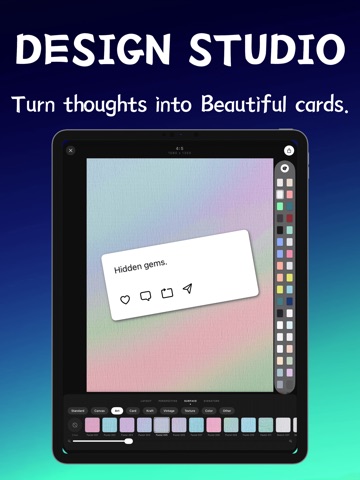
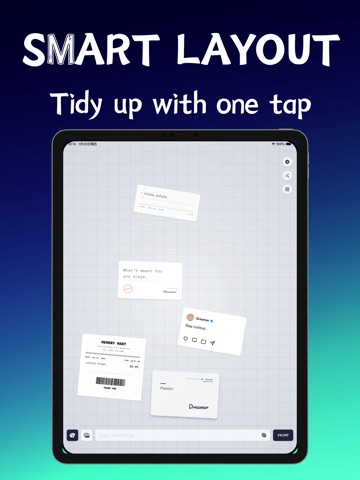
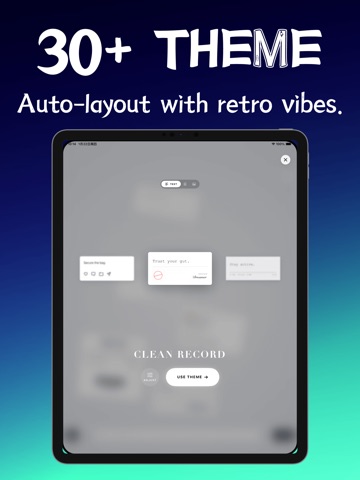
Papier is a vintage design studio that turns your thoughts into tangible, aesthetic cards. We believe that digital notes should feel as real as physical paper. Whether it's a fleeting idea, a daily reflection, or a favorite quote, Papier transforms it into a piece of art with just one tap. 【CORE FEATURES】 - Exclusive Theme Recipes No design skills needed. Built-in themes automatically style your text with the perfect headers, fonts, and layouts. From "Classic Newspaper" to "Top Secret Files", we have a look for every mood. - Freeform Collage Desk Forget boring lists. Drag, drop, and stack your cards on an infinite virtual desk. Organize your thoughts spatially, just like scrapbooking on a real table. - Tactile Paper Textures Choose from a library of realistic textures: Thermal Receipt, Kraft Paper, Old Newsprint, and more. Each paper comes with authentic tear edges and grain. - Memory Rolodex A new way to browse. Spin through your history with our 3D Rolodex interface, featuring satisfying haptic feedback. - Smart Organizer One tap to tidy up your messy desk into a neat Masonry layout or a disciplined Bento Grid. - 4K Export Generate high-resolution images perfect for Instagram, Pinterest, and other social platforms. Your words deserve to look their best. 【MEMBERSHIP】 Unlock all premium paper textures, remove watermarks, and get access to all future themes. EULA: https://www.apple.com/legal/internet-services/itunes/dev/stdeula/ Privacy Policy: https://docs.qq.com/doc/DV2FLTHJxRk51S3FW
Latest release
What’s New
Your desk was never meant to stay small. Papier 1.2 gives every thought more room to breathe. • Scrapbooks — Group cards by theme (writing, ideas, projects). Customize name, color, and icon; long-press to reorder. • Infinite canvas (Pro Organize) — Drag open space to pan, pinch to zoom, and browse every card with the minimap, recenter, and fit-all controls. • Organize with confidence — One-tap tidy, with instant undo if you want your previous layout back. • Simple or Pro Organize — Simple mode for adaptive one-tap layouts; Pro unlocks full layout and sort options (grid, stack, scatter, clusters). • Move between scrapbooks — Send cards to another scrapbook; each one remembers where you left off. • Plus polish across the app and improved localization. Pro members can create more scrapbooks, with unlimited cards and the full canvas in Pro Organize.
Audience growth
Ratings growth
Baseline captured. Growth appears after the crawler observes a changed rating count.
Momentum comes from crawler snapshots for the tracked storefront. “Viral growth signal” means unusually fast recent rating gains; it is an indicator, not download data.
Price tracking
Price intelligence
First snapshot captured. The trend line starts after the next crawler price observation.
- First observed Aug 20, 2026 · 12:51 PM Free
Screenshots