About this app
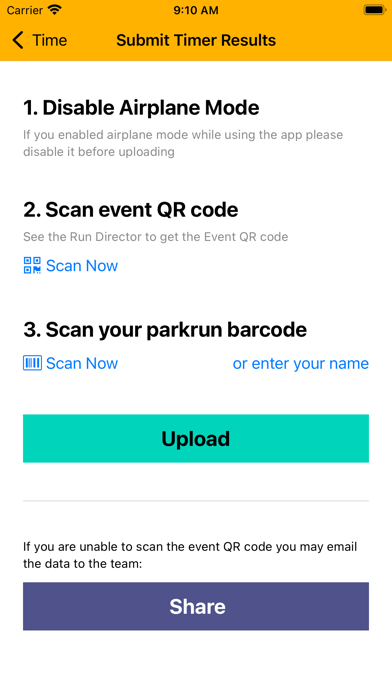
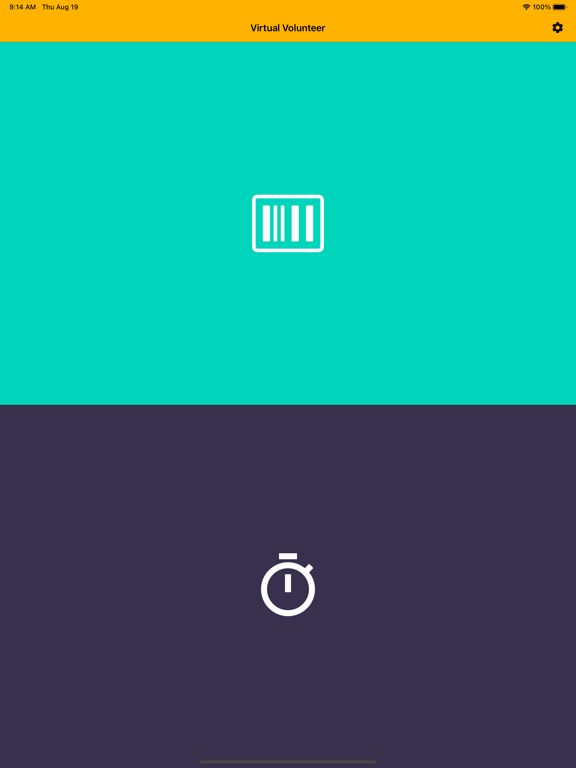
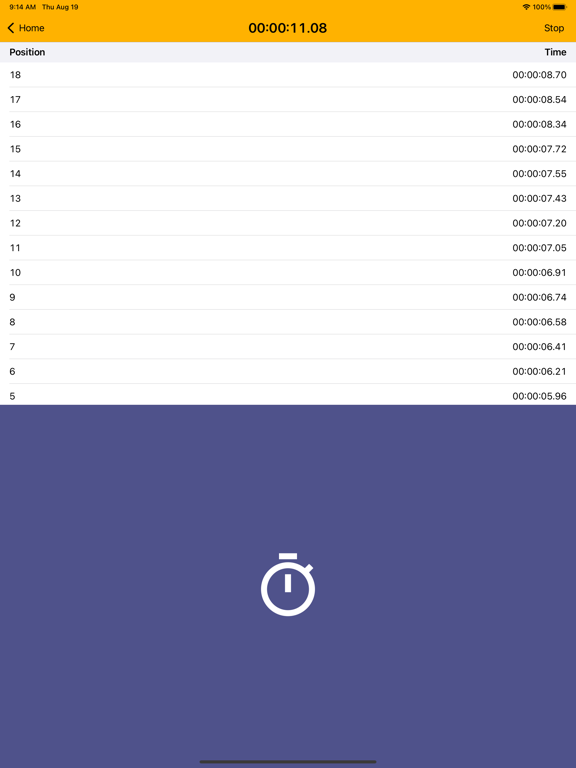
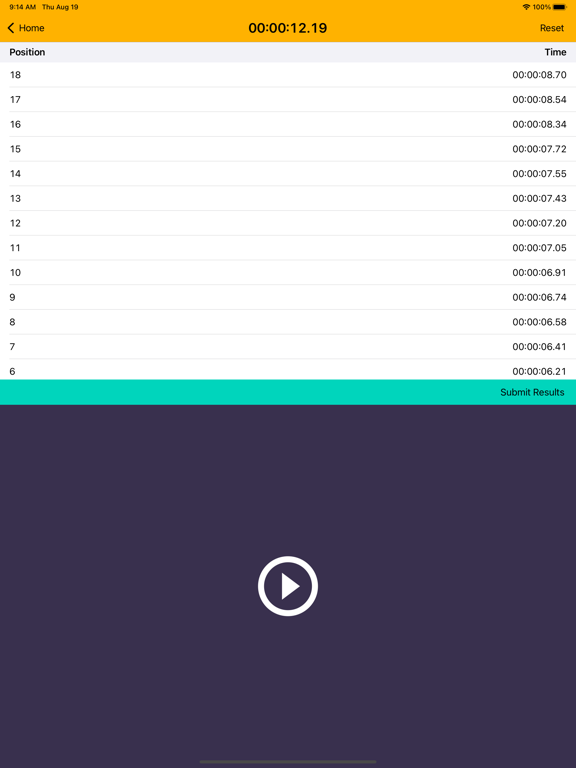
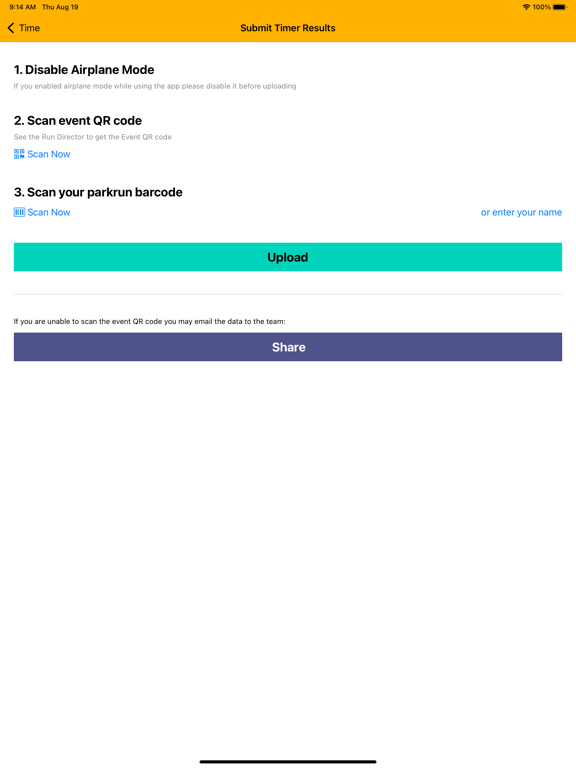
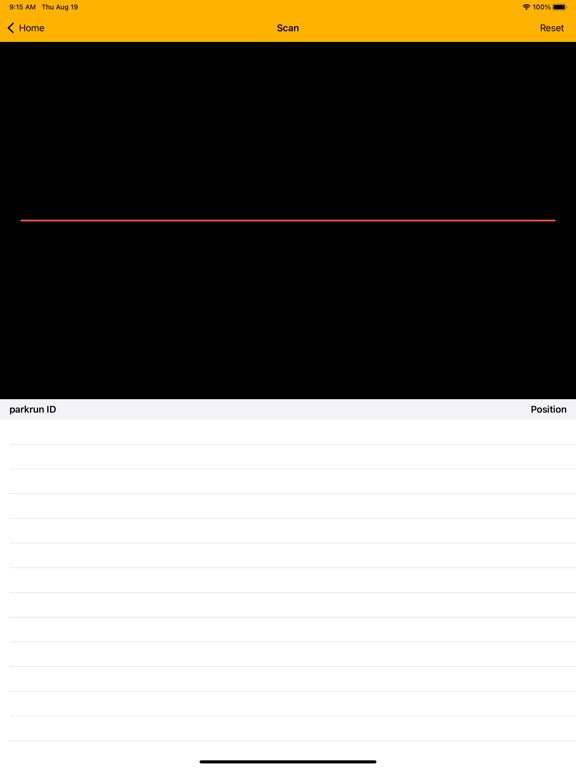
Virtual Volunteer is the official parkrun timer and scanner application and it is free to download for volunteers to use at parkrun events. It is easy to use with a very simple interface. Scanner and timer data can be submitted directly to parkrun using a QR code supplied by the Run Director on the day.
Latest release
What’s New
* Fixes a bug when sharing a CSV file whilst the timer is still running * Improvement to how Timer and Scanner logs are stored (resulting in better recovery in case of crash) * Improved haptic feedback (works better with low/no volume) * More responsive split times and debouncing * Updated translations
Audience growth
Ratings growth
Baseline captured. Growth appears after the crawler observes a changed rating count.
Momentum comes from crawler snapshots for the tracked storefront. “Viral growth signal” means unusually fast recent rating gains; it is an indicator, not download data.
Price tracking
Price intelligence
First snapshot captured. The trend line starts after the next crawler price observation.
- First observed Aug 21, 2026 · 12:02 PM Free
Screenshots